The Witcher 3 HD Reworked Project OldGen Edition
witcher-3 — Mods & Enhancements
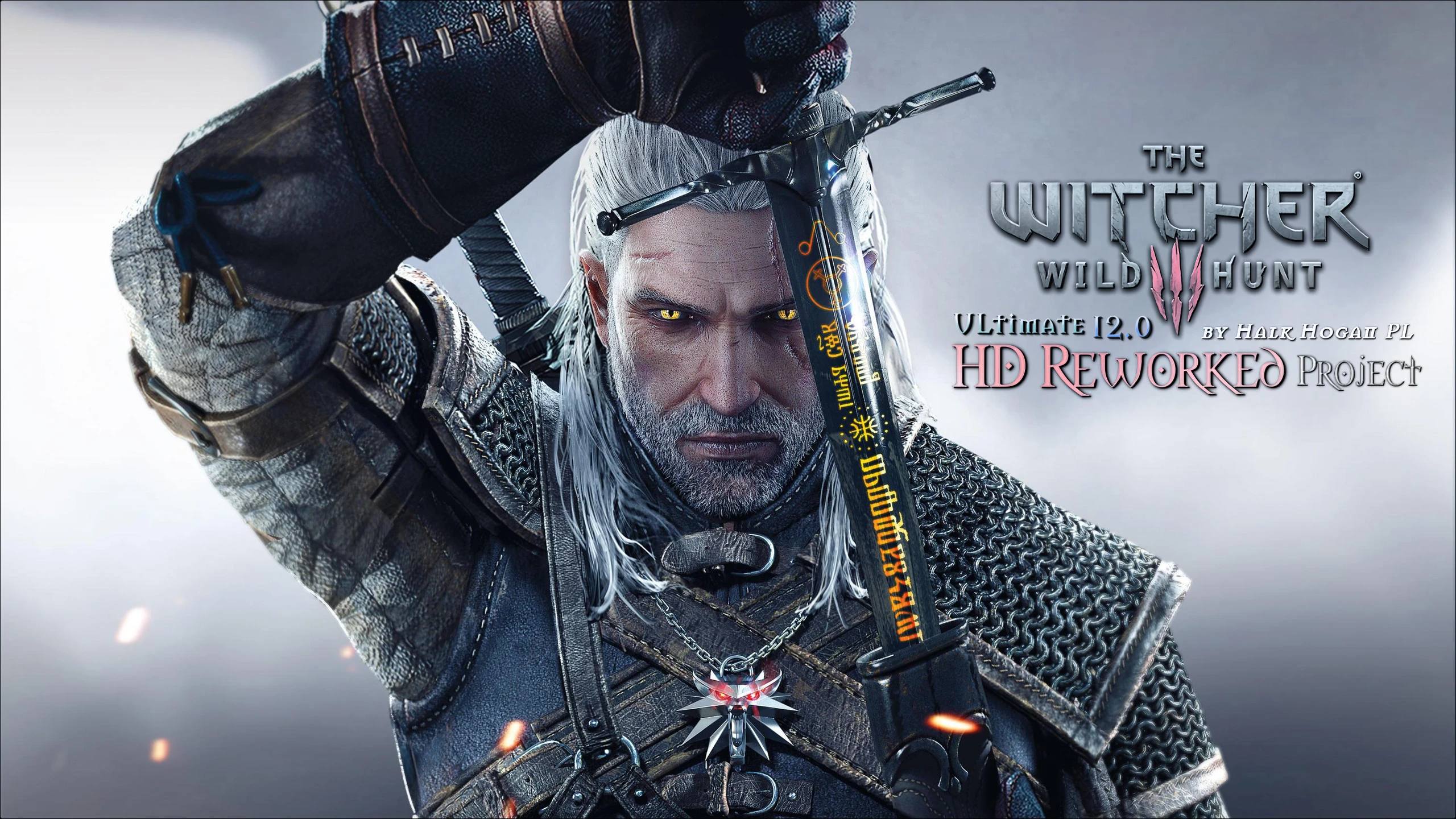
This is the definitive visual overhaul for the original 2015 engine (pre-Next-Gen update), replacing over 1,000 low-resolution textures with 4K/8K hand-painted assets for terrain, rocks, wood, water, and architecture. It dramatically increases texture detail and parallax mapping on surfaces like Novigrad's cobblestones and Skellige's cliffs, while preserving the original art direction. Players install it to eliminate blurry, muddy textures and make the world pop without the performance hit of full ENB presets, as it uses only texture and mesh replacements.
📦 Full mod page on discovermods
Downloads, ratings, compatibility info, installation guides, and user reviews.
View on discovermods →Syntax
Models and TexturesExample
Downloads: 5,853,309 | Endorsements: 123,145💡 Notes
By Halk Hogan PL | v12.0 | 123,145 endorsements
🎯 Tips & Tricks
Open the mod's 'textures.cfg' file in the main folder using Notepad. Find the lines 'TextureQuality=Ultra' and change to 'TextureQuality=High' if you have less than 6GB VRAM. This keeps the sharpest 4K textures for key assets (rocks, walls) but uses 2K for large terrain patches, preventing stutter in Novigrad.
In your 'user.settings' file (in Documents/The Witcher 3), under the [General] section, set 'MaxLODDistance=2.5'. This ensures the HD meshes (like the detailed cliff faces near Kaer Morhen) don't pop in too late. Combined with the mod, this gives seamless distant views without additional draw calls.
Install this mod BEFORE 'Ultimate Lighting Mod' or 'Wiedzmin Lighting Mod'. In Vortex, set HD Reworked as the 'base' texture mod, then place the lighting mod after it. The high-res normal maps will now catch the new directional light angles properly, making stone surfaces look wet and detailed in rain.
🔧 Troubleshooting
Black or purple textures on bridges and walls when used with 'The Witcher 3 Enhanced Edition' (W3EE) mod
W3EE replaces certain mesh files (like bridge railings) that conflict with HD Reworked's meshes. In Script Merger, merge the 'bridge_*.mesh' files from both mods, but in the merge preview, select HD Reworked's version for the collision data and W3EE's for the visual mesh. Then copy the merged file into both mod folders, overwriting the originals.
Invisible walls in White Orchard when combined with 'Friendly HUD' mod
Friendly HUD modifies the minimap textures, but the real conflict is a LOD issue. In the HD Reworked mod folder, delete the 'lod' subfolder, then reinstall the mod using the installer's 'Low LOD' option. This removes the custom LOD meshes that Friendly HUD's UI scripts accidentally reference, causing collision glitches.
⚠️ Common Mistakes
- [object Object]
- [object Object]
👍 Pros
- 123,145 endorsements
- 5,853,309 downloads
- Category: Models and Textures
👎 Cons
- Requires mod manager installation
- May conflict with similar mods