Supreme to Extreme Graphics Options
witcher-3 — Mods & Enhancements
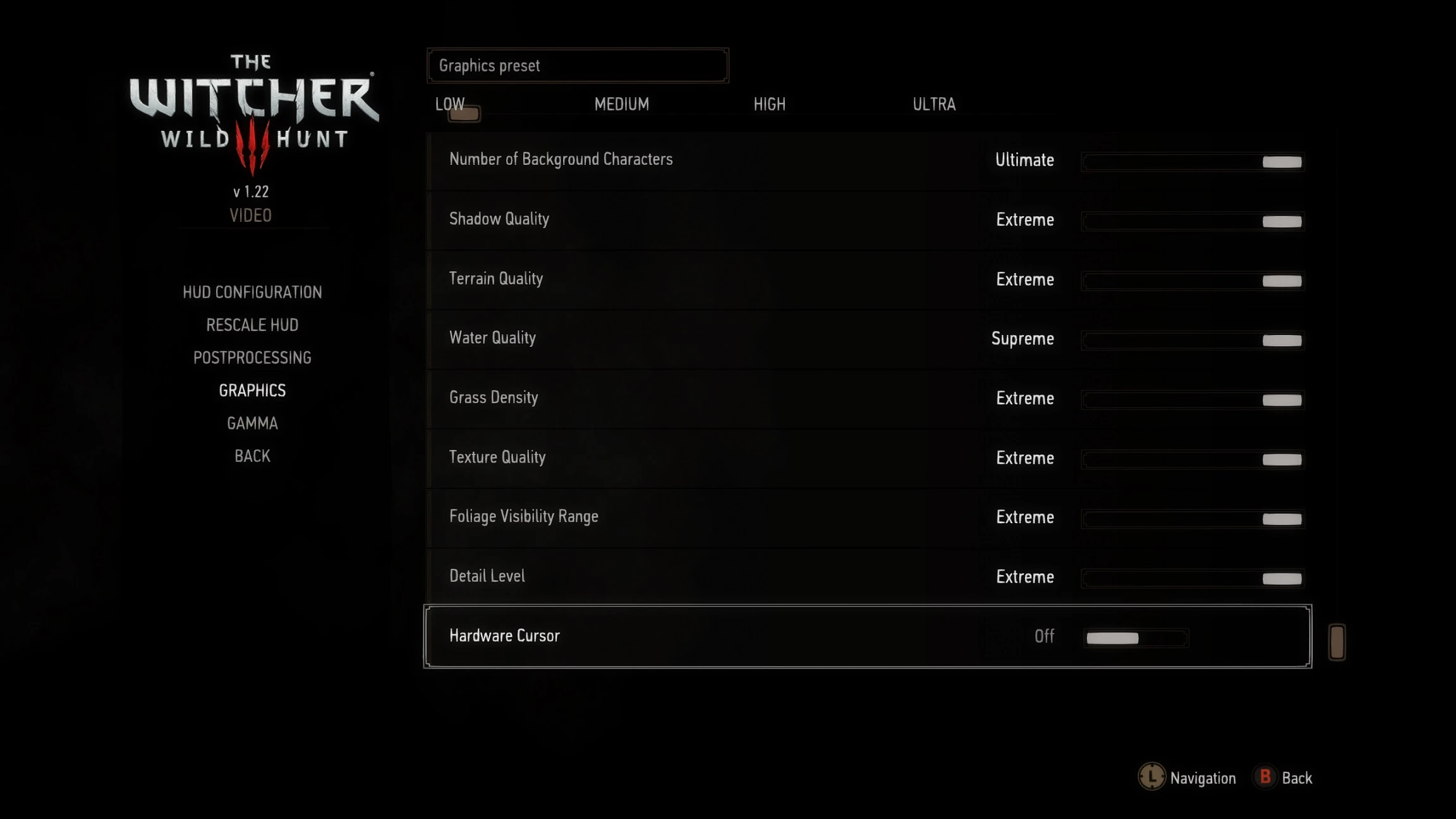
This mod adds Supreme, Ultimate, and Extreme graphics presets to the in-game options menu, eliminating the need for manual INI edits. It prevents the settings menu from reverting to Low when selecting options beyond Ultra. Ideal for players wanting higher visual fidelity without configuration hassle.
📦 Full mod page on discovermods
Downloads, ratings, compatibility info, installation guides, and user reviews.
View on discovermods →Syntax
Visuals and GraphicsExample
Downloads: 119,145 | Endorsements: 3,425💡 Notes
By firemanaf | v4.1 | 3,425 endorsements
🎯 Tips & Tricks
After installing, launch the game and go to Options > Display to find the new presets.
If you experience crashes or artifacts, revert to Ultra and adjust individual settings manually.
Since the mod is from 2017, check if your game version is compatible before installing.
🔧 Troubleshooting
Mod not working
Check load order and required dependencies. Read the full mod description.
⚠️ Common Mistakes
- Installing multiple mods that modify the same files without checking compatibility
👍 Pros
- Huge community trust with 3,425 endorsements and 119k downloads.
- Saves time—no more digging through INI files to push graphics beyond Ultra.
- Fixes the annoying bug where the menu resets to Low after selecting higher presets.
👎 Cons
- Last updated in 2017—may not be compatible with current game versions or DLC.
- Only adds presets; doesn't include custom tweaks or performance optimizations.
- No documentation on what each preset changes, so you're flying blind on performance impact.