Increased Creature Loot
witcher-3 — Mods & Enhancements
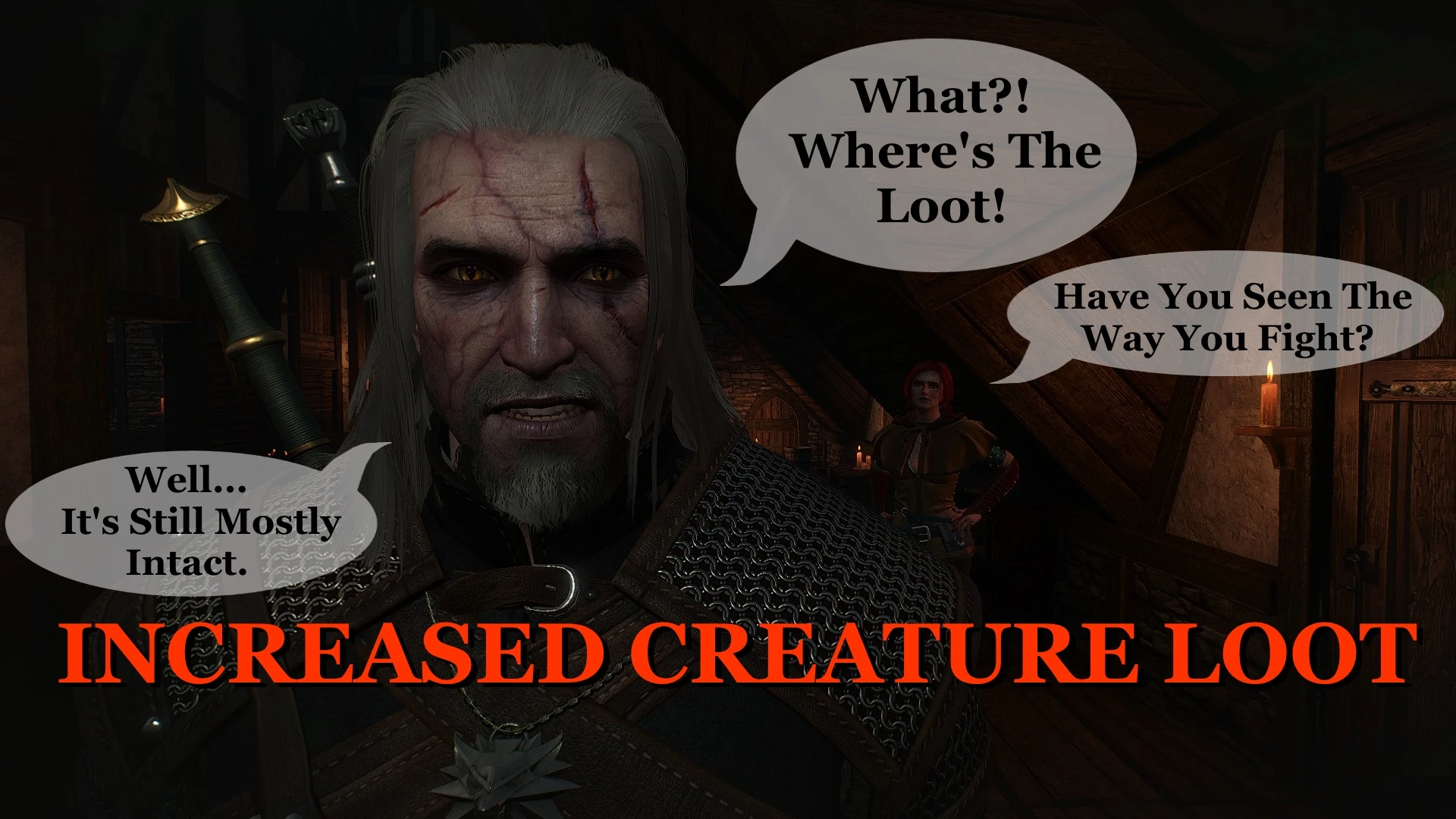
This mod modifies the loot tables for all animals and monsters in The Witcher 3, guaranteeing that every creature you kill drops at least one loot item, instead of the vanilla behavior where many deer, wolves, and even some monsters yield nothing. It changes the drop rates for hides, claws, mutagen samples, and rare alchemy ingredients, making hunting and monster-slaying far more rewarding for crafting and alchemy. Players install it to reduce grinding for specific ingredients like Drowner Brains or Bear Hides, and to make exploration and combat feel more consistently rewarding.
📦 Full mod page on discovermods
Downloads, ratings, compatibility info, installation guides, and user reviews.
View on discovermods →Syntax
TweaksExample
Downloads: 1,335,563 | Endorsements: 39,951💡 Notes
By mindkiller316 | v2.0 | 39,951 endorsements
🎯 Tips & Tricks
Navigate to 'modIncreasedCreatureLoot/config/loot_tables.xml'. Find entries like '<creature name="deer" dropChance="100" minItems="1" maxItems="2">'. Change 'dropChance' to 100 for guaranteed drops, or adjust 'maxItems' to 3 for more loot. Save and restart the game—no script merge needed.
If you install this mod, you'll get too many mutagens. Pair it with 'Lore-Friendly Alchemy' mod, which increases the number of alchemy formulas needed for potions, to keep the economy balanced. Set the loot mod's 'mutagenDropChance' to 50% to avoid flooding your inventory.
Open console (default ~) and type 'additem('bear_hide', 5)' to test if your changes work. To reset loot tables mid-game, type 'reloadconfig' (if using mod's console command) or restart the game—loot tables are loaded at startup.
🔧 Troubleshooting
Conflicts with 'Enhanced Loot' mod which completely overhauls loot tables and rarity.
Do not use both—they edit the same 'loot_generation.ws' scripts. If you must, install Increased Creature Loot FIRST, then Enhanced Loot, and use Script Merger to combine. Expect Enhanced Loot's rarity system to override drop counts; disable Enhanced Loot's 'Creature Loot' module in its MCM.
Crashes when looting creatures with 'Witcher 3 Enhanced Edition' (W3EE) due to its dynamic loot system.
W3EE has its own loot overhaul—disable Increased Creature Loot's script by renaming 'modIncreasedCreatureLoot/content/scripts' to 'scripts_disabled', leaving only the config. This avoids script conflicts while keeping your custom drop rates.
⚠️ Common Mistakes
- [object Object]
- [object Object]
👍 Pros
- 39,951 endorsements
- 1,335,563 downloads
- Category: Tweaks
👎 Cons
- Requires mod manager installation
- May conflict with similar mods