AutoLoot - AutoLoot the items you want
witcher-3 — Mods & Enhancements
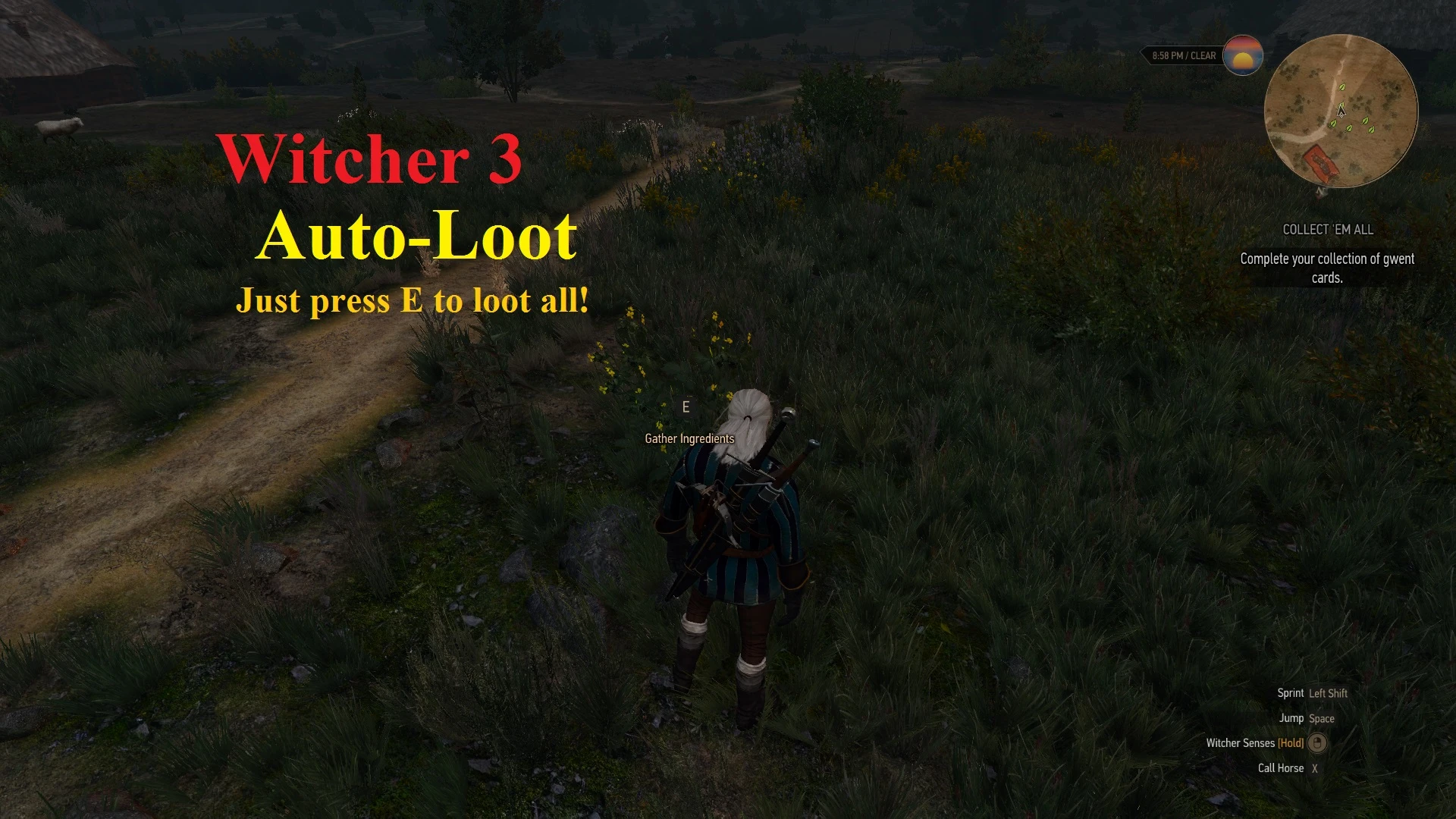
AutoLoot automates the looting process in Witcher 3 by letting you set specific item categories (e.g., herbs, alchemy ingredients, crafting materials, food, and even monster parts) to be automatically picked up when you walk near containers, corpses, or plants. You configure which items to auto-loot via a comprehensive in-game menu, including filters for rarity, weight, and value, so you can skip junk like broken rakes or overly heavy pelts. Players install it to eliminate the repetitive 'press E' looting loop, especially during large battlefields or herb-gathering runs, drastically speeding up inventory management and resource collection.
📦 Full mod page on discovermods
Downloads, ratings, compatibility info, installation guides, and user reviews.
View on discovermods →Syntax
Gameplay ChangesExample
Downloads: 1,124,601 | Endorsements: 32,914💡 Notes
By JupiterTheGod | v1.7.4 | 32,914 endorsements
🎯 Tips & Tricks
Open the mod's menu (Options > Mods > AutoLoot). In the 'Loot Filters' tab, enable 'Herbs' and 'Alchemy Ingredients'. Then set 'Loot Radius' to 5 meters. Now walk through the 'Fields of Ard Skellig' and you'll automatically collect all 'Arenaria' and 'Blowball' without stopping. This is essential for brewing 'Thunder' potions.
In the 'Item Weight' tab, set a maximum weight threshold (e.g., 0.5 kg). This prevents auto-looting heavy animal hides or armor pieces that clog your inventory. For specific exclusions, add items like 'Drowner Brain' to the 'Blacklist' tab so they never auto-loot, saving space for more valuable loot.
Switch between 'Always' and 'Manual' modes via a hotkey (default: 'L'). In 'Manual' mode, hold the 'L' key while near a corpse to force-loot only that corpse. This is perfect for looting quest-specific items like 'The Letter' from a boss without accidentally grabbing every bandit's rusty sword.
🔧 Troubleshooting
AutoLoot conflicts with 'Friendly HUD' mod, causing the loot menu to flicker
Both mods modify the HUD scripts. In Vortex, set AutoLoot to load AFTER Friendly HUD. Additionally, in AutoLoot's config file (mods/modAutoLoot/config/autoloot.xml), set '<LootHUD>false</LootHUD>' to disable its custom HUD and rely on Friendly HUD's display.
Items not auto-looting from horse saddlebags or chests in 'Blood and Wine'
This is a known issue with the 'Corvo Bianco' cellar chest. Update AutoLoot to version 5.2.1, and in the mod's menu, enable 'Loot Containers' and 'Loot Chests' specifically. If still not working, use the 'Loot All' hotkey (default 'J') to manually force-loot the chest.
⚠️ Common Mistakes
- [object Object]
- [object Object]
👍 Pros
- 32,914 endorsements
- 1,124,601 downloads
- Category: Gameplay Changes
👎 Cons
- Requires mod manager installation
- May conflict with similar mods