NoCrosshair
subnautica — Mods & Enhancements
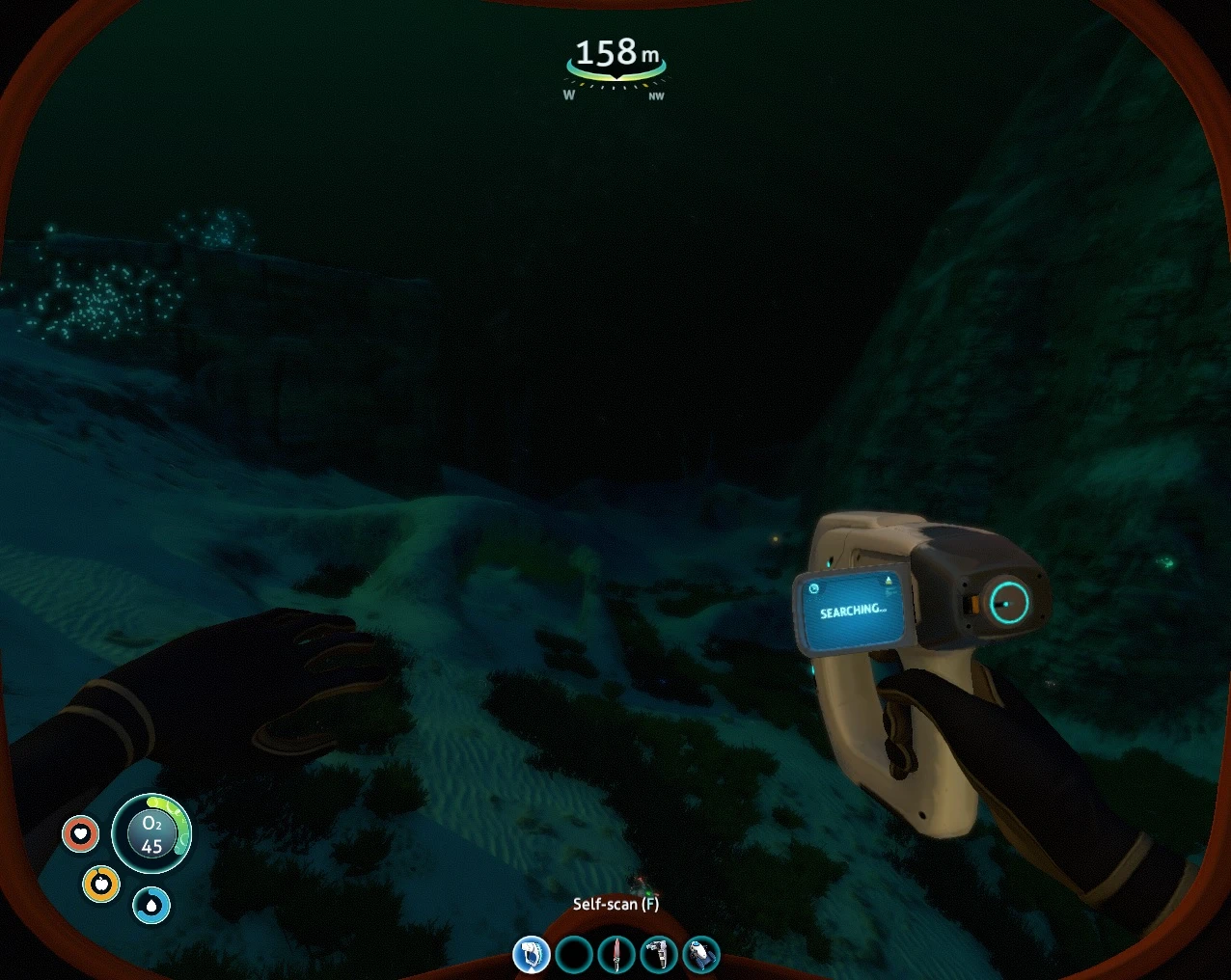
NoCrosshair is a simple UI mod for Subnautica that hides the default crosshair while keeping interactivity prompts visible. It has 135 endorsements and was last updated in January 2019, making it a lightweight option for players who prefer a cleaner screen.
📦 Full mod page on discovermods
Downloads, ratings, compatibility info, installation guides, and user reviews.
View on discovermods →Syntax
User InterfaceExample
Downloads: 2,885 | Endorsements: 135💡 Notes
By frigidpenguin | v4 | 135 endorsements
🎯 Tips & Tricks
Since this mod is from 2019, check if it's compatible with your Subnautica version before installing.
If you're using a mod manager like Vortex, you can install it manually by dropping the files into the game's folder.
Test in the Scanner Room and Cyclops to see if the remaining crosshair bothers you.
🔧 Troubleshooting
Mod not working
Check load order and required dependencies. Read the full mod description.
⚠️ Common Mistakes
- Installing multiple mods that modify the same files without checking compatibility
👍 Pros
- Does exactly what it says—no bloat, just removes the crosshair.
- Keeps interactivity prompts, so you don't lose important UI feedback.
- Lightweight and simple, with 135 endorsements from the community.
👎 Cons
- Last updated in 2019—might not work with the latest game version.
- Crosshair still shows in Scanner Room and Cyclops, which could be annoying if you wanted a full removal.
- No install instructions or compatibility notes provided by the author.