Disable Vignette - Motion Blur - DOF - Film Grain - Chromatic Aberration - TAA - Fog
starwarsjedifallenorder — Mods & Enhancements
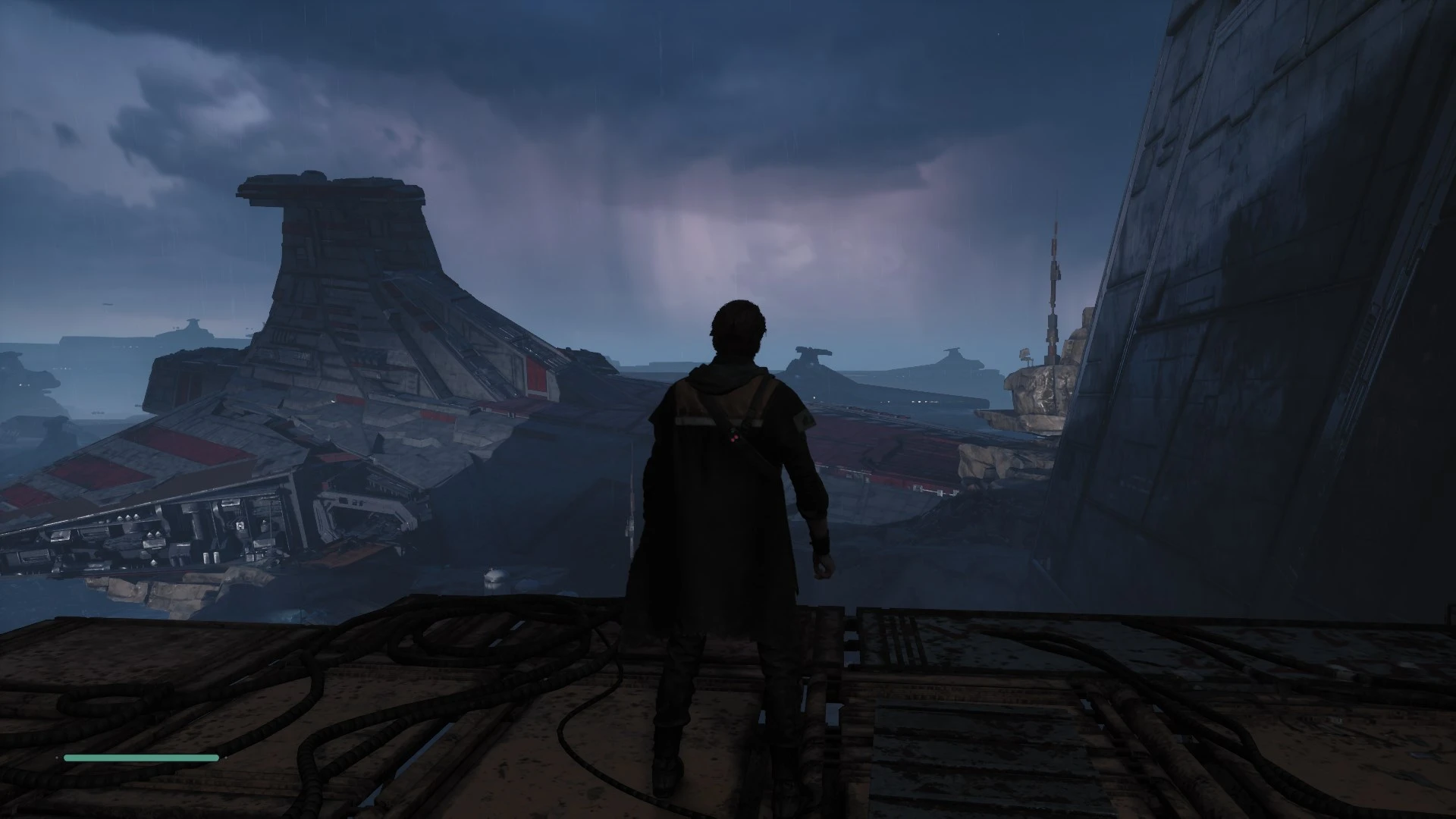
Bunch of files to choose to disable whatever you want. Also setting Anti Aliasing to medium disables it. Medium Anti Aliasing had 3 as its value which is just bad, High and Epic both have 4 so it's fine.
📦 Full mod page on discovermods
Downloads, ratings, compatibility info, installation guides, and user reviews.
View on discovermods →Syntax
Visuals and GraphicsExample
Downloads: 3,345💡 Notes
By yakuzadeso
🎯 Tips & Tricks
Install with mod manager
Use Vortex/MO2 for automatic installation.
🔧 Troubleshooting
Mod conflicts
Check load order. Disable conflicting mods one by one.
⚠️ Common Mistakes
- Installing without checking requirements
👍 Pros
- 112 endorsements
👎 Cons
- Requires correct game version