Gravity LUT (True to Life Color - ACES LUTs)
starfield — Mods & Enhancements
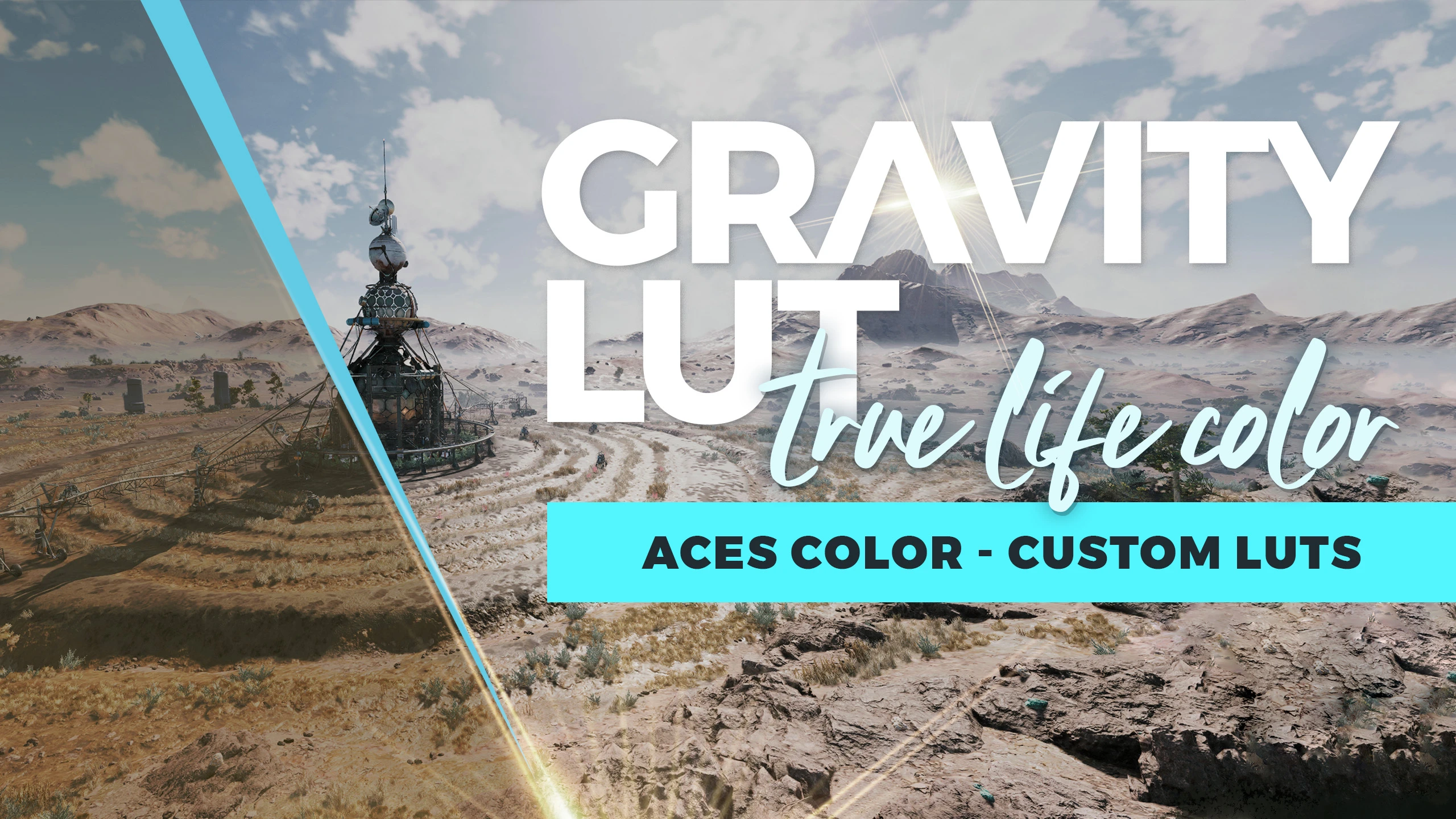
Gravity LUT is a color grading mod for Starfield that uses ACES color management to deliver true-to-life colors and luminance. It's a popular visual enhancement with over 1,500 endorsements and 45,000 downloads, updated in January 2025.
📦 Full mod page on discovermods
Downloads, ratings, compatibility info, installation guides, and user reviews.
View on discovermods →Syntax
VisualsExample
Downloads: 45,601 | Endorsements: 1,508💡 Notes
By CyanideX | v0.5.0 | 1,508 endorsements
🎯 Tips & Tricks
Make sure to place the LUT file in the correct Starfield data folder (usually Documents/My Games/Starfield/Data) or use a mod manager like Vortex.
If you're using other visual mods, test this LUT after them to see if it overrides their color grading.
Check the mod's comments section for user screenshots to see how it looks in-game before installing.
🔧 Troubleshooting
Mod not working
Check load order and required dependencies. Read the full mod description.
⚠️ Common Mistakes
- Installing multiple mods that modify the same files without checking compatibility
👍 Pros
- Community favorite with 1,508 endorsements and 45,601 downloads
- ACES-based grading gives a cinematic, film-like look that's hard to beat
- Recently updated (January 2025) so it's likely compatible with current game patches
👎 Cons
- No before/after screenshots or comparison images in the description
- No detailed installation instructions provided by the author
- May not be compatible with other LUT mods or reshade presets that alter color grading