Dark Mode for Terminals
starfield — Mods & Enhancements
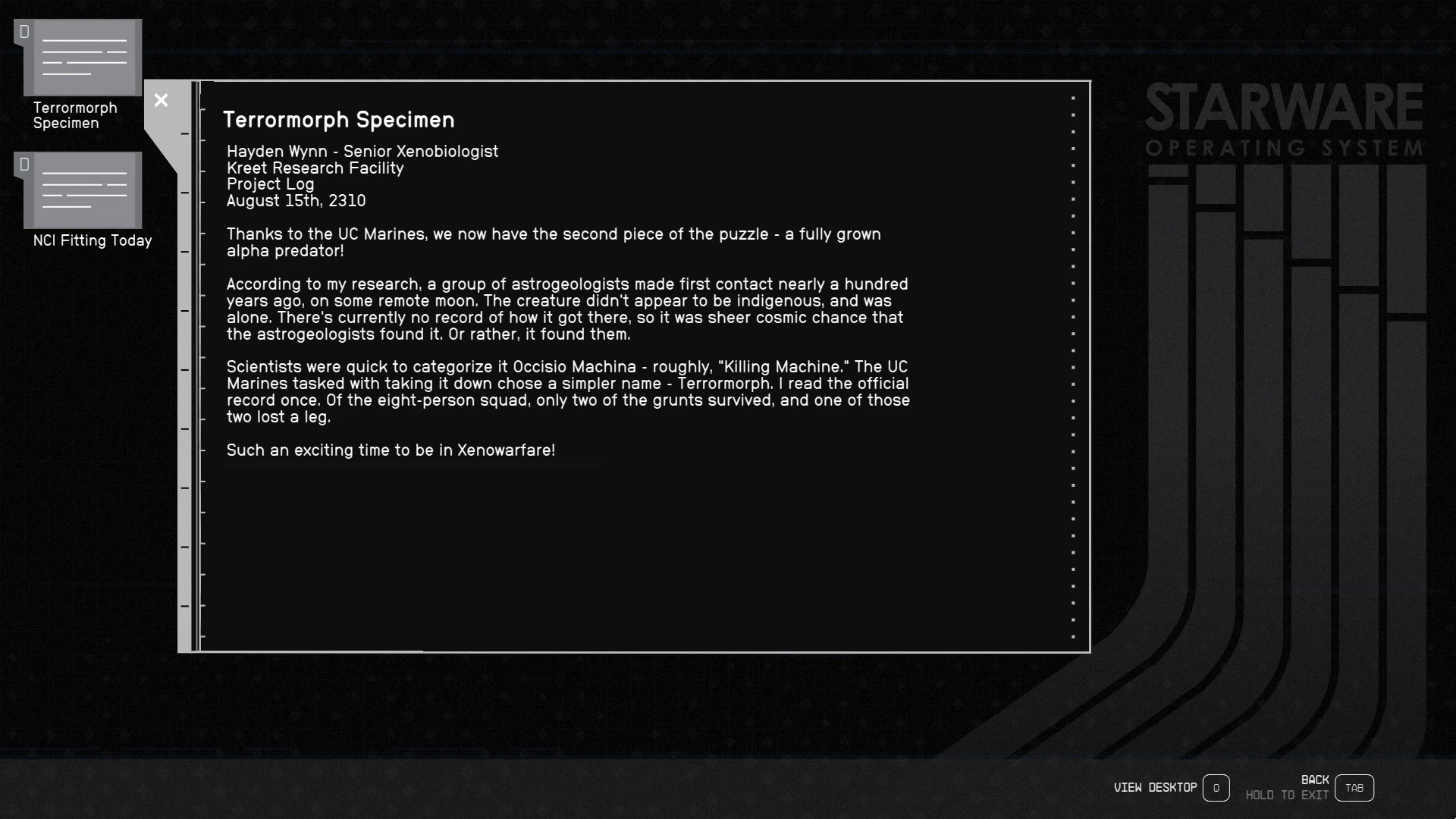
Dark Mode for Terminals by animandan applies a darker theme to terminals and reduces startup brightness, now covering kiosks and supporting the Large Menu Fonts accessibility option. With 4,403 endorsements and 220,639 downloads, it's a popular UI tweak for players who find the default terminal screens too bright.
📦 Full mod page on discovermods
Downloads, ratings, compatibility info, installation guides, and user reviews.
View on discovermods →Syntax
User InterfaceExample
Downloads: 220,639 | Endorsements: 4,403💡 Notes
By animandan | v1.5.0 | 4,403 endorsements
🎯 Tips & Tricks
If you're using a mod manager, just download and enable; if manual, drop the files into the Data folder.
Check your game version — if it's newer than September 2023, test the mod in a terminal to ensure it still works.
Since it supports Large Menu Fonts, enable that option in settings to see the best effect.
🔧 Troubleshooting
Mod not working
Check load order and required dependencies. Read the full mod description.
⚠️ Common Mistakes
- Installing multiple mods that modify the same files without checking compatibility
👍 Pros
- Huge community trust with 4,403 endorsements and over 220k downloads.
- Covers both terminals and kiosks, so the whole interface matches.
- Works with the Large Menu Fonts option, so accessibility users aren't left out.
👎 Cons
- Last updated in September 2023 — might not be compatible with future game patches.
- Only affects terminals and kiosks, not other UI elements.
- No detailed install instructions provided by the author.