Cleanfield - No-Intro and Clean Menu Fix
starfield — Mods & Enhancements
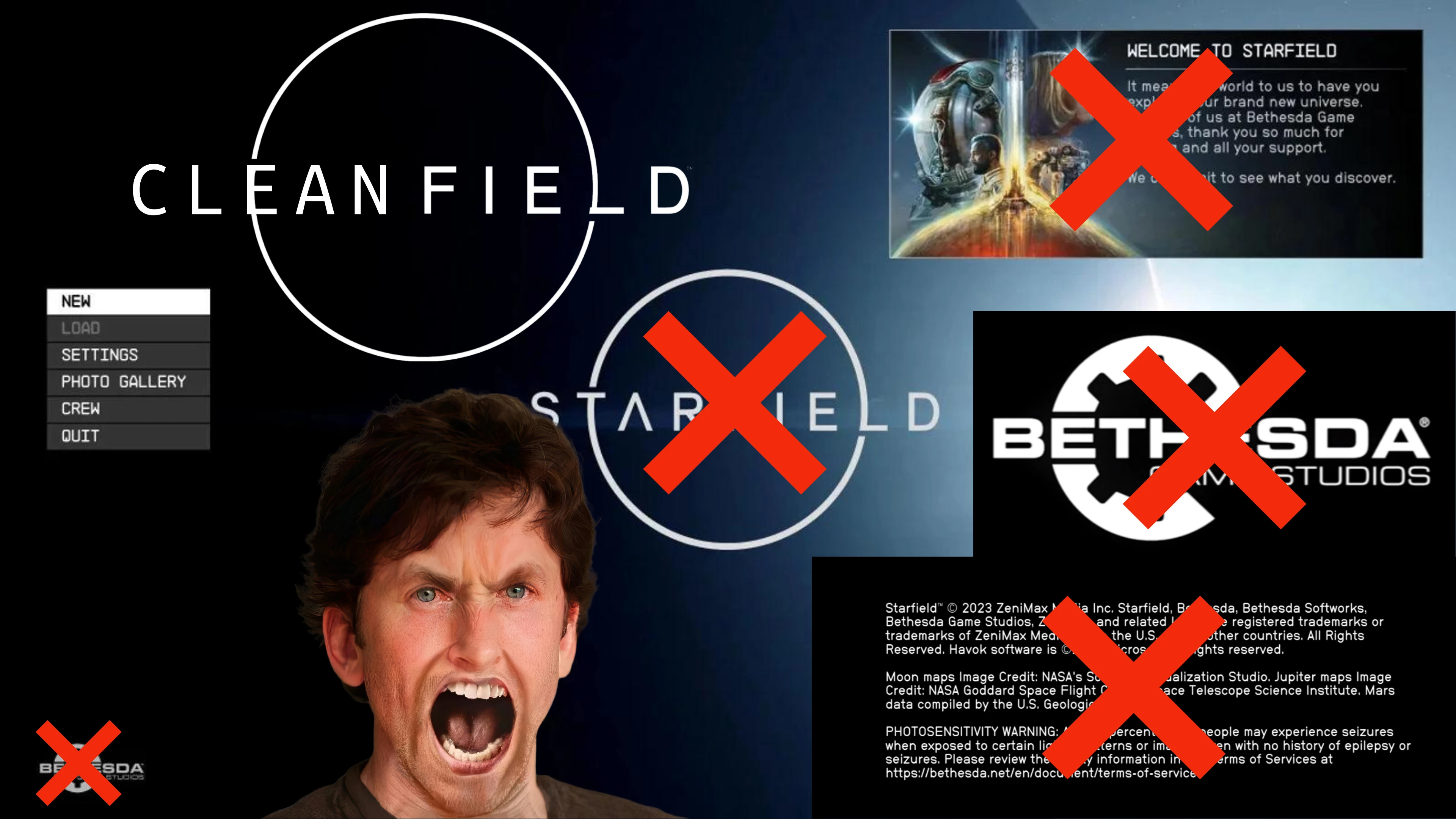
Cleanfield removes the epilepsy warning, Bethesda logo videos, message of the day, and Starfield logo, and unlocks 120 FPS. A UI overhaul for players who want faster startup and fewer interruptions, with strong community support (12,320 endorsements).
📦 Full mod page on discovermods
Downloads, ratings, compatibility info, installation guides, and user reviews.
View on discovermods →Syntax
User InterfaceExample
Downloads: 593,047 | Endorsements: 12,320💡 Notes
By Gametism | v1.9 | 12,320 endorsements
🎯 Tips & Tricks
Make sure to back up your original game files before replacing anything, just in case.
If you're using a mod manager, install this mod through it to keep track of updates.
Check if the 120 FPS unlock works with your monitor's refresh rate — you might need to enable it in your display settings.
🔧 Troubleshooting
Mod not working
Check load order and required dependencies. Read the full mod description.
⚠️ Common Mistakes
- Installing multiple mods that modify the same files without checking compatibility
👍 Pros
- Huge community trust (12,320 endorsements) — this is a must-have for UI tweaks
- Cuts through all the intro clutter, getting you into the game faster
- 120 FPS unlock is a game-changer for high-refresh-rate monitors
👎 Cons
- No install instructions provided by the author — you're on your own for setup
- Removing logos and warnings might violate some modding guidelines, so check your stance
- Last updated April 2026 — could break with future game patches