Daily Screenshot
stardew-valley — Mods & Enhancements
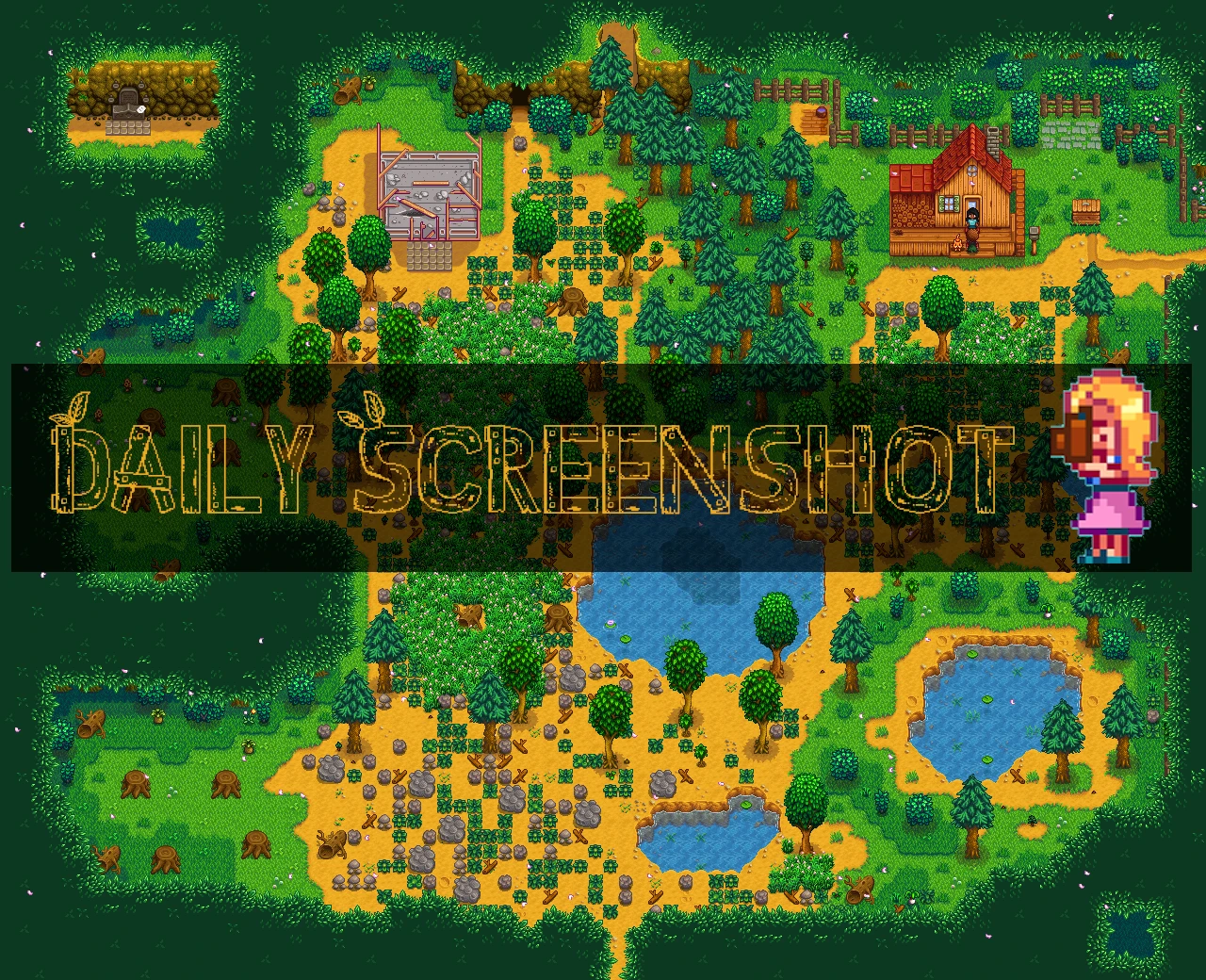
Daily Screenshot automatically captures a full-farm screenshot each day when you first exit your house. With 1,479 endorsements and 46,638 downloads, it's a popular quality-of-life tool for Stardew Valley players who want to track their farm's progress visually. Last updated October 2025, it remains actively maintained.
📦 Full mod page on discovermods
Downloads, ratings, compatibility info, installation guides, and user reviews.
View on discovermods →Syntax
Visuals and GraphicsExample
Downloads: 46,638 | Endorsements: 1,479💡 Notes
By CompSciLauren | v3.3.0 | 1,479 endorsements
🎯 Tips & Tricks
Make sure you have SMAPI installed and run the game through it, otherwise the mod won't load.
Check your Stardew Valley folder for a 'Screenshots' subfolder where the daily images are saved.
If you use other mods, ensure they're compatible with SMAPI 4.0+ to avoid conflicts.
🔧 Troubleshooting
Mod not working
Check load order and required dependencies. Read the full mod description.
⚠️ Common Mistakes
- Installing multiple mods that modify the same files without checking compatibility
👍 Pros
- Community-approved with 1,479 endorsements—players clearly love it.
- Set-and-forget: no manual screenshotting, just play and get daily farm shots.
- Actively updated (October 2025), so it's likely compatible with current game versions.
👎 Cons
- No install instructions provided by the author—you'll need to figure out SMAPI setup yourself.
- Only takes one screenshot per day; if you miss the first exit, you miss the shot.
- Screenshots may pile up over time—no built-in management or cleanup mentioned.