Fores New Idles in Skyrim SE - FNIS SE
skyrimspecialedition — Mods & Enhancements
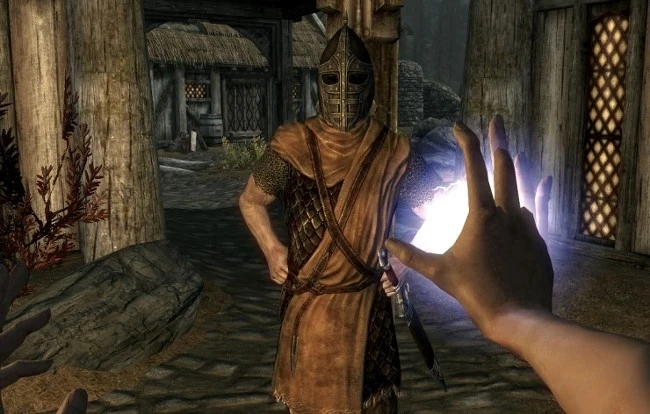
FNIS SE is the essential animation framework for Skyrim Special Edition, enabling custom animations like idles, poses, sequenced, furniture, paired, killmoves, and creature animations. With over 259k endorsements and 18.9M downloads, it's the backbone of the animation modding community, last updated in 2020.
📦 Full mod page on discovermods
Downloads, ratings, compatibility info, installation guides, and user reviews.
View on discovermods →Syntax
AnimationExample
Downloads: 18,920,936💡 Notes
By fore
🎯 Tips & Tricks
After installing FNIS, you must run the GenerateFNISforUsers.exe tool every time you add or remove animation mods, then click 'Update FNIS Behavior'.
Make sure your mod manager (like Vortex or MO2) is set up to deploy FNIS output correctly—otherwise animations won't work.
Check the FNIS compatibility patch if you're using other animation frameworks like Nemesis—they can conflict if not set up properly.
🔧 Troubleshooting
Mod conflicts
Check load order. Disable conflicting mods one by one.
⚠️ Common Mistakes
- Installing without checking requirements
👍 Pros
- The go-to framework for animation mods—259k endorsements and 18.9M downloads prove it's essential.
- Handles a huge variety of animation types, from simple idles to complex killmoves and creature animations.
- Still the standard despite the 2020 update—most animation mods require it.
👎 Cons
- Last updated in 2020—may have compatibility issues with the latest Skyrim SE patches or newer animation frameworks like Nemesis.
- Requires running a separate tool (GenerateFNISforUsers) every time you add or remove animation mods, which can be tedious.
- No built-in conflict resolution—you'll need to manage load order and patches yourself.