XP32 Maximum Skeleton - XPMS
skyrim — Mods & Enhancements
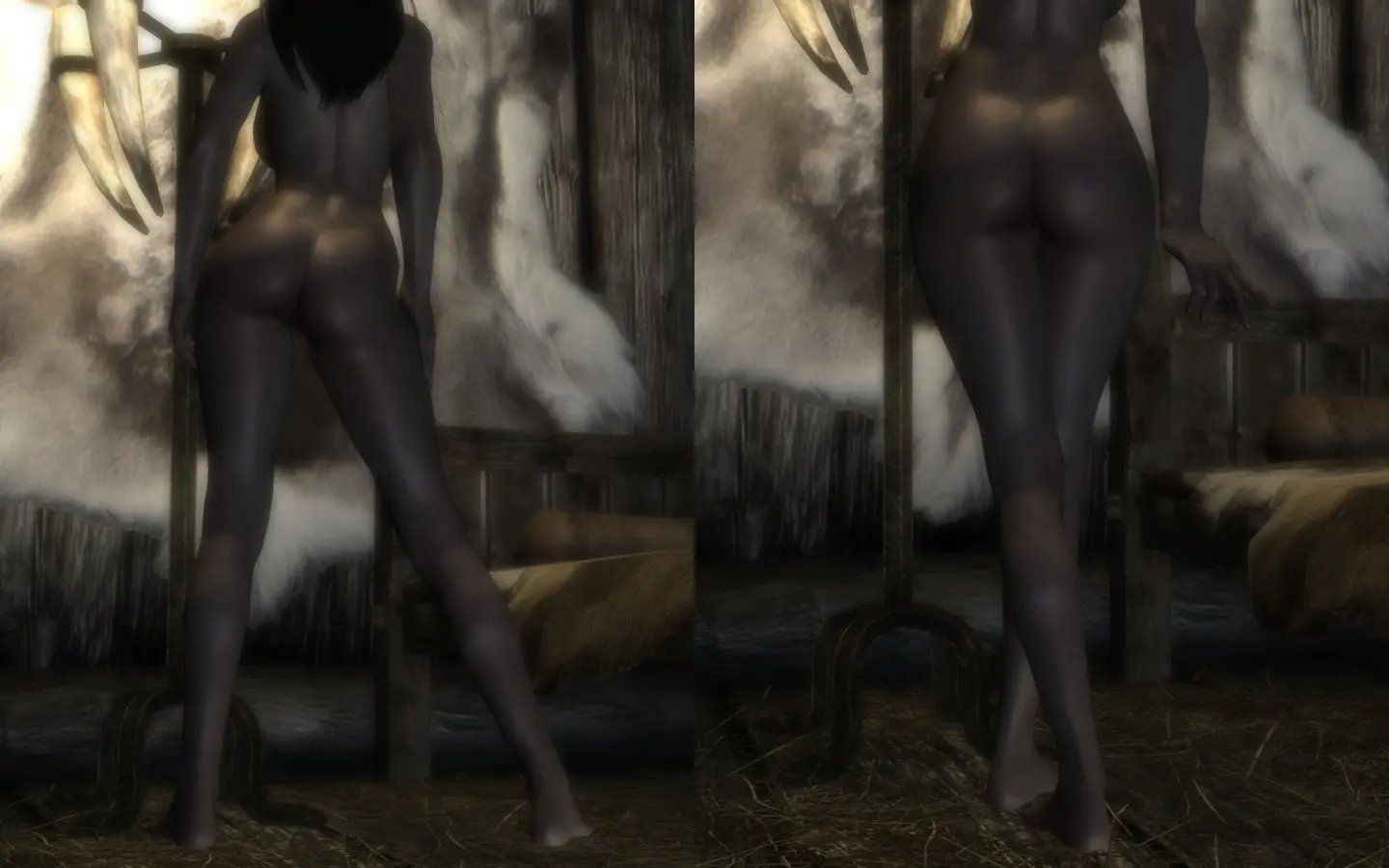
XPMS is a custom skeleton that replaces the vanilla humanoid skeleton, adding extra bones for independent animation of hair, cloaks, wings, and body physics, including breast and buttock bouncing. It is a foundational mod for any animation or physics setup, allowing mods like 'FNIS' and 'HDT' to animate these parts simultaneously without clipping. Players install it to enable immersive armor/clothing physics and to fix mesh deformations from race and body mods.
Syntax
AnimationExample
Downloads: 7,601,139💡 Notes
By xp32
🎯 Tips & Tricks
During installation via your mod manager, select 'Default' for the skeleton type, then check 'HDT Physics' for breast and buttock physics, 'Cloak' for cloak bone, and 'Wings' if you use dragon wings mods. For mods like 'Immersive Armors', ensure you also check 'Weapon Styles' to enable proper weapon positioning on back. Do not select 'RaceMenu' unless you have that mod installed, as it will cause CTDs.
Open the console, type 'player.setav speedmult 100' to reset movement, but for weapon placement, use the in-game mod 'XP32 Skeleton Reloaded' MCM if available, or manually edit the 'Data\Meshes\Actors\Character\CharacterAssets\skeleton.nif' with NifSkope. Set the 'SHIELD' node's rotation to 0, 0, 0 and translation to 0, 0, 0 to align with vanilla. This fixes shields floating off the back when using 'Dual Sheath Redux'.
For custom races like 'Khajiit Overhaul' or 'Dawnguard Vampire Race', you must install XPMS AFTER those race mods, and then run 'FNIS' to regenerate animations. If meshes appear broken, go to 'Data\Meshes\Actors\Character\CharacterAssets\' and replace the skeleton.nif with the one from XPMS, then copy the skeleton_female.nif over the female variant.
🔧 Troubleshooting
CTD on character creation or loading a save with 'RaceMenu' and 'XP32 Maximum Skeleton' due to conflicting skeleton files.
Install XPMS AFTER RaceMenu in your mod manager, and select 'RaceMenu' compatibility in the installer. Ensure you have the latest 'RaceMenu' version (3.4.5 or higher) and run 'FNIS' after installation. If CTD persists, delete 'Data\Meshes\Actors\Character\CharacterAssets\skeleton.nif' and reinstall XPMS with default options, then reinstall RaceMenu.
Cloaks and capes from 'Cloaks of Skyrim' clip through the body, especially when sprinting or jumping.
This occurs because the cloak bone is not weighted correctly. Update to the latest XPMS (1.96 or higher) and reinstall with 'Cloak' option checked. Then, in 'FNIS', run 'GenerateFNISforUsers.exe' and tick 'Skeleton Arm Fix' to correct bone weights. If still clipping, use 'NifSkope' to edit the cloak mesh's bone weights to match the XPMS skeleton.
⚠️ Common Mistakes
- [object Object]
- [object Object]
👍 Pros
- 245,708 endorsements
👎 Cons
- Requires correct game version