Smooth blade draw and Sheath
skyrim — Mods & Enhancements
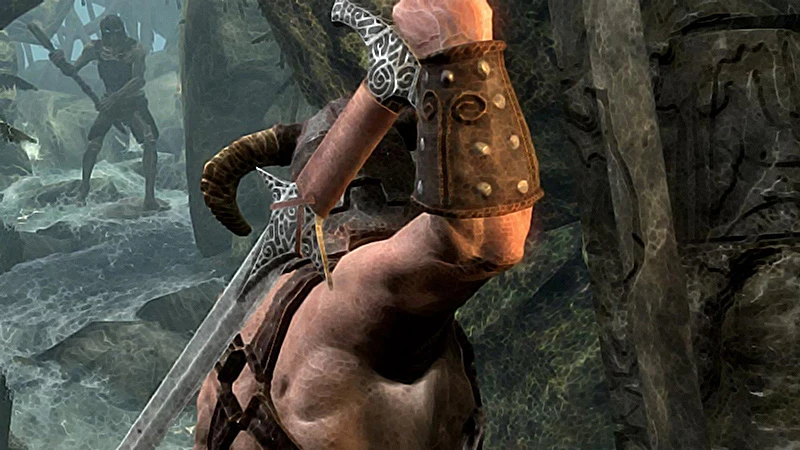
A sound replacement mod for Skyrim that adds discreet blade draw and sheath sounds, mutes fail and critical sounds, and dynamically lowers audio volume while sneaking. It enhances sneaking immersion by making blade sounds quieter and muting screams during attacks. With over 10,000 endorsements and 253,000 downloads, it's a popular choice for stealth-focused players.
📦 Full mod page on discovermods
Downloads, ratings, compatibility info, installation guides, and user reviews.
View on discovermods →Syntax
Audio - SFX, Music, and VoiceExample
Downloads: 253,192 | Endorsements: 10,447💡 Notes
By Vanaran | v2.3 | 10,447 endorsements
🎯 Tips & Tricks
Place the sound files in your Skyrim Data folder, typically under Data/sound/fx/... to replace the default sounds.
If you use a mod manager like Vortex or Mod Organizer 2, you can install this mod with a single click and manage it easily.
Since this mod is from 2013, test it with your current Skyrim version—if sounds don't change, check for conflicts with other sound mods.
🔧 Troubleshooting
Mod not working
Check load order and required dependencies. Read the full mod description.
⚠️ Common Mistakes
- Installing multiple mods that modify the same files without checking compatibility
👍 Pros
- Huge community trust with 10,447 endorsements and 253k downloads.
- Enhances stealth gameplay by making blade sounds quieter and muting screams, perfect for sneaky characters.
- Simple sound replacement mod—no complex dependencies or scripts, just drop-in audio files.
👎 Cons
- Last updated in 2013—may not be compatible with newer Skyrim versions or mods that alter sounds.
- Only affects blade draw/sheath and specific sound mutes; doesn't change other combat sounds.
- No detailed install instructions provided by the author, so you'll need to know how to manually place sound files.