Fores New Idles in Skyrim - FNIS
skyrim — Mods & Enhancements
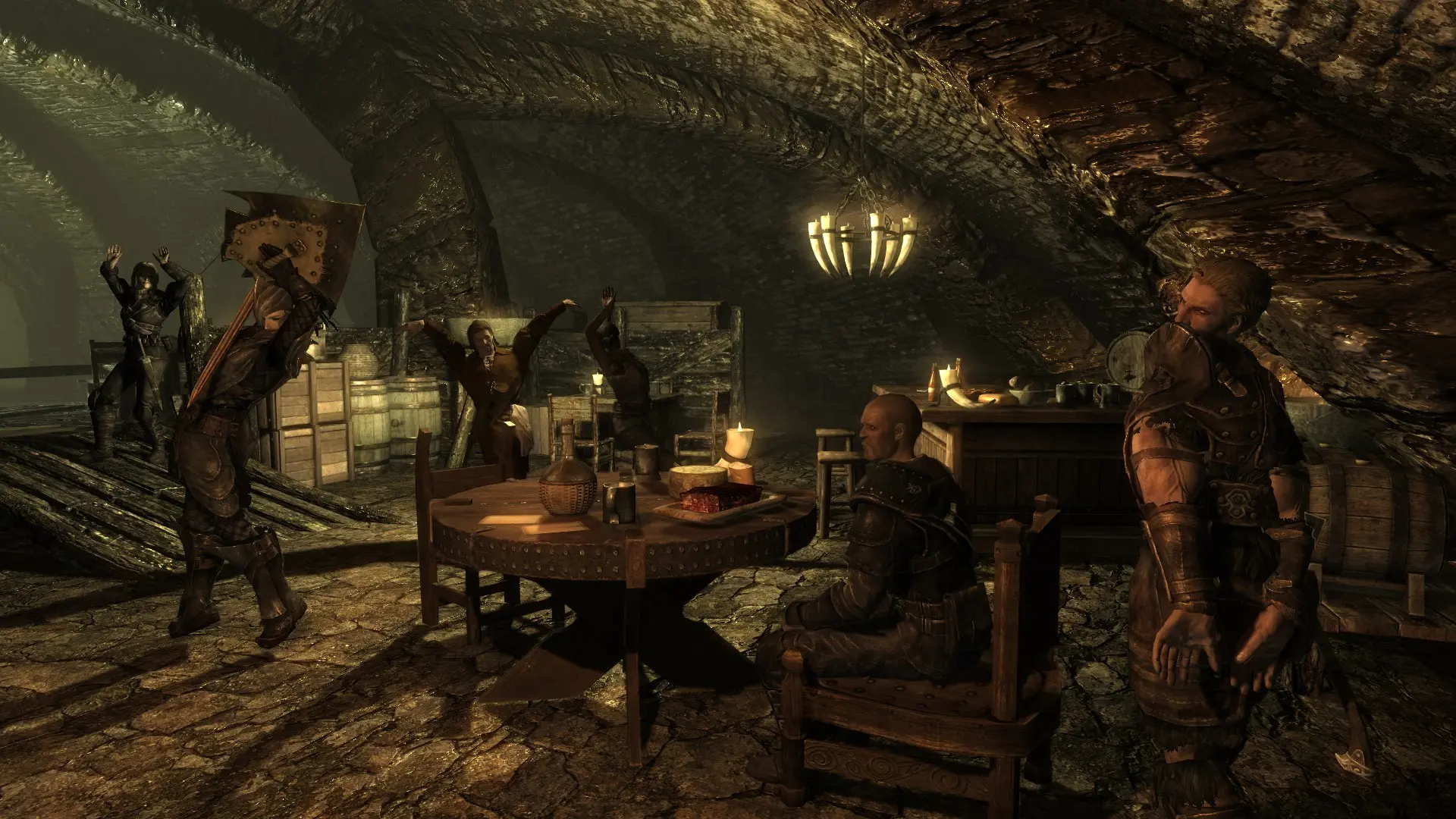
FNIS is the backbone of custom animation in Skyrim, generating behavior files that the game engine reads to enable new idles, combat moves, creature animations, and even furniture or paired animations. It patches the 'meshes/actors/character/behaviors/0_master.hkx' file, injecting animation lists from mods like XPMSE, Ultimate Combat, and PCEA. Players install it because without it, any mod adding custom animations (e.g., new sprint styles, sitting poses, or creature replacers) will cause T-pose or CTD, as the engine cannot find the expected animation files.
Syntax
AnimationExample
Downloads: 23,299,801💡 Notes
By fore
🎯 Tips & Tricks
After installing a mod like XP32 Maximum Skeleton or Animated Armoury, navigate to your Skyrim/Data/tools/GenerateFNIS_for_Users folder, run GenerateFNISforUsers.exe, check 'Skeleton Armor' and 'Gender Specific' patches, then click 'Update FNIS Behavior'. Always do this in the exact order: install mod, run FNIS, then launch game. If you add a mod mid-playthrough, you must re-run FNIS or the new animations won't play.
In the FNIS generator window, under 'Patch Options', ensure 'Skeleton Armor' is checked if you have XP32 Maximum Skeleton (XPMSE). If you don't check it, FNIS will overwrite XPMSE's custom skeleton nodes, causing weapon sheathe or body mesh distortions. Also, for mods like HDT-SMP, select 'HDT Physics' in the patch list to keep cloth physics working.
After running FNIS, the console output shows a list of all animations installed and any errors. If you see 'ERROR: File not found for animation' or 'Missing animation files', check the mod's folder structure—many animation mods require manual placement into 'Data/meshes/actors/character/animations'. Also, for creature animations, ensure you've run FNIS with 'Creature' checked, otherwise creatures will stand idle.
🔧 Troubleshooting
CTD when entering combat with Ultimate Combat or Wildcat if FNIS not updated after installing those mods
Re-run GenerateFNISforUsers.exe after installing any combat overhaul. Also, ensure your load order has FNIS's esp (if any) below those mods. For Ultimate Combat, you need the 'FNIS Creature Animations' patch from its FOMOD—if you skipped it, reinstall Ultimate Combat and select 'FNIS compat'.
T-pose with Nemesis-based animation mods (e.g., CGO, SkySA) because FNIS and Nemesis conflict
You cannot run both FNIS and Nemesis simultaneously unless you use 'Nemesis Compatible' patches. The common fix is to uninstall all FNIS-generated files (delete 'meshes/actors/character/behaviors/*.hkx') and run Nemesis instead. For mods requiring FNIS only (like some creature packs), use 'Nemesis - FNIS Compatibility Patch' from Nexus, which lets Nemesis read FNIS animations.
⚠️ Common Mistakes
- [object Object]
- [object Object]
👍 Pros
- 394,397 endorsements
👎 Cons
- Requires correct game version