Enhanced Lights and FX
skyrim — Mods & Enhancements
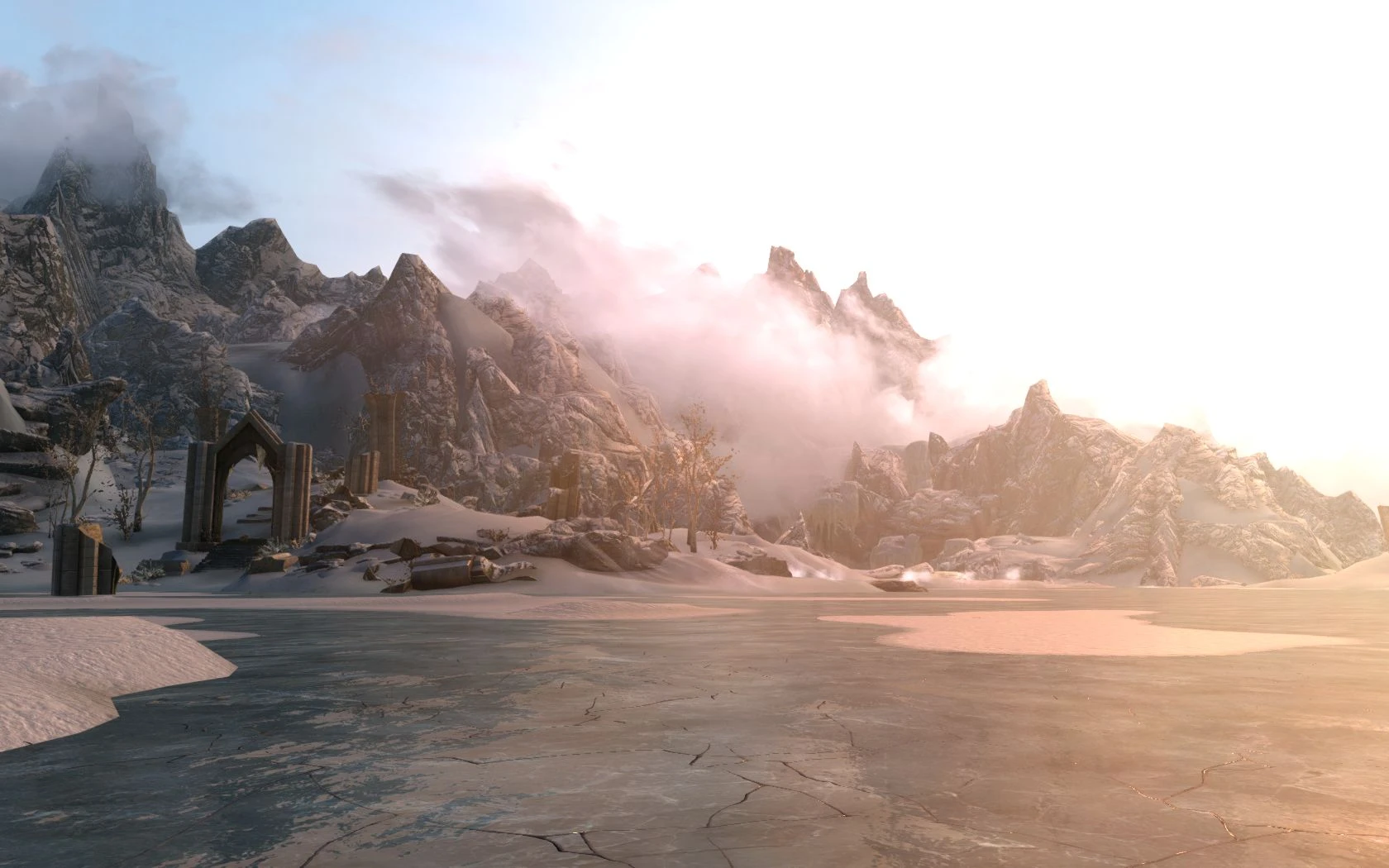
Enhanced Lights and FX (ELFX) overhauls every interior lighting template, adding dynamic shadows, realistic light sources, and reworked ambient occlusion to dungeons, caves, houses, and cities. It removes the flat, washed-out look of vanilla lighting, making torches and candles actually cast light and creating deep shadows that affect gameplay by making stealth more viable and interiors more atmospheric. Players install it for a dramatic, immersive mood that pairs with ENBs or weather mods, but it requires careful patching with mods that alter interior cells.
Syntax
ImmersionExample
Downloads: 8,401,724💡 Notes
By anamorfus
🎯 Tips & Tricks
In the in-game settings, set 'Interior Lighting' to Low (not Medium/High) because ELFX uses its own light templates that get double-brightened otherwise. Go to Settings > Display > Interior Lighting and select Low. If using an ENB, also disable ENB's interior ambient lighting to avoid overexposure.
Download the optional 'ELFX - Exterior Fixes' module from the mod page and install it AFTER the main ELFX files. This fixes lighting inconsistencies in cities like Whiterun and Solitude where ELFX's interior templates bleed outside. Place it at the bottom of your load order, just above any lighting overhaul like 'Realistic Lighting Overhaul' (if you have both, you shouldn't – pick one).
If you have 'Immersive Citizens - AI Overhaul', download the official ELFX patch from the Immersive Citizens page. In MO2, load the patch AFTER both ELFX and Immersive Citizens. This patch fixes navmesh and lighting conflicts in cities that cause NPCs to walk through walls or stand in darkness.
🔧 Troubleshooting
Compatibility issue with 'JK's Skyrim' or 'Dawn of Skyrim'
These city overhaul mods add new light sources that conflict with ELFX's templates, causing flickering or dark interiors in new buildings. Fix: Install 'ELFX - JK's Skyrim Patch' or use the 'ELFX + Dawn of Skyrim' patch from the respective mod pages. Load the patch after both mods. If no patch exists, use SSEEdit to delete conflicting light records.
Conflict with 'Relighting Skyrim' or 'ELE' (Enhanced Lights for ENB)
Running ELFX with Relighting Skyrim or ELE causes double lighting and washed-out interiors. Fix: Uninstall Relighting Skyrim and ELE completely, as they serve the same purpose. If you must keep ELE, use the 'ELFX - ELE Patch' from the ELE page, but note that this is not officially supported – better to choose one.
⚠️ Common Mistakes
- [object Object]
- [object Object]
👍 Pros
- 223,649 endorsements
👎 Cons
- Requires correct game version