Enhanced Character Edit
skyrim — Mods & Enhancements
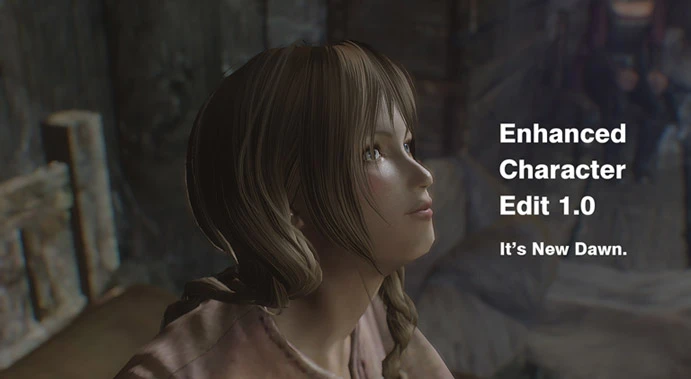
This mod expands the vanilla RaceMenu character creation by adding over 30 new morph sliders (e.g., cheekbone height, eye depth, jaw width), new head parts like scars and face paint, and a completely new race called 'Elder Race' for NPCs. It also replaces the vanilla makeup colors with natural skin-tone-matched palettes, making characters look more realistic without the plastic shine. Players install it to achieve finer facial sculpting than vanilla allows, especially for followers or player characters.
Syntax
Body, Face, and HairExample
Downloads: 5,517,271💡 Notes
By ECE team
🎯 Tips & Tricks
In Vortex, set ECE's ESP to load after RaceMenu.esp but before CBBE or UNP body replacers. This ensures the new sliders don't conflict with body morphs. If using Mod Organizer 2, drag ECE below RaceMenu in the left pane, and put its ESP below RaceMenu.esp in the right pane. For best results, also install the 'ECE - RaceMenu Compatibility Patch' from the mod page to merge slider sets.
In-game, press '~' and type 'showracemenu', then use ECE's new 'Head Export' button (bottom right of the sculpt tab) to save your face as a .nif file. This exports to Data/SKSE/Plugins/CharGen/Exported. You can then use this .nif as a follower's head via the Creation Kit, or import it back with 'showracemenu' after a new game—this bypasses the vanilla face gen bug that resets morphs.
When editing makeup, click the color swatch (not the slider) to open a custom palette. ECE adds 20 new preset colors like 'Natural Rose' and 'Warm Peach'—these are calibrated to fit the vanilla skin tones. Avoid using the old 'Red' or 'Pink' presets from vanilla, as they look clownish. For lipstick, set the 'Gloss' slider to 0.0 for a matte finish.
🔧 Troubleshooting
ECE sliders disappear when using RaceMenu's 'Morphs' tab
This is a known conflict with RaceMenu's built-in morph system. Install the 'ECE to RaceMenu Slider Converter' mod, which converts ECE's morph names to RaceMenu's format. Alternatively, in RaceMenu's MCM, go to 'Morphs' and set 'Use ECE Morphs' to 'On'—this makes RaceMenu read ECE's sliders. Ensure you load ECE's ESP after RaceMenu.esp.
CTD when opening showracemenu with ECE + NetImmerse Override (NIOverride)
ECE requires NIOverride (part of RaceMenu) but has a version conflict. Download the 'ECE 1.5.1.1 - NIOverride Patch' from the ECE page, which fixes the script version mismatch. If you're using RaceMenu 0.4.16, the patch is mandatory. Also, ensure you have the latest JContainers installed, as ECE uses it for slider storage.
⚠️ Common Mistakes
- Using ECE with an outdated RaceMenu—ECE 1.5.1.1 requires RaceMenu 0.4.14+, but if you use RaceMenu 0.4.16, you must install the compatibility patch, or sliders will be missing. Always check the mod page's 'Requirements' tab.
- Applying ECE's 'Elder Race' to player characters—this race is designed for NPCs and lacks proper facegen data, so if you select it for your player, you'll get a gray face bug. Stick to vanilla races for your character.
👍 Pros
- 166,229 endorsements
👎 Cons
- Requires correct game version