Climates Of Tamriel - Weather - Lighting - Audio
skyrim — Mods & Enhancements
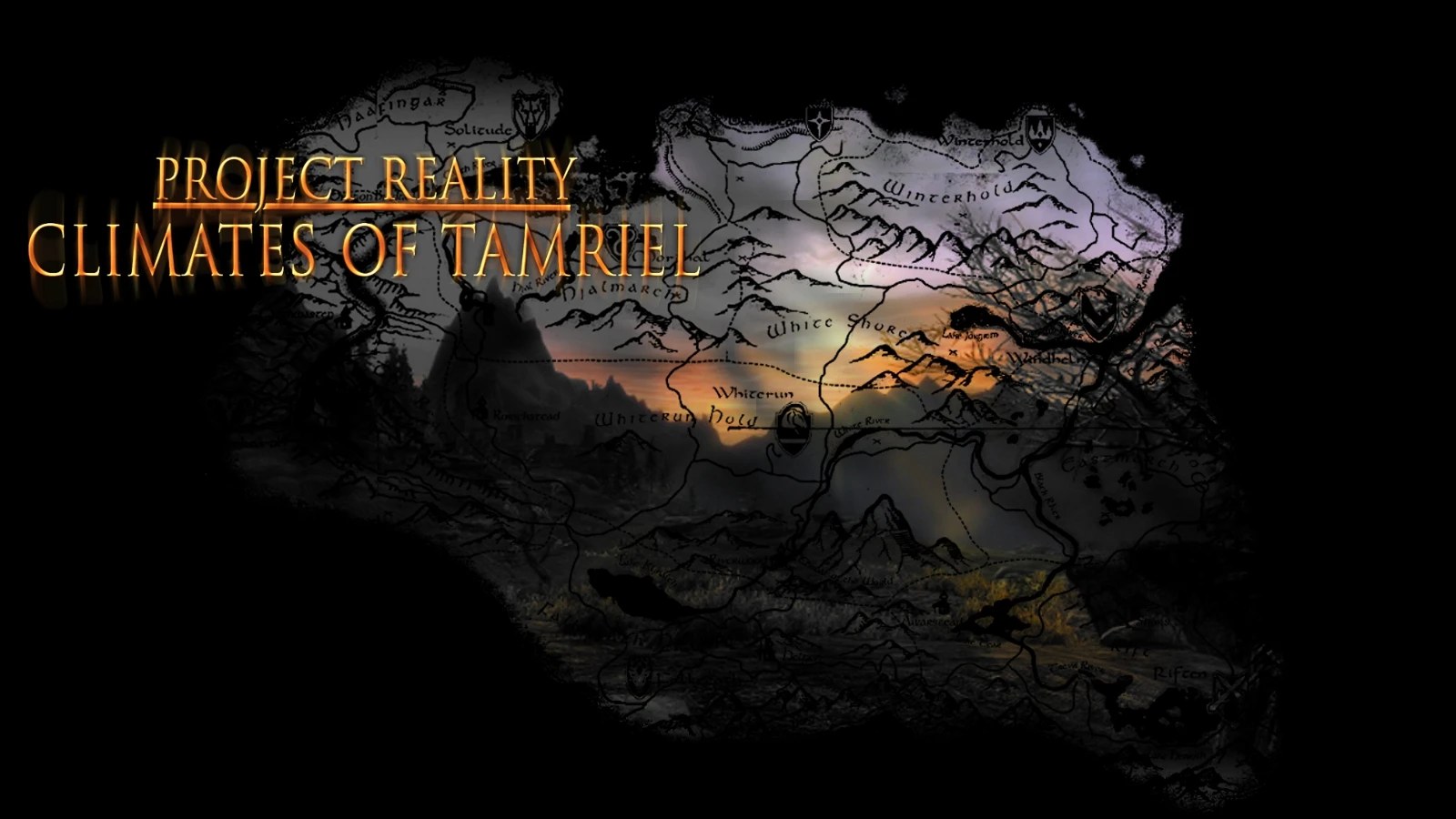
Climates Of Tamriel (CoT) is a comprehensive weather, lighting, and audio overhaul that replaces Skyrim's vanilla weather system with over 100 hand-crafted weathers, each with unique cloud formations, precipitation, and color grading. It also adjusts interior and exterior lighting levels, adds volumetric fog, and introduces new ambient sound effects for rain, wind, and storms. Players install it to achieve a more dramatic, realistic, and region-specific atmosphere — for example, the Reach gets heavy fog, while the Rift has golden sunsets — and to work with ENB presets that are specifically designed for CoT's lighting values.
Syntax
OverhaulsExample
Downloads: 11,300,016💡 Notes
By JJC71
🎯 Tips & Tricks
After installation, open the game and use the 'Climates Of Tamriel' power (found in your powers menu) to access the configuration menu. From there, you can adjust weather frequency, enable/disable specific weather types (e.g., 'Snowy' or 'Rainy'), and tweak interior lighting brightness. For advanced settings, edit Data/SKSE/Plugins/ClimatesOfTamriel.ini and set 'bEnableFog' to 1 for denser fog, or 'iInteriorBrightness' to 50 to brighten dungeons.
If you use True Storms, download the 'Climates Of Tamriel - True Storms Patch' from the Nexus. In your load order, place the patch AFTER both CoT and True Storms. Then in-game, enable the 'Stormy' weather type in CoT's config to get the enhanced rain and thunder sounds from True Storms while keeping CoT's color palette.
When using an ENB preset designed for CoT (like 'RealVision' or 'NLA'), ensure you have 'EnableAmbientOcclusion' set to 1 in enbseries.ini. Also, in CoT's config, set 'bUseOriginalWeatherColors' to 0 to allow ENB to control color grading — otherwise, you'll get double-tinted skies.
🔧 Troubleshooting
CoT causes black or purple skies when used with 'Obsidian Weathers' or 'Vivid Weathers' — both mods overwrite the same weather records.
Do not install CoT with other weather overhauls. If you accidentally did, use a mod manager to remove the other weather mod's ESP, or use xEdit to delete the conflicting weather records from the other mod. For a clean setup, use only CoT and its official patches.
CoT's audio files conflict with 'Immersive Sounds - Compendium' (ISC), causing missing rain or wind sounds.
Load CoT before ISC in your load order, and download the 'CoT - ISC Patch' from the CoT Nexus page. This patch ensures ISC's sounds take precedence for weather audio while CoT handles visuals. If the patch is not available, manually edit the CoT .esp in xEdit to remove its sound records.
⚠️ Common Mistakes
- [object Object]
- [object Object]
👍 Pros
- 284,053 endorsements
👎 Cons
- Requires correct game version