GameCompanion - Fake Fullscreen Alt Tab Fix Gamma Screenshots and more
oblivion — Mods & Enhancements
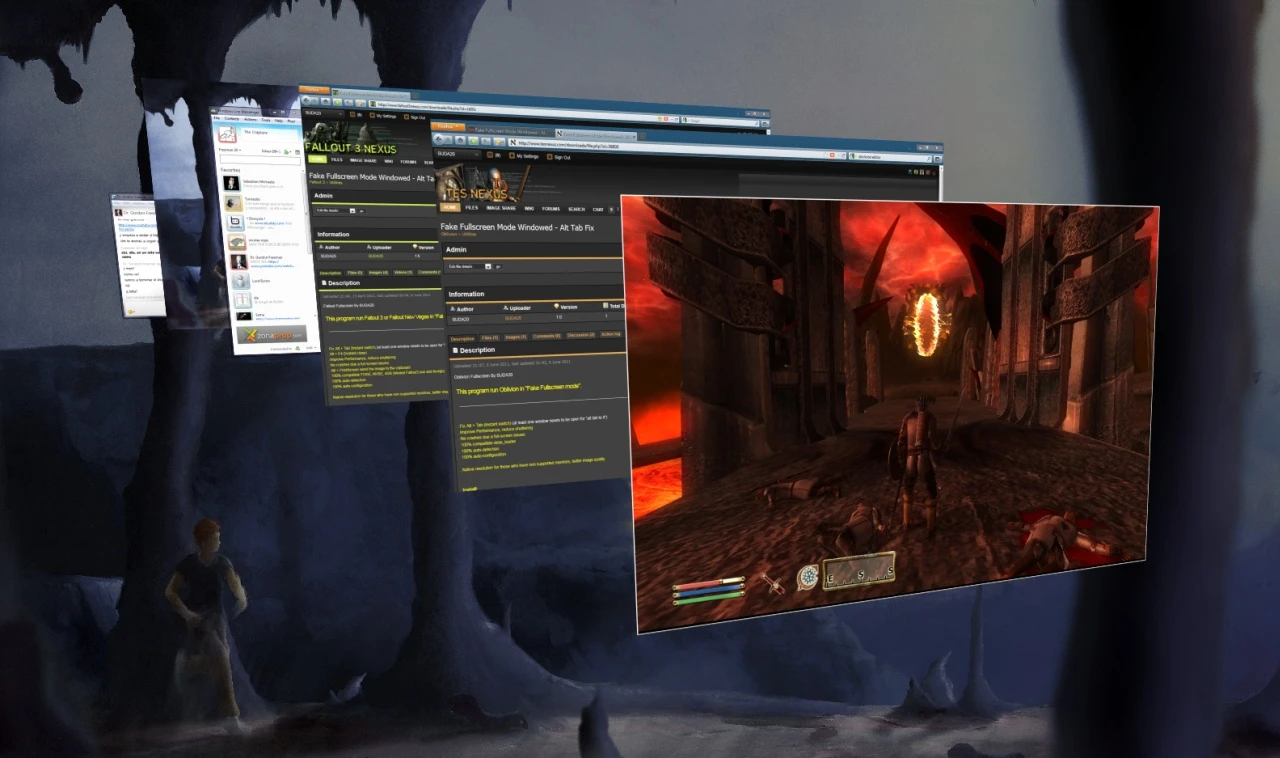
GameCompanion is a utility mod for many games that provides fake fullscreen alt-tab fixes, gamma/contrast adjustments, screenshots, volume control, and stability/performance improvements. With 1,599 endorsements and 51,800 downloads, it's a popular tool for PC gamers seeking smoother alt-tabbing and enhanced control. Last updated in 2013, it may be outdated for current games.
📦 Full mod page on discovermods
Downloads, ratings, compatibility info, installation guides, and user reviews.
View on discovermods →Syntax
UtilitiesExample
Downloads: 51,800 | Endorsements: 1,599💡 Notes
By BUDA20 | v2.4 | 1,599 endorsements
🎯 Tips & Tricks
Check if your game is listed in the mod's supported games before installing.
Run the mod as administrator to ensure it can apply system-level fixes.
Test the alt-tab fix in a non-competitive game first to avoid issues during online play.
🔧 Troubleshooting
Mod not working
Check load order and required dependencies. Read the full mod description.
⚠️ Common Mistakes
- Installing multiple mods that modify the same files without checking compatibility
👍 Pros
- Community-trusted with 1,599 endorsements and 51,800 downloads
- All-in-one utility: alt-tab fix, gamma, screenshots, volume, and performance tweaks
- Works across many games, making it versatile for various titles
👎 Cons
- Last updated in 2013 — likely incompatible with modern games and OS updates
- No specific game list or compatibility details provided
- May require manual configuration for each game, which could be time-consuming