Clipboards Retexture
newvegas — Mods & Enhancements
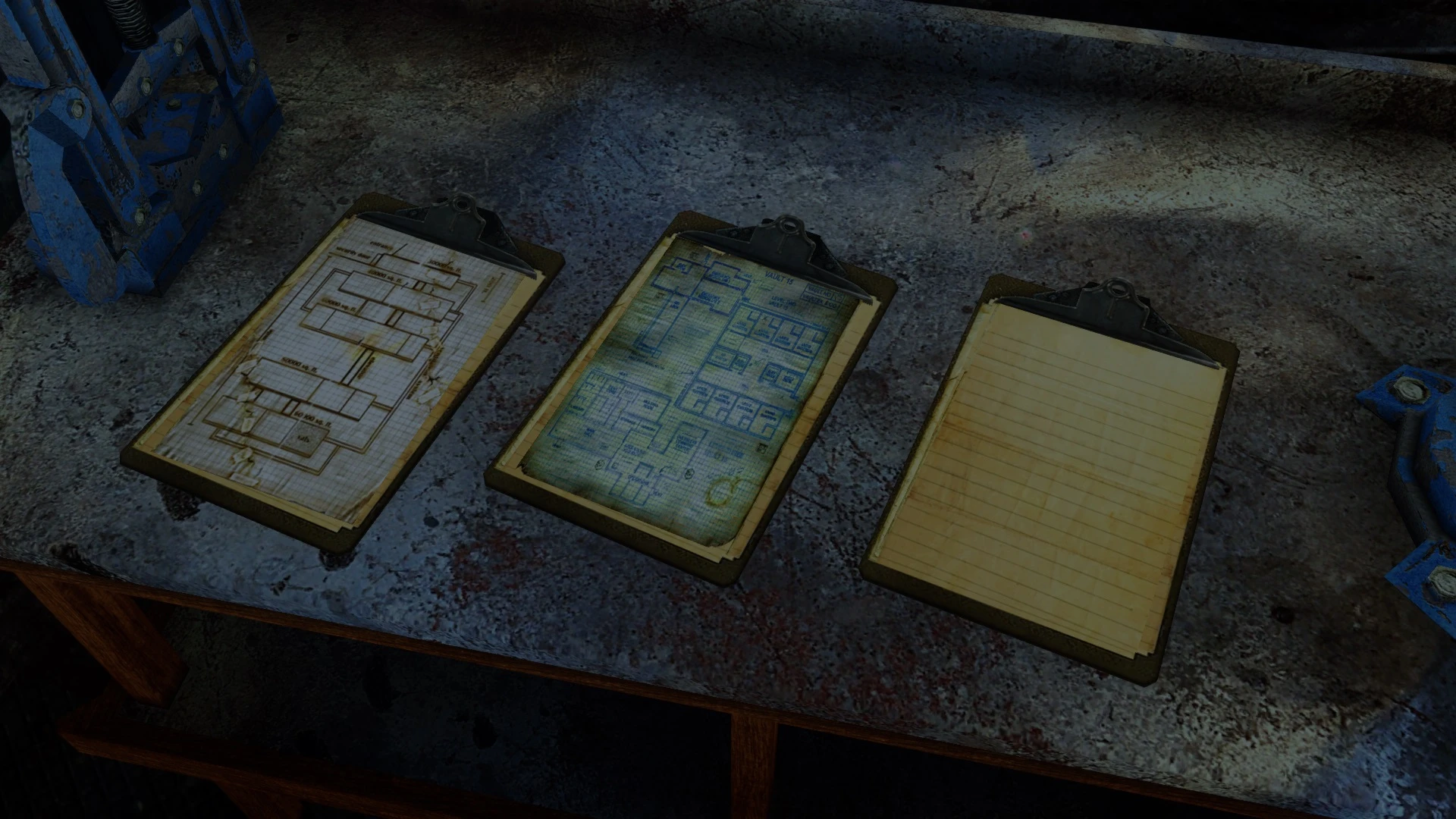
Clipboards Retexture is a simple cosmetic mod for Fallout 4 that replaces the textures of clipboards found throughout the Wastes. With over 1,000 endorsements and 356,000 downloads, it's a popular choice for players seeking visual variety in the game's clutter. Last updated in 2019, it remains a stable, lightweight addition for modded playthroughs.
📦 Full mod page on discovermods
Downloads, ratings, compatibility info, installation guides, and user reviews.
View on discovermods →Syntax
Models and TexturesExample
Downloads: 356,099💡 Notes
By Sebastjin
🎯 Tips & Tricks
Since it's a texture mod, just drop the files into your Data folder or use a mod manager like Vortex — no load order headaches.
If you're using mods that also touch clipboard textures, put this one lower in your load order to ensure it wins.
Check the mod's images tab on Nexus for user screenshots — the description lacks previews, so see what others got.
🔧 Troubleshooting
Mod conflicts
Check load order. Disable conflicting mods one by one.
⚠️ Common Mistakes
- Installing without checking requirements
👍 Pros
- Community-approved (1,075 endorsements) — clearly a favorite for texture modders.
- Massive download count (356k) shows it's a go-to for many players.
- Lightweight and purely cosmetic — won't mess with your load order or performance.
👎 Cons
- Last updated in 2019 — might not be patched for the latest Fallout 4 updates, though texture mods usually age fine.
- Only affects clipboards — a pretty niche item, so you'll barely notice it unless you're a loot goblin.
- No screenshots or detailed description — you're flying blind on what the new textures actually look like.