Digital Foundry Minecraft RTX World
minecraft — Mods & Enhancements
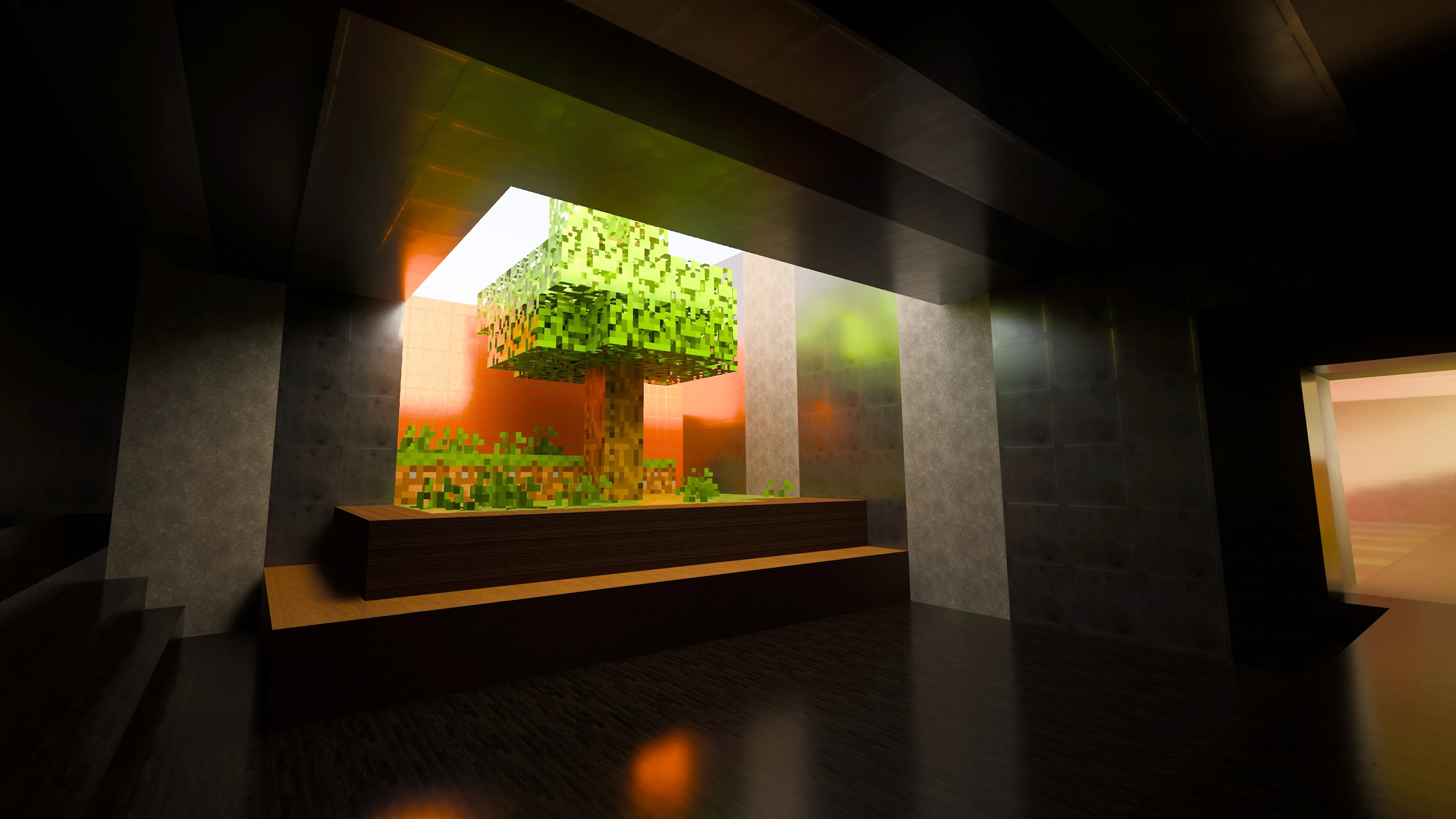
This is a custom-built Minecraft Bedrock Edition world designed specifically to showcase path-traced ray tracing via the Render Dragon engine. It features hand-placed reflective surfaces, emissive light sources, and glass/water interactions that stress-test RTX global illumination, shadows, and reflections. Players install it to compare ray tracing performance across GPUs or to capture stunning screenshots, as the world includes a series of timed camera paths and lighting setups that highlight the technology's capabilities.
Syntax
ArmourExample
Downloads: 9,027💡 Notes
By Alex Battaglia
🎯 Tips & Tricks
Launch the world, go to Settings > Video > Render Distance, and set it to 16 chunks or higher. RTX requires a minimum of 12 chunks for path tracing to work properly; lower values cause black flickering on distant geometry. Also ensure 'Ray Tracing' is set to 'On' under the Advanced Video section.
The world includes command blocks near spawn. Stand on the pressure plate labeled 'Tour 1' to trigger a sequence of teleport commands that move you through the showcase areas. To reset, type '/tp @s 0 100 0' in the chat to return to the starting platform.
If your GPU supports DLSS, go to Settings > Video > Upscaling and select 'DLSS' with 'Quality' mode. This gives a 30-40% FPS boost without visible artifacts. For AMD, use 'FSR 2' with 'Balanced' to maintain image clarity on the reflective floors.
🔧 Troubleshooting
World shows as unplayable with 'RTX not supported' error on older GPUs
This world requires a DirectX 12 capable GPU with hardware ray tracing (NVIDIA RTX 20-series or newer, AMD RX 6000-series or newer). If you have an older card, install the 'Minecraft RTX Fallback Pack' from the marketplace which replaces path tracing with standard shaders, but the world's lighting effects will be reduced.
Black squares appear on water surfaces when using Sodium or Iris mods on Java edition
This is a Bedrock-only world; if you're trying to load it in Java, it won't work. For Java, use the 'Complementary Reimagined' shader pack with 'Path Tracing' mode enabled, but note that the world's command blocks are Bedrock-specific. To get similar visuals, download the 'RTX Remake' resource pack for Java and place it in the resourcepacks folder.
⚠️ Common Mistakes
- Trying to load this world in Java Edition, which causes a format error because it's a .mcworld file. You must use Bedrock Edition on Windows 10/11 or Xbox Series X/S.
- Disabling 'Ray Tracing' in the video settings to boost FPS, which turns the world into a flat, unlit mess because all textures rely on PBR maps that only activate with RTX enabled.
👍 Pros
- 355 endorsements
👎 Cons
- Requires correct game version