Cinematic Reshade for LE1-3
masseffectlegendaryedition — Mods & Enhancements
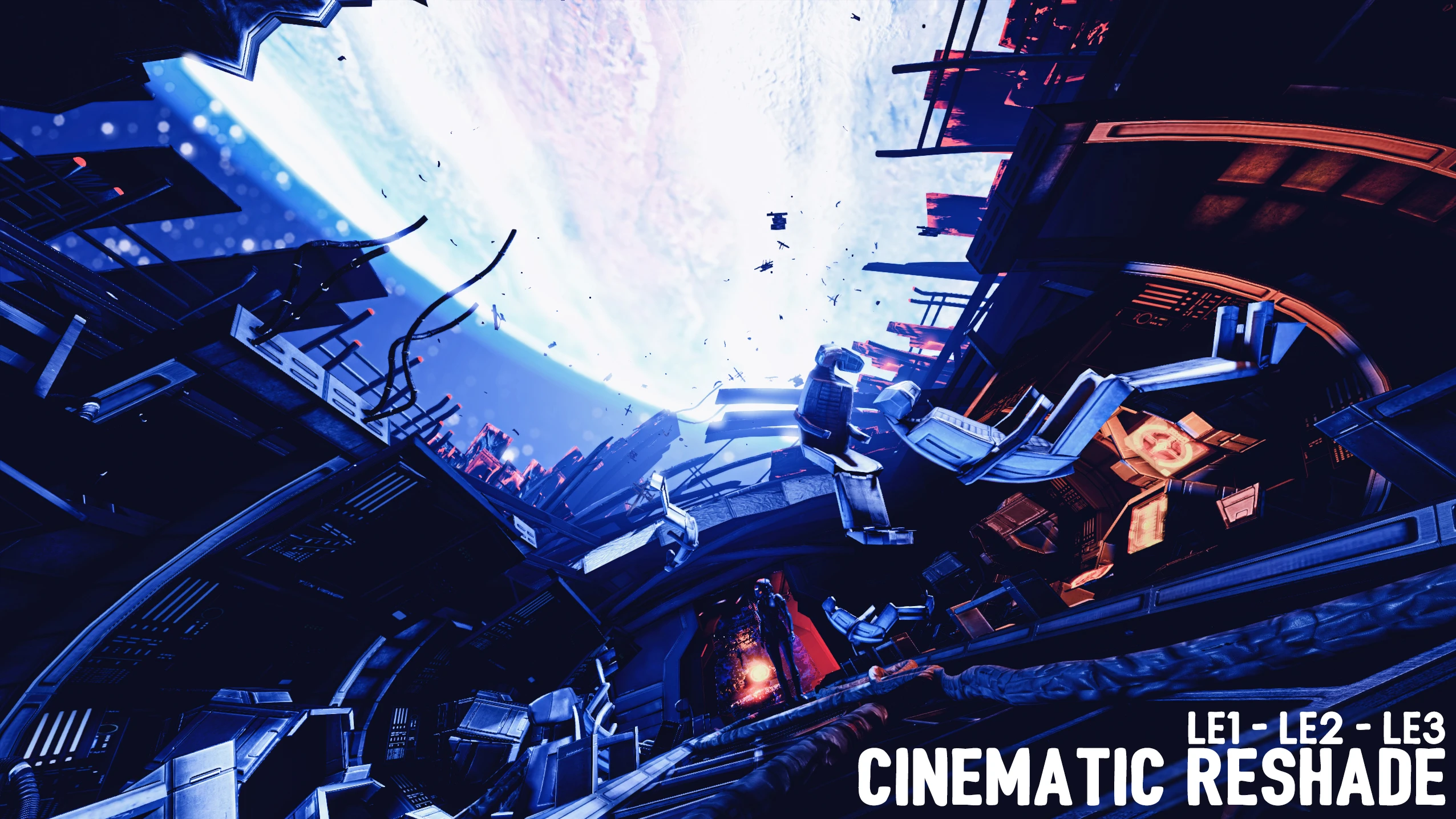
Cinematic Reshade for LE1-3 is a visual mod for Mass Effect Legendary Edition that replaces brassy tones with blue and orange film-inspired shades. It has 269 endorsements and was last updated in July 2021. Suitable for players seeking a cinematic look.
📦 Full mod page on discovermods
Downloads, ratings, compatibility info, installation guides, and user reviews.
View on discovermods →Syntax
VisualsExample
Downloads: 5,615💡 Notes
By LizagnaNoodles
🎯 Tips & Tricks
Make sure you have Reshade installed and set up for Mass Effect Legendary Edition before adding this preset.
After installing, use the Reshade in-game overlay to adjust the intensity if the effect feels too strong.
Check the mod's comments section for any user-provided installation tips, since the author didn't include instructions.
🔧 Troubleshooting
Mod conflicts
Check load order. Disable conflicting mods one by one.
⚠️ Common Mistakes
- Installing without checking requirements
👍 Pros
- Community-approved with 269 endorsements and over 5,600 downloads
- Gives the game a film-like color grading that stands out from the default palette
- Simple concept: one Reshade preset to install and go
👎 Cons
- No install instructions provided by the author
- Last updated in 2021 — may not be compatible with the latest game patches or Reshade versions
- Requires Reshade to be installed separately, which adds an extra step