Vendor Caps
fallout-4 — Mods & Enhancements
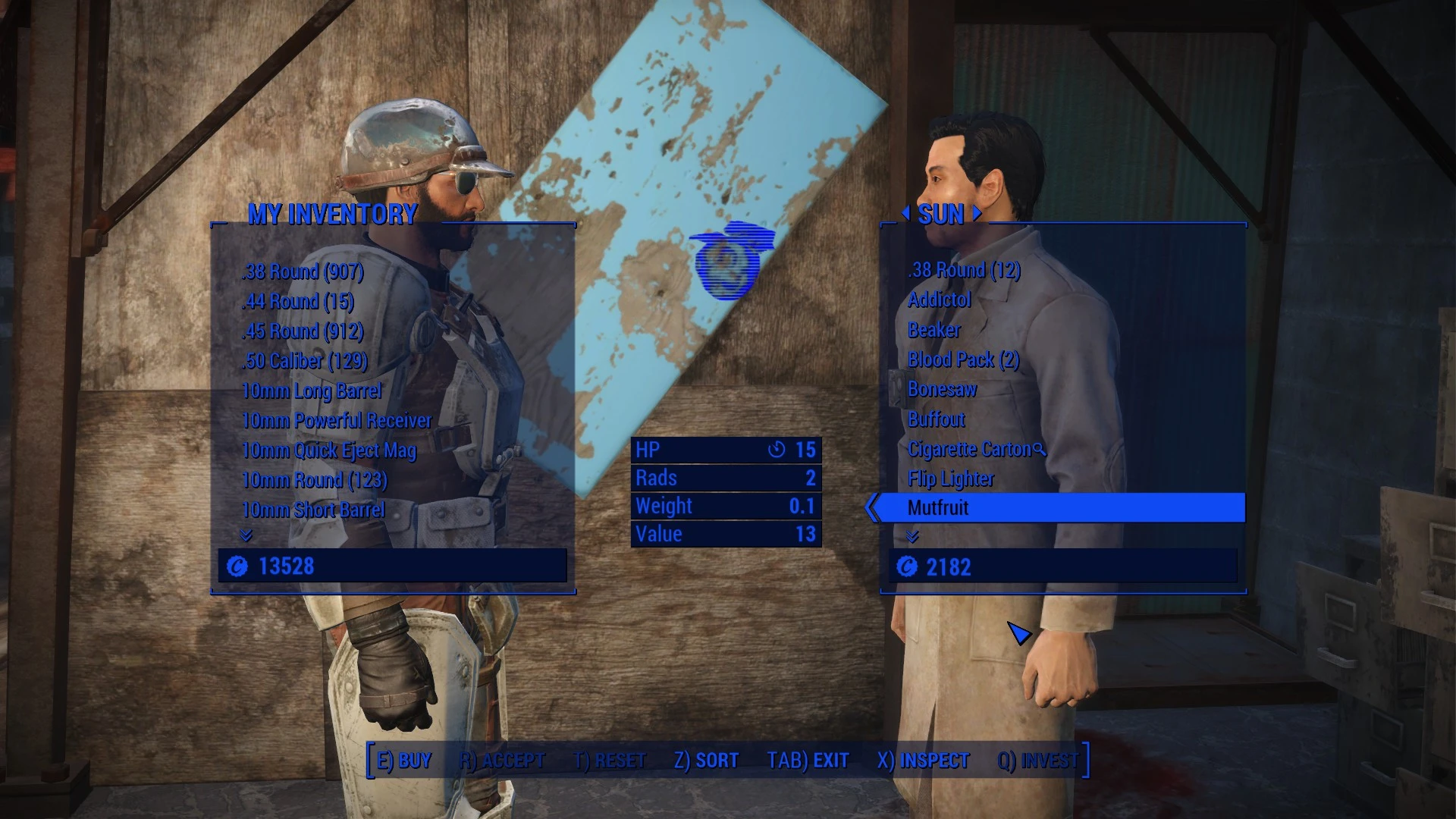
Vendor Caps is a Fallout 4 utility mod that lets you adjust the caps carried by wasteland and workshop vendors via a holotape configuration menu, without needing to switch plugins. It supports all DLCs. With over 8,500 endorsements and 210,000 downloads, it's a popular quality-of-life tool for players who want to tweak vendor economies.
📦 Full mod page on discovermods
Downloads, ratings, compatibility info, installation guides, and user reviews.
View on discovermods →Syntax
NPC - VendorsExample
Downloads: 210,511 | Endorsements: 8,537💡 Notes
By Ominus | v1.5.2 | 8,537 endorsements
🎯 Tips & Tricks
Make sure you have the holotape in your inventory after installing — it's usually added automatically, but check your Misc tab.
If you're using a mod manager, let it handle the file placement to avoid conflicts with other vendor mods.
Test the settings on a save before committing — you can always revert by re-running the holotape.
🔧 Troubleshooting
Mod not working
Check load order and required dependencies. Read the full mod description.
⚠️ Common Mistakes
- Installing multiple mods that modify the same files without checking compatibility
👍 Pros
- Huge community trust: 8,537 endorsements and 210k downloads — this is a proven mod.
- Holotape config means you can tweak vendor caps on the fly without restarting or messing with load order.
- DLC compatible out of the box, so no extra patches needed for Far Harbor or Nuka-World.
👎 Cons
- Last updated in 2019 — might have issues with the latest Fallout 4 patches or next-gen update.
- Only affects caps, not other vendor inventory or barter prices — if you want a full economy overhaul, this is just a piece.
- No in-game menu (like MCM) — you have to use a holotape, which can be clunky if you're used to mod settings menus.