Ultra Quality God Rays Performance Fix
fallout-4 — Mods & Enhancements
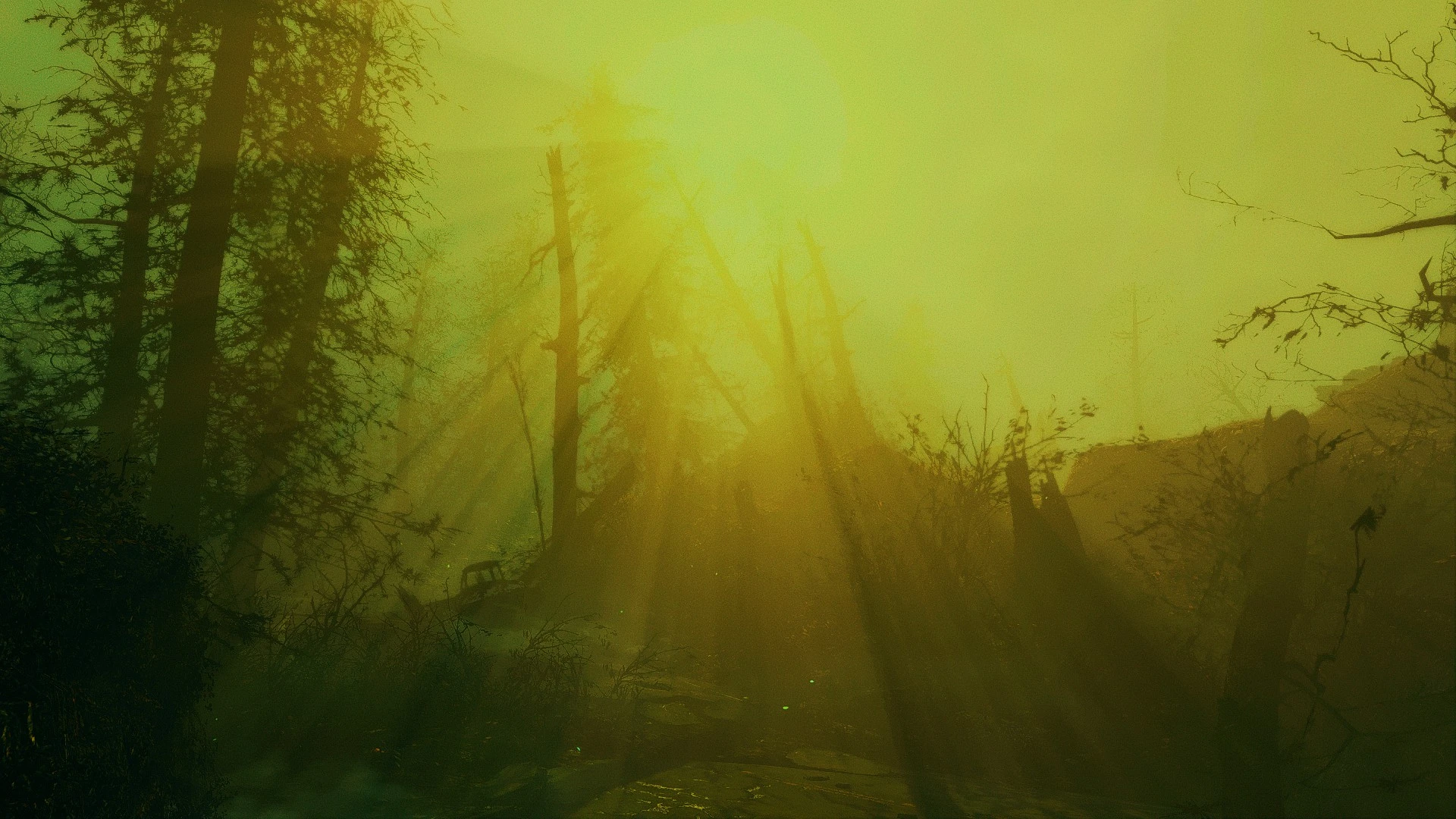
A simple .bat file with console commands to optimize vanilla god rays in Fallout 4. Lightweight performance tweak with strong community support (11,979 endorsements). Last updated in 2018, so compatibility with current game versions is unverified.
📦 Full mod page on discovermods
Downloads, ratings, compatibility info, installation guides, and user reviews.
View on discovermods →Syntax
PerformanceExample
Downloads: 295,806 | Endorsements: 11,979💡 Notes
By SloppyPooBag | v1.0 | 11,979 endorsements
🎯 Tips & Tricks
Run the .bat file by opening the console (~) and typing 'bat filename' – make sure the file is in your Fallout 4 root folder
Test performance in a dense area like Diamond City before and after to see the actual FPS difference
If you're using mods that alter god rays (like Vivid Weathers), this may conflict – test with a clean save first
🔧 Troubleshooting
Mod not working
Check load order and required dependencies. Read the full mod description.
⚠️ Common Mistakes
- Installing multiple mods that modify the same files without checking compatibility
👍 Pros
- Huge community trust (11,979 endorsements) – this is a proven fix
- Zero bloat – just a .bat file, no heavy mods or scripts
- Easy to try and revert – run it, see if it helps, delete if not
👎 Cons
- Last updated in 2018 – may not work with the latest game patches or next-gen updates
- No detailed instructions – you're expected to know how to run a .bat file in Fallout 4
- Only targets god rays – if your FPS issues come from other settings, this won't help