Thematic and Practical - Workshop Settlements - Structures and Furnitures
fallout-4 — Mods & Enhancements
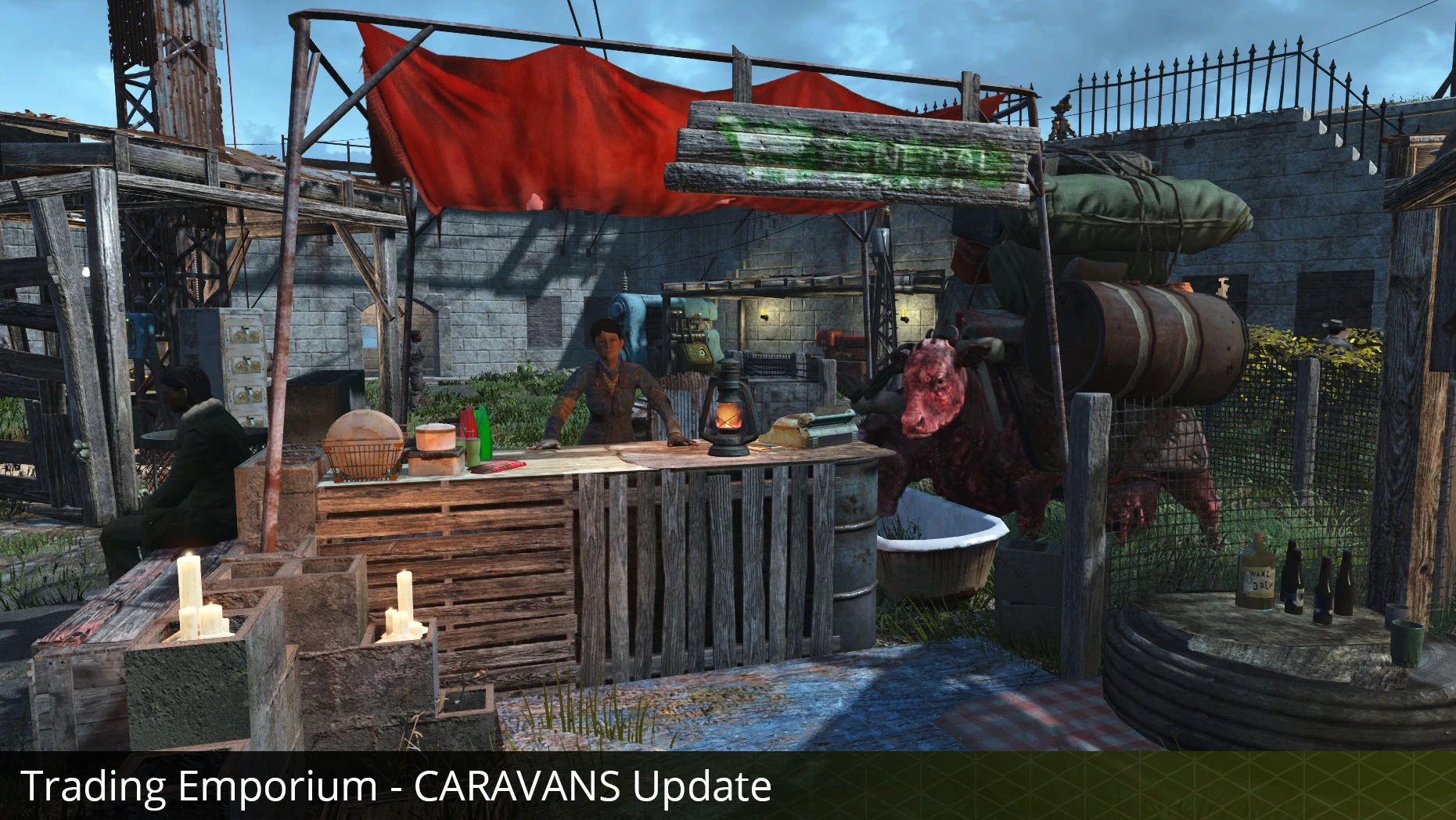
Thematic and Practical adds new constructible objects for Fallout 4's workshop, focusing on structures and furniture. With 17,139 endorsements and 1.4 million downloads, it's a popular choice for settlement builders. Last updated in 2017, it may lack recent updates but remains a staple for thematic building.
📦 Full mod page on discovermods
Downloads, ratings, compatibility info, installation guides, and user reviews.
View on discovermods →Syntax
Crafting - Home/SettlementExample
Downloads: 1,439,352 | Endorsements: 17,139💡 Notes
By 5like | vAlpha1.3 | 17,139 endorsements
🎯 Tips & Tricks
Since it's an older mod, place it lower in your load order to avoid conflicts with newer settlement mods.
Check the in-game workshop menu after installing – new items might be under 'Structures' or 'Furniture' categories.
If you use a mod manager, let it handle the install to avoid manual file placement errors.
🔧 Troubleshooting
Mod not working
Check load order and required dependencies. Read the full mod description.
⚠️ Common Mistakes
- Installing multiple mods that modify the same files without checking compatibility
👍 Pros
- Huge community trust: 17,139 endorsements and 1.4 million downloads show it's a go-to for settlement builders.
- Fills a real gap: adds themed structures and furniture that base game lacks, perfect for role-play builds.
- Still relevant: even without recent updates, it's a stable addition for modded playthroughs.
👎 Cons
- No updates since 2017 – might have compatibility issues with newer DLC or mods.
- Description is vague – doesn't list specific items or themes, so you're flying blind until you test it.
- No install instructions or requirements listed – you'll need to figure out load order yourself.