Rename Anything
fallout-4 — Mods & Enhancements
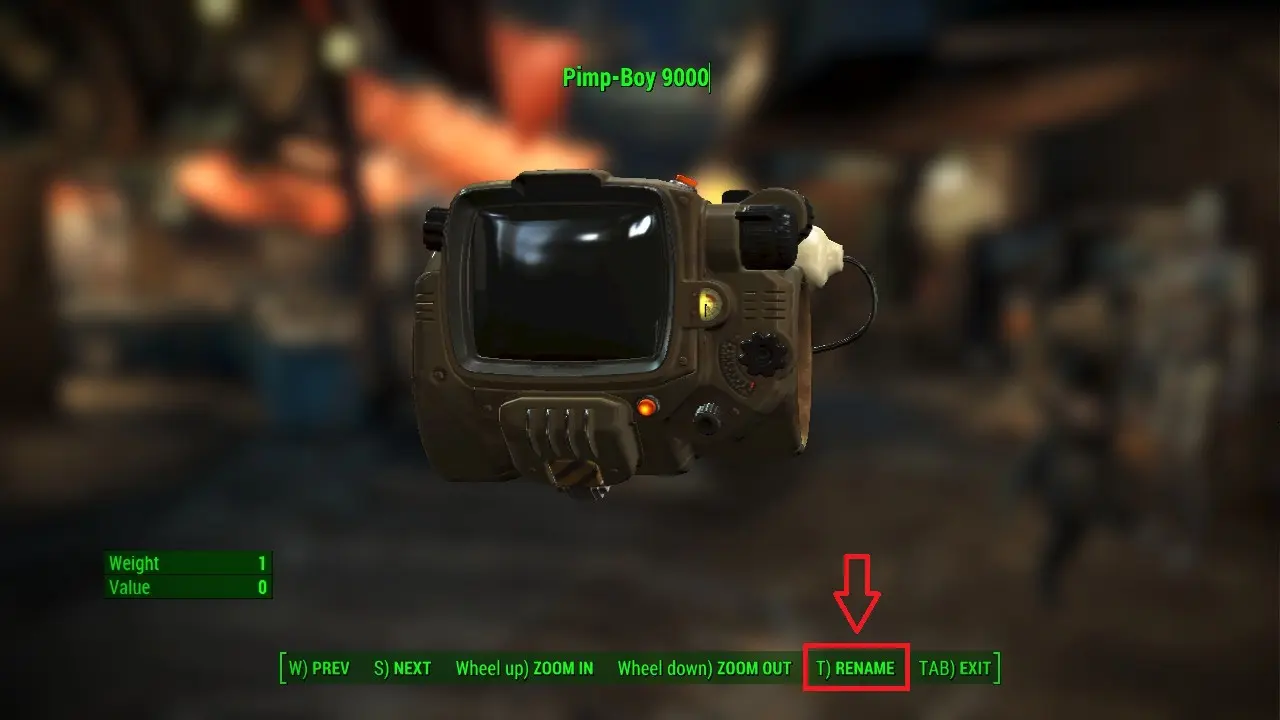
Rename Anything is a Fallout 4 F4SE plugin that allows renaming any item in inventory or the world, including containers and settlers, with the option to restore default names. It also re-enables formatting tags like bold and italics. With over 10,000 endorsements and nearly 500,000 downloads, it's a highly popular utility for players who want to organize and personalize their game.
📦 Full mod page on discovermods
Downloads, ratings, compatibility info, installation guides, and user reviews.
View on discovermods →Syntax
User InterfaceExample
Downloads: 499,844 | Endorsements: 10,717💡 Notes
By registrator2000 | v1.11.221 | 10,717 endorsements
🎯 Tips & Tricks
Make sure you have F4SE installed and the game launched through its script extender at least once before adding this mod.
Use a mod manager like Vortex or Mod Organizer 2 to install the plugin and manage load order easily.
Test renaming a simple item first to ensure the mod works before renaming important quest items.
🔧 Troubleshooting
Mod not working
Check load order and required dependencies. Read the full mod description.
⚠️ Common Mistakes
- Installing multiple mods that modify the same files without checking compatibility
👍 Pros
- Huge community trust with over 10,000 endorsements and nearly 500,000 downloads.
- Simple and practical: rename anything, from weapons to settlers, to keep your inventory organized.
- Formatting tags are back, so you can make your item names stand out with bold or italics.
👎 Cons
- Requires F4SE, so you'll need to install that first and keep it updated.
- No detailed instructions in the description—you'll need to know how to install F4SE plugins.
- Last updated in June 2026, so it should be fine for current versions, but always check compatibility after game updates.