Quieter Settlements
fallout-4 — Mods & Enhancements
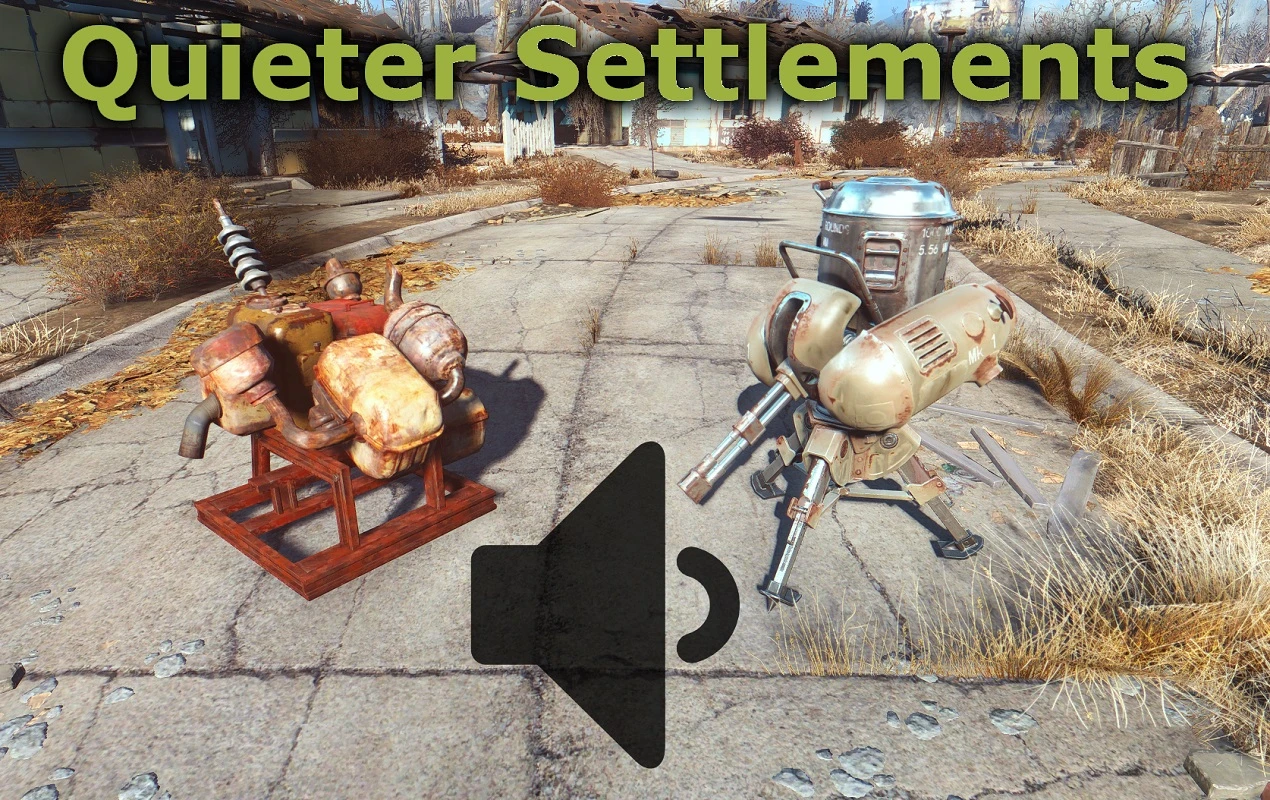
Quieter Settlements reduces the volume of generators, turrets, and other settlement sounds in Fallout 4, with customizable volume levels for different sounds. It's a popular audio mod with over 70,000 endorsements, last updated in 2016.
📦 Full mod page on discovermods
Downloads, ratings, compatibility info, installation guides, and user reviews.
View on discovermods →Syntax
Audio - SFXExample
Downloads: 2,275,063 | Endorsements: 70,224💡 Notes
By Lemures | v0.30 | 70,224 endorsements
🎯 Tips & Tricks
If you're using a mod manager like Nexus Mod Manager or Vortex, just download with the manager and it'll handle installation – no manual file placement needed.
After installing, load your save and visit a settlement with generators and turrets to test the volume changes – you can adjust the in-game settings if the mod provides a config or MCM.
Since the mod is from 2016, check the mod's comment section for any user-reported compatibility notes with the latest Fallout 4 updates.
🔧 Troubleshooting
Mod not working
Check load order and required dependencies. Read the full mod description.
⚠️ Common Mistakes
- Installing multiple mods that modify the same files without checking compatibility
👍 Pros
- Huge community trust (70k+ endorsements) – this is a go-to for settlement noise
- Simple, focused fix – no bloat, just makes settlements bearable
- Custom volume options let you tune each sound to your liking
👎 Cons
- Last updated in 2016 – may not be fully compatible with current game patches or DLC
- No detailed feature list – you'll have to test in-game to see all adjustable sounds
- Only affects settlement sounds – if you wanted other audio tweaks, this isn't it