Fallout4.exe Auto-Backup
fallout-4 — Mods & Enhancements
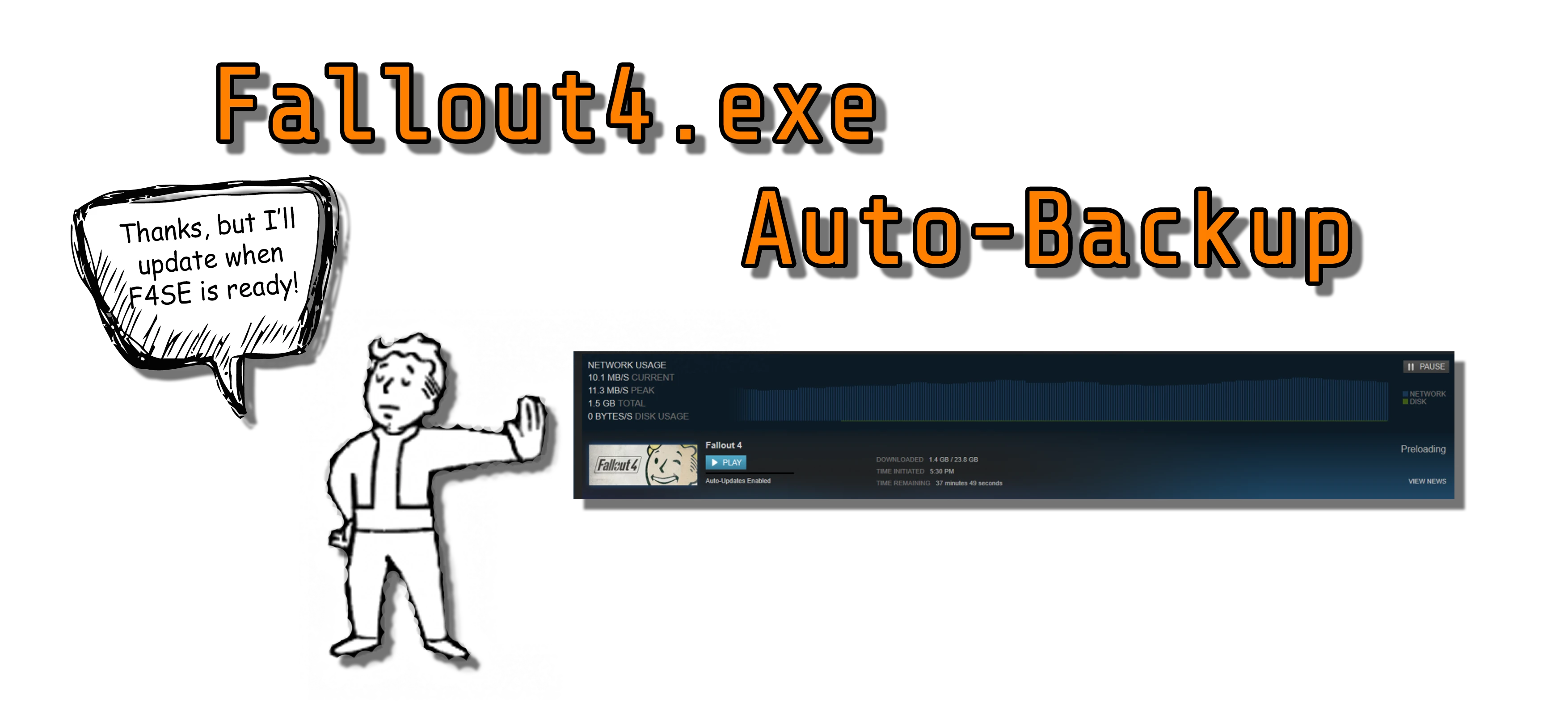
Fallout4.exe Auto-Backup is a utility that automatically saves versions of your Fallout4.exe file into backup folders, protecting against accidental Steam updates. Requires F4SE. With nearly 10,000 endorsements and 200,000 downloads, it's a trusted tool for modders who need to maintain a specific game version.
📦 Full mod page on discovermods
Downloads, ratings, compatibility info, installation guides, and user reviews.
View on discovermods →Syntax
UtilitiesExample
Downloads: 199,873 | Endorsements: 9,696💡 Notes
By CDante | v1.1 | 9,696 endorsements
🎯 Tips & Tricks
Make sure F4SE is installed and working before using this tool—it won't run without it.
Set up a dedicated backup folder and test the tool by manually triggering a backup to ensure it works.
If you're on Steam, consider disabling automatic updates for Fallout 4 in your game properties to prevent accidental updates.
🔧 Troubleshooting
Mod not working
Check load order and required dependencies. Read the full mod description.
⚠️ Common Mistakes
- Installing multiple mods that modify the same files without checking compatibility
👍 Pros
- Community-approved with 9,696 endorsements and nearly 200k downloads—clearly a go-to for many.
- Simple, focused purpose: protects your game version from forced updates, a real headache for modders.
- Lightweight utility that runs in the background without messing with your load order.
👎 Cons
- Last updated in 2017—may not be compatible with the latest Fallout 4 updates or F4SE versions.
- Requires F4SE, so if you don't use F4SE, this tool is useless to you.
- No detailed documentation or instructions provided—you'll need to figure out setup on your own.