Clock Widget - Show Real Time While Loading
fallout-4 — Mods & Enhancements
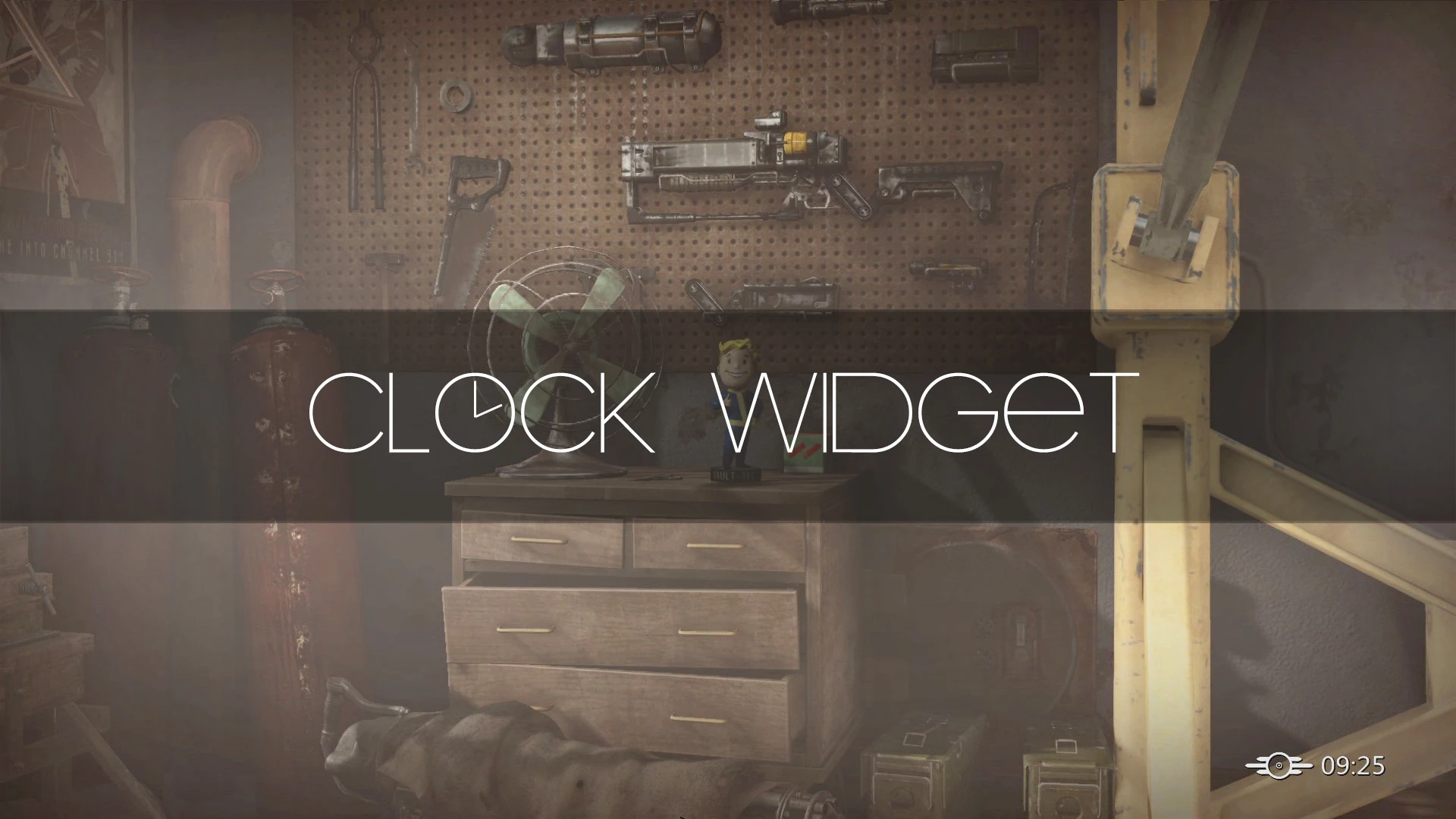
Adds a real-time clock widget to the loading, main menu, and fader screens, letting you see the current time while the game loads. A simple UI enhancement with strong community support (6,178 endorsements) and frequent updates.
📦 Full mod page on discovermods
Downloads, ratings, compatibility info, installation guides, and user reviews.
View on discovermods →Syntax
User InterfaceExample
Downloads: 534,730 | Endorsements: 6,178💡 Notes
By Kassent | vv1.6.0 | 6,178 endorsements
🎯 Tips & Tricks
If you use a mod manager, install this like any other mod; if manual, just drop the files into your game's Data folder.
Check your game's mod load order if you have other UI mods—place this one after them to avoid conflicts.
Since it's a UI mod, test it on the main menu first to confirm the clock appears before diving into a full play session.
🔧 Troubleshooting
Mod not working
Check load order and required dependencies. Read the full mod description.
⚠️ Common Mistakes
- Installing multiple mods that modify the same files without checking compatibility
👍 Pros
- Huge community trust: 6,178 endorsements and half a million downloads—clearly a go-to for this niche.
- Does exactly what it says: shows real time during loading screens, so you can stop wondering how long you've been staring at a loading bar.
- Active development (updated Dec 2025) means it's likely compatible with current game versions.
👎 Cons
- Purely cosmetic—if you're looking for gameplay or performance changes, this won't add anything else.
- No detailed feature list or customization options mentioned; you get the clock as-is.
- Potential compatibility risk with other UI mods that alter loading screens, though not explicitly stated.