Clean Black Pip-Boy Screen
fallout-4 — Mods & Enhancements
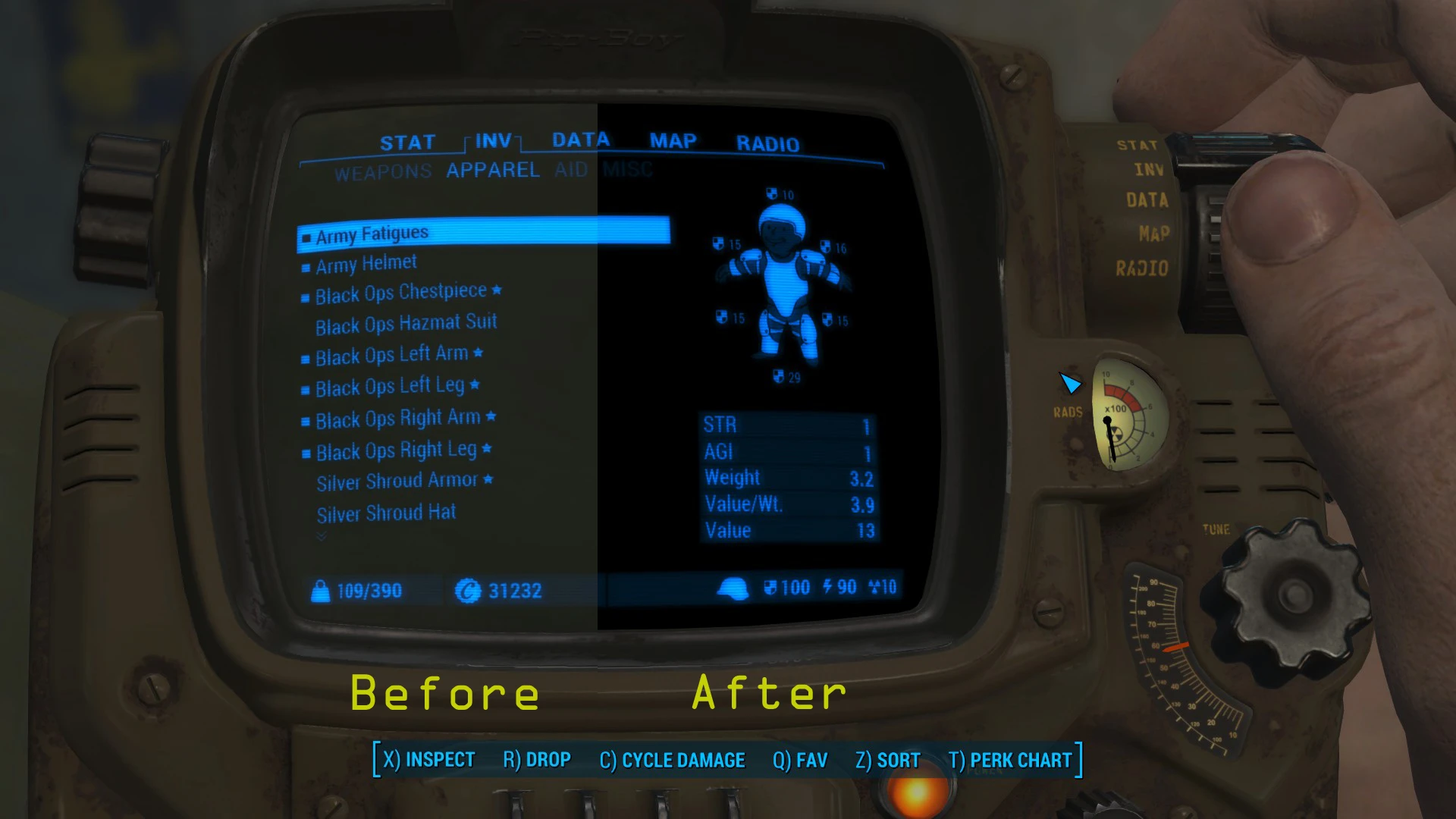
Clean Black Pip-Boy Screen is a simple cosmetic mod for Fallout 4 that replaces the default greenish-brown Pip-Boy screen background with a perfectly black one, making any text color stand out. With 5,860 endorsements and 135,738 downloads, it's a popular, lightweight tweak for players who want a cleaner interface.
📦 Full mod page on discovermods
Downloads, ratings, compatibility info, installation guides, and user reviews.
View on discovermods →Syntax
Pip-BoyExample
Downloads: 135,738 | Endorsements: 5,860💡 Notes
By GodMod99 Bryce | v1.2 | 5,860 endorsements
🎯 Tips & Tricks
Since it's a simple texture replacer, just drop the files into your Data folder or use a mod manager like Nexus Mods' Vortex.
If you're using mods that alter the Pip-Boy screen (like color or holotape mods), load this one last to ensure it takes effect.
Check the mod's comments section for any reported issues with the latest game updates before installing.
🔧 Troubleshooting
Mod not working
Check load order and required dependencies. Read the full mod description.
⚠️ Common Mistakes
- Installing multiple mods that modify the same files without checking compatibility
👍 Pros
- Community favorite with 5,860 endorsements and over 135k downloads
- Does exactly what it says—no more ugly greenish-brown background
- One-file install, no dependencies or patches needed
👎 Cons
- Last updated in 2017—might not be compatible with the latest Fallout 4 patches
- Purely cosmetic, so no gameplay or UI improvements beyond the color change
- No screenshots or detailed instructions in the description, so you're trusting the mod's reputation