Smaller Crosshair
fallout-3 — Mods & Enhancements
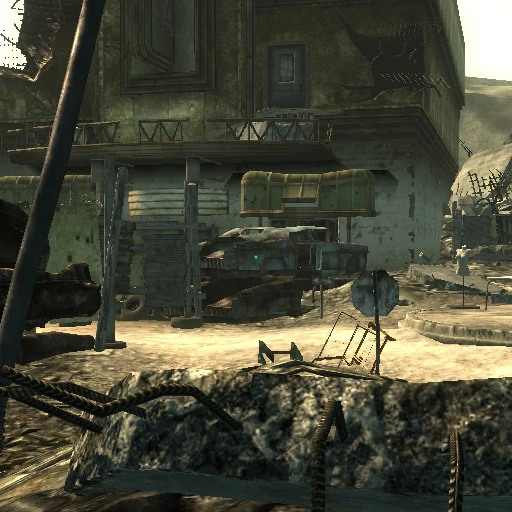
Smaller Crosshair replaces the default crosshair with a small dot or the classic Fallout crosshair. It's a simple UI tweak for Fallout 3, with 801 endorsements and over 25,000 downloads. Last updated in 2008, it remains a popular choice for players seeking a less obtrusive aiming reticle.
📦 Full mod page on discovermods
Downloads, ratings, compatibility info, installation guides, and user reviews.
View on discovermods →Syntax
User InterfaceExample
Downloads: 25,026 | Endorsements: 801💡 Notes
By ziher | v | 801 endorsements
🎯 Tips & Tricks
Make sure to place the files in your Fallout 3 Data folder, then activate the .esp in the launcher.
If you use a mod manager like FOMM, you can install this mod directly and toggle it in your load order.
Since it's an old mod, test it early in your playthrough to ensure it doesn't conflict with other UI mods.
🔧 Troubleshooting
Mod not working
Check load order and required dependencies. Read the full mod description.
⚠️ Common Mistakes
- Installing multiple mods that modify the same files without checking compatibility
👍 Pros
- Community favorite with 801 endorsements and 25k downloads.
- Gives you two clean crosshair options to pick from.
- Lightweight UI tweak that doesn't touch gameplay.
👎 Cons
- Last updated in 2008 — may not work with modern patches or mods.
- No install instructions provided by the author.
- Only offers two crosshair styles — no customization beyond that.