GameCompanion - Fake Fullscreen Alt Tab Fix Gamma Screenshots and more
fallout-3 — Mods & Enhancements
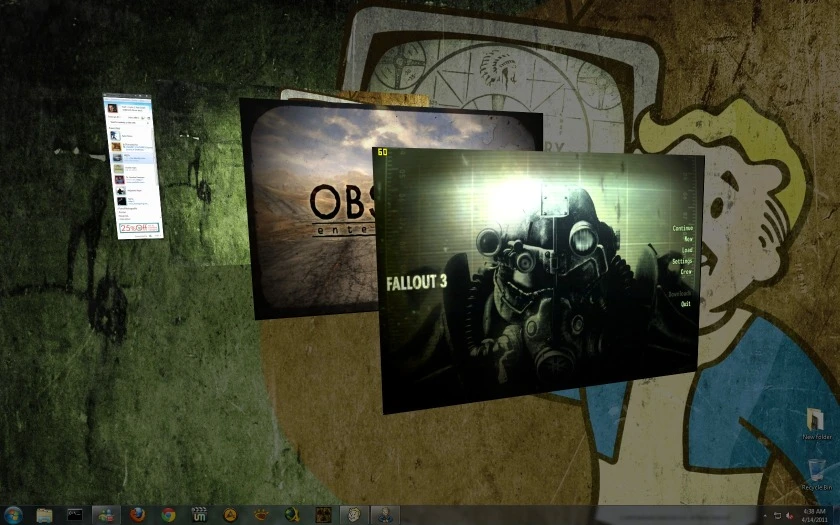
GameCompanion is a utility mod that enhances gaming on PC by providing fake fullscreen alt-tab fixes, gamma and contrast adjustments, screenshot capture, volume control, and various stability and performance fixes for many games. With 1,258 endorsements and 25,213 downloads, it's a community-trusted tool, though it hasn't been updated since 2013.
📦 Full mod page on discovermods
Downloads, ratings, compatibility info, installation guides, and user reviews.
View on discovermods →Syntax
UtilitiesExample
Downloads: 25,213 | Endorsements: 1,258💡 Notes
By BUDA20 | v2.4 | 1,258 endorsements
🎯 Tips & Tricks
Since it's from 2013, test it on a non-critical game first to see if it works with your setup.
If you're on Windows 10/11, run it in compatibility mode for older Windows versions to avoid issues.
Use the gamma and contrast sliders to fine-tune dark games like horror titles for better visibility.
🔧 Troubleshooting
Mod not working
Check load order and required dependencies. Read the full mod description.
⚠️ Common Mistakes
- Installing multiple mods that modify the same files without checking compatibility
👍 Pros
- Solid community trust with 1,258 endorsements and over 25k downloads
- All-in-one utility: alt-tab fix, gamma, screenshots, volume, and performance tweaks
- Works across many games, so it's versatile for any PC gamer
👎 Cons
- Last updated in 2013 — likely outdated for modern games and Windows versions
- No specific game list or compatibility details provided, so you're flying blind
- No install instructions or documentation, which could be a hurdle for less tech-savvy users