No Blue Tint - Subtle Perfection Reshade
elden-ring — Mods & Enhancements
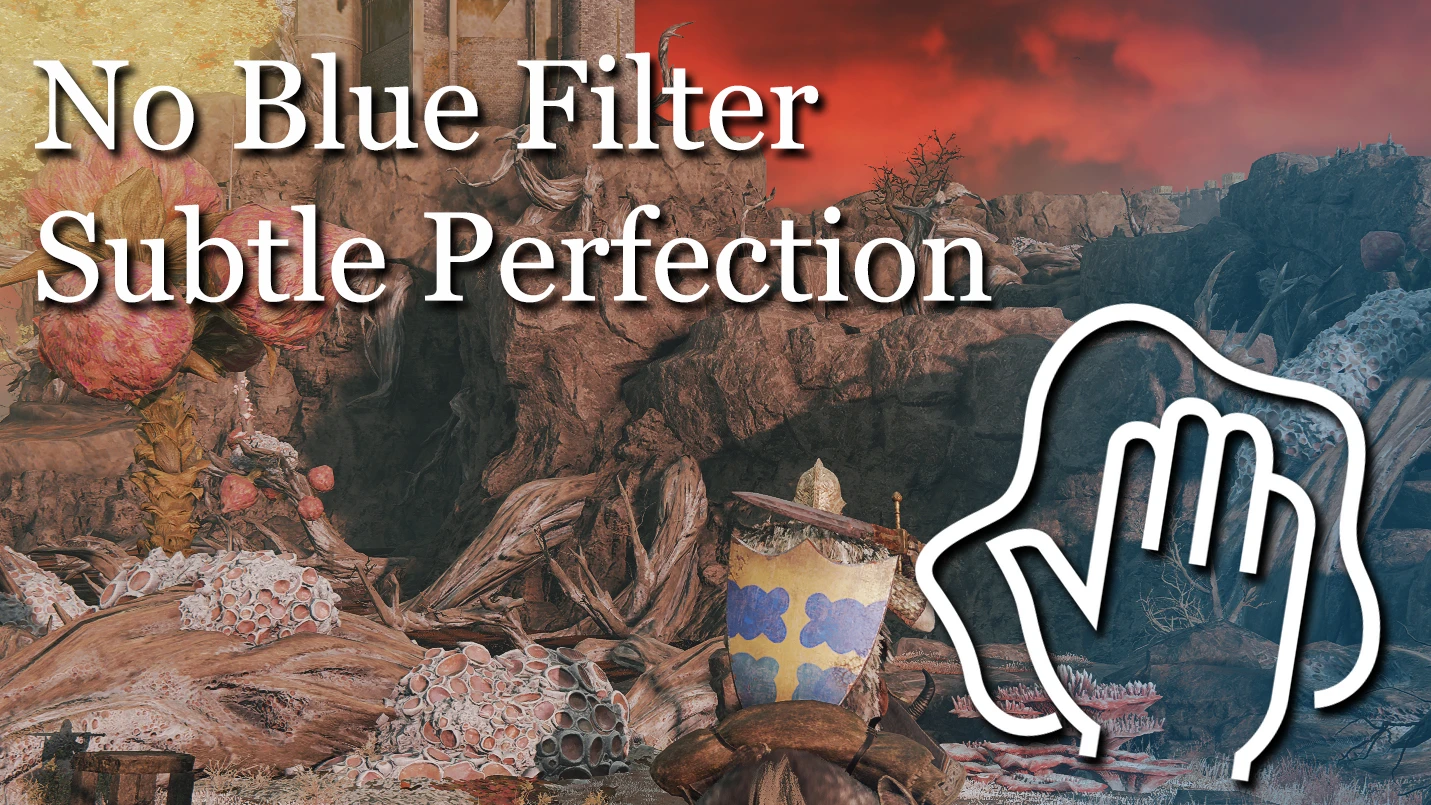
A lightweight Reshade preset that removes the blue tint from the game while preserving original contrast and saturation. With 237 endorsements and 5,431 downloads, it's a popular choice for players who want a cleaner look without performance loss.
📦 Full mod page on discovermods
Downloads, ratings, compatibility info, installation guides, and user reviews.
View on discovermods →Syntax
VisualsExample
Downloads: 5,431 | Endorsements: 237💡 Notes
By Charmics | v2 | 237 endorsements
🎯 Tips & Tricks
Make sure you have Reshade installed and set up for the game before adding this preset.
After installing, use the Reshade in-game overlay to adjust the intensity if the effect feels too strong.
If the preset doesn't work, check that your game is updated and Reshade is running in the correct API mode.
🔧 Troubleshooting
Mod not working
Check load order and required dependencies. Read the full mod description.
⚠️ Common Mistakes
- Installing multiple mods that modify the same files without checking compatibility
👍 Pros
- Zero performance hit—great for low-end rigs
- Keeps the game's original look, just without the blue filter
- Community-approved with 237 endorsements
👎 Cons
- Only addresses the blue tint—no other visual tweaks
- Last updated in 2022, may not be compatible with the latest game patches
- Requires Reshade to be installed separately (not included)