Neutral Color Grading
elden-ring — Mods & Enhancements
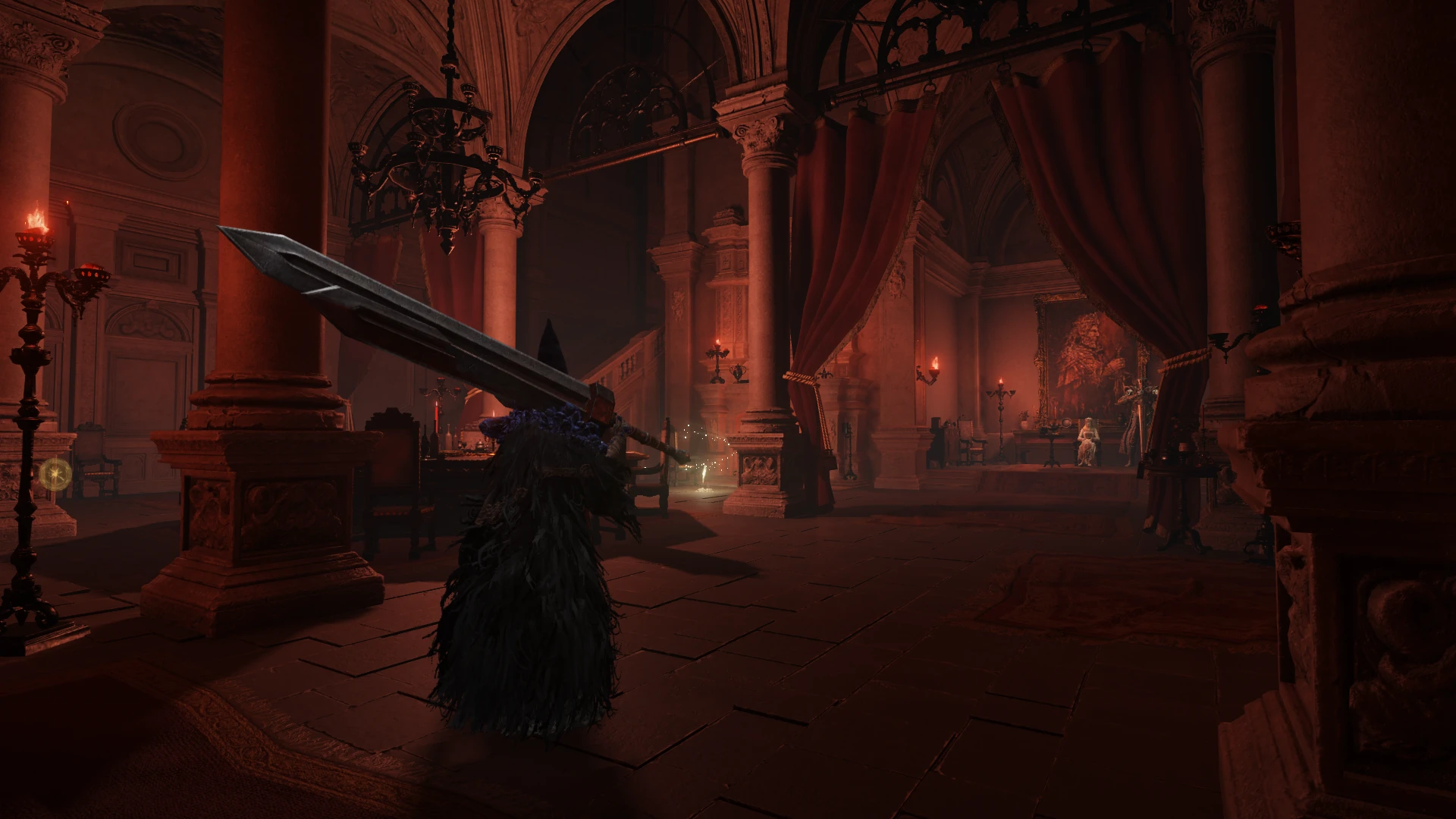
Neutral Color Grading removes the heavy blue and green color grading from Elden Ring's Limgrave, Stormhill, rainy areas, Stormveil, and Volcano Manor, restoring a more neutral palette. This is a visual overhaul for players who prefer the game's original art without the tinted filters.
📦 Full mod page on discovermods
Downloads, ratings, compatibility info, installation guides, and user reviews.
View on discovermods →Syntax
VisualsExample
Downloads: 6,410 | Endorsements: 190💡 Notes
By nullfractal | vv1.0.0 | 190 endorsements
🎯 Tips & Tricks
Make sure to back up your original game files before replacing them, as this mod likely modifies game data.
If you're using other visual mods, check for conflicts—this mod changes color grading in specific areas, so it may clash with other reshade or texture mods.
After installing, verify the changes by fast-traveling to Limgrave or Stormveil to see the difference immediately.
🔧 Troubleshooting
Mod not working
Check load order and required dependencies. Read the full mod description.
⚠️ Common Mistakes
- Installing multiple mods that modify the same files without checking compatibility
👍 Pros
- Community favorite with 190 endorsements and over 6,400 downloads
- Targets specific areas that many players find overly tinted
- Simple visual tweak that preserves the original art direction
👎 Cons
- Only affects specific areas—other regions keep their original grading
- No screenshots or detailed previews in the description
- Last updated in March 2023—may not be compatible with future game patches