DS3 Hollow Reshade Preset
darksouls3 — Mods & Enhancements
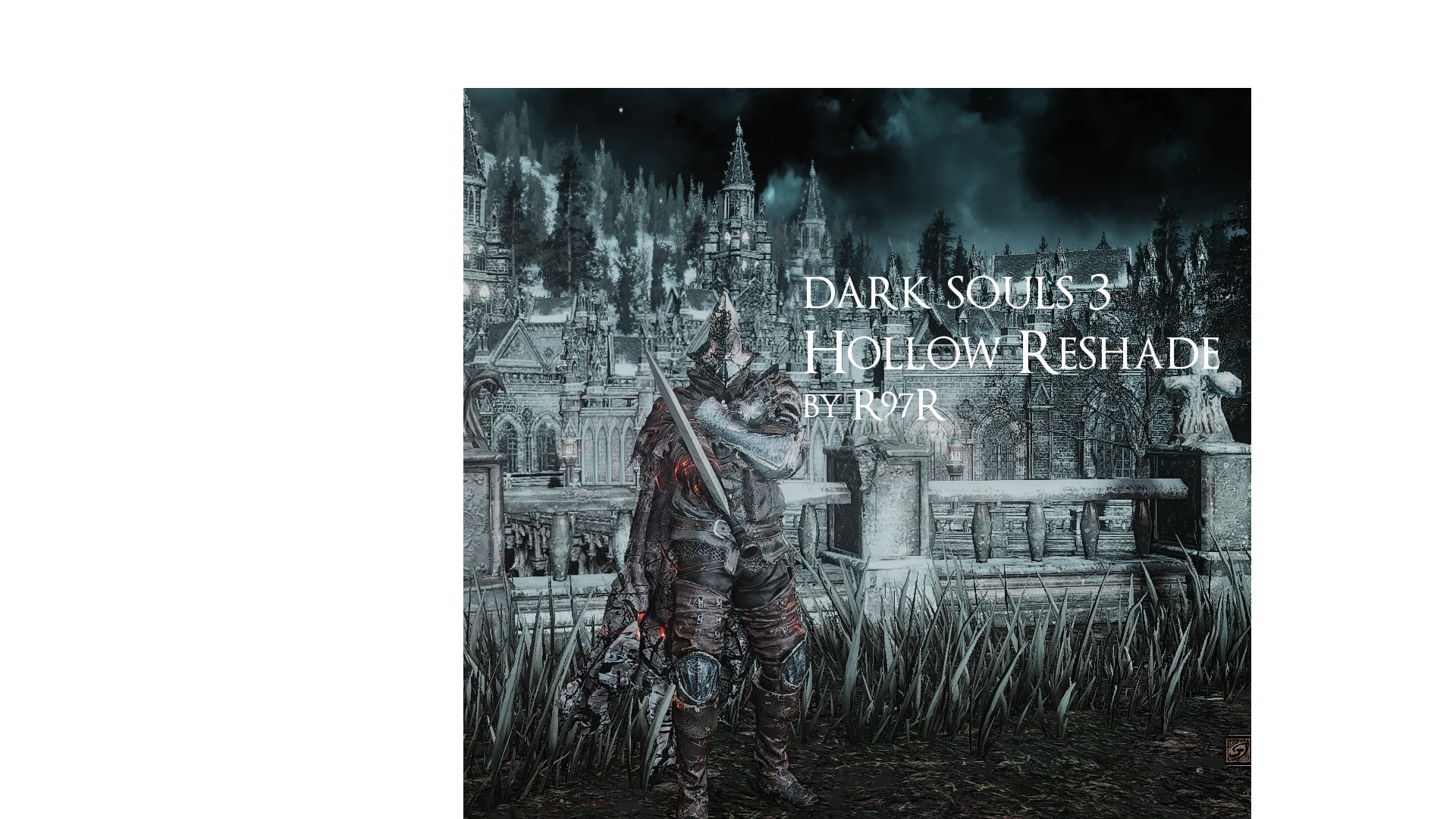
A simple ReShade preset for Dark Souls 3 that gives the game a more bleak, detailed look. With 26 endorsements and last updated in 2017, it's a niche visual tweak for players wanting a grittier atmosphere.
📦 Full mod page on discovermods
Downloads, ratings, compatibility info, installation guides, and user reviews.
View on discovermods →Syntax
Visuals and GraphicsExample
Downloads: 454💡 Notes
By R97R
🎯 Tips & Tricks
Make sure you have ReShade installed first, then drop the preset file into your DS3 directory and select it in-game via the ReShade menu.
If the preset looks too dark or too washed out, tweak the settings in ReShade's in-game overlay—it's all real-time.
Since it's from 2017, check if your ReShade version is compatible; if not, you might need to update the preset manually.
🔧 Troubleshooting
Mod conflicts
Check load order. Disable conflicting mods one by one.
⚠️ Common Mistakes
- Installing without checking requirements
👍 Pros
- Gives DS3 a grittier, more atmospheric vibe that fits the game's tone
- Lightweight preset—won't tank your framerate like some heavy ENBs
- Simple setup: just drop it in and tweak if needed
👎 Cons
- Tiny mod with only 26 endorsements—not a lot of community testing
- Last updated in 2017—might not play nice with current ReShade versions or game patches
- No before/after screenshots or detailed settings breakdown, so you're flying blind until you try it