Loot Icons Extension
cyberpunk2077 — Mods & Enhancements
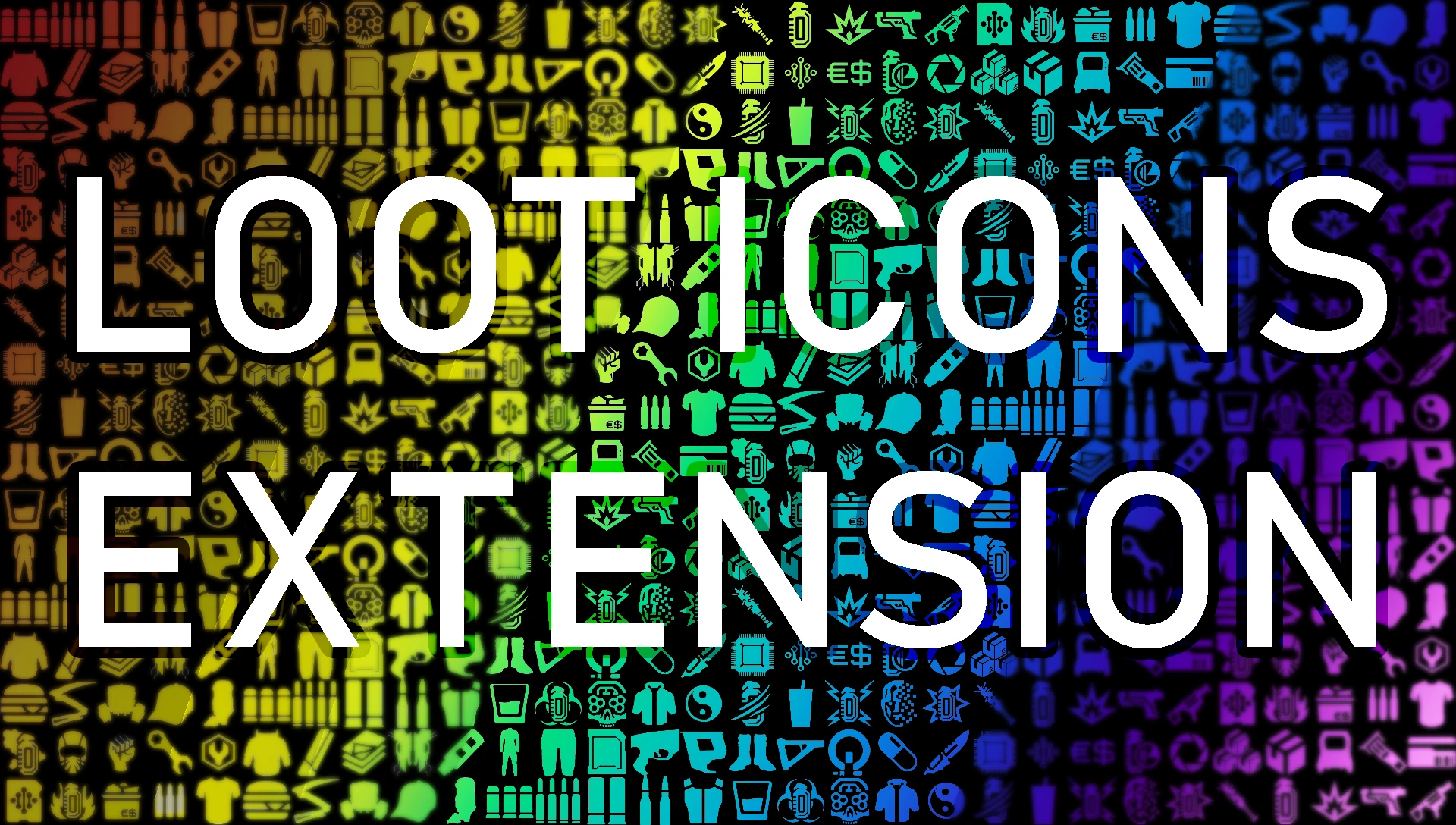
Loot Icons Extension is a UI mod that expands and customizes loot icons, offering a more detailed and personalized interface. With 1,753 endorsements and 809,062 downloads, it's a popular choice for players seeking enhanced visual clarity in their inventory. Last updated September 2025, it remains actively maintained.
📦 Full mod page on discovermods
Downloads, ratings, compatibility info, installation guides, and user reviews.
View on discovermods →Syntax
User InterfaceExample
Downloads: 809,062💡 Notes
By Demon9ne
🎯 Tips & Tricks
Since it's a UI mod, make sure to place it after other UI mods in your load order to avoid conflicts.
Check the mod's in-game settings or MCM (if applicable) to customize icon styles — the description mentions customization, so look for options.
If you use a mod manager, enable it and test in a save to ensure icons display correctly before starting a new playthrough.
🔧 Troubleshooting
Mod conflicts
Check load order. Disable conflicting mods one by one.
⚠️ Common Mistakes
- Installing without checking requirements
👍 Pros
- Huge community trust (1,753 endorsements) and massive download count (809k) — this is a proven mod.
- Actively updated (September 2025) so it's likely compatible with current game versions.
- Customization focus means you can tweak icons to your liking, not just get a static replacement.
👎 Cons
- No detailed feature list in the description — you'll have to discover the full extent of customization in-game.
- UI mods can conflict with other interface overhauls; you'll need to test load order.
- May not add new icons for every item — 'expandedness' is vague, so expectations might need adjusting.