Deceptious Quest Core
cyberpunk-2077 — Mods & Enhancements
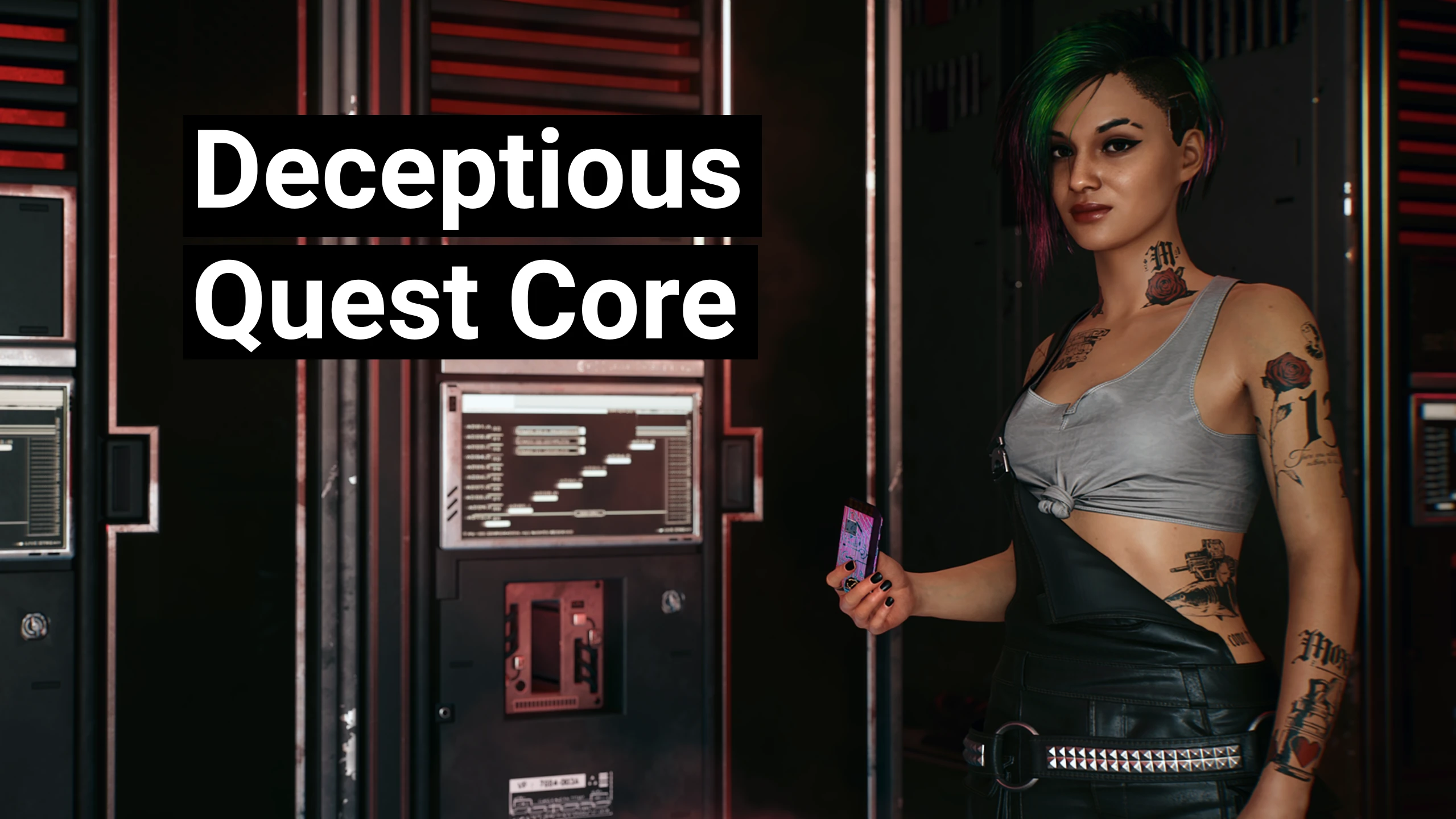
Deceptious Quest Core is a shared framework that provides a single, standardized hook for multiple quest mods, allowing them to inject custom missions, gigs, and dialogue without conflicting with each other's scripts or world-state. It essentially acts as a quest-event router, handling things like quest start/end conditions, journal entries, and NPC spawn triggers, so mod authors don't need to reinvent the wheel. Players install this because it's a mandatory dependency for many popular quest mods (e.g., 'The House of the Dragon' or 'Custom Quests Compilation'), and without it, those mods will crash or fail to initialize.
📦 Full mod page on discovermods
Downloads, ratings, compatibility info, installation guides, and user reviews.
View on discovermods →Syntax
GameplayExample
Downloads: 3,072,595 | Endorsements: 24,122💡 Notes
By Deceptious | v3.2.1 | 24,122 endorsements
🎯 Tips & Tricks
Open the mod's .ini file at 'Cyberpunk 2077/archive/pc/mod/DeceptiousQuestCore/config.ini' and set 'DebugLog=1'. Then launch the game, trigger a quest from a dependent mod, and check 'Cyberpunk 2077/bin/x64/plugins/cyber_engine_tweaks/logs/deceptious_core.log' for specific script errors or missing entity references.
Open the CET console (default key '~') and type 'DeceptiousQuestCore.ResetAllQuests()'. This will clear all active quest states and respawn any quest-specific NPCs that might have despawned due to a failed script call. Use this after installing a new quest mod to avoid stale data.
In the CET overlay (bind 'C' by default), go to 'Mods' -> 'Deceptious Quest Core' and confirm the version number is higher than 1.2. If it shows 'Not Loaded', you need to ensure the core's .archive file is placed in 'archive/pc/mod' AND the .reds script file is in 'r6/scripts' – missing either will cause silent quest failures.
🔧 Troubleshooting
Incompatibility with 'Cyberpunk 2077 Expansion Pass' (v2.0+) due to core's old quest hooking method
Update Deceptious Quest Core to version 1.4 or later, which uses the new 'QuestSystem' API from the 2.0 update. If you're on an older save, run the CET command 'DeceptiousQuestCore.MigrateSave()' to convert old quest flags. Also, ensure you have 'Cyberpunk 2077 Script Extender' (CET) v1.10.2+ installed, as older CET versions break the core's event listener.
Conflict with 'Limited HUD' mod causing quest objective text to disappear
This happens because both mods override the 'JournalManager' UI widget. In Limited HUD's config file (r6/config/limitedhud.ini), set 'DisableJournalCustomization=true'. Then, in Deceptious Quest Core's config, set 'HUDIntegration=false' to let Limited HUD handle all journal display, preventing the two from fighting over the same UI elements.
⚠️ Common Mistakes
- [object Object]
- [object Object]
👍 Pros
- 24,122 endorsements
- 3,072,595 downloads
- Category: Gameplay
👎 Cons
- Requires mod manager installation
- May conflict with similar mods