Better Vehicle Handling
cyberpunk-2077 — Mods & Enhancements
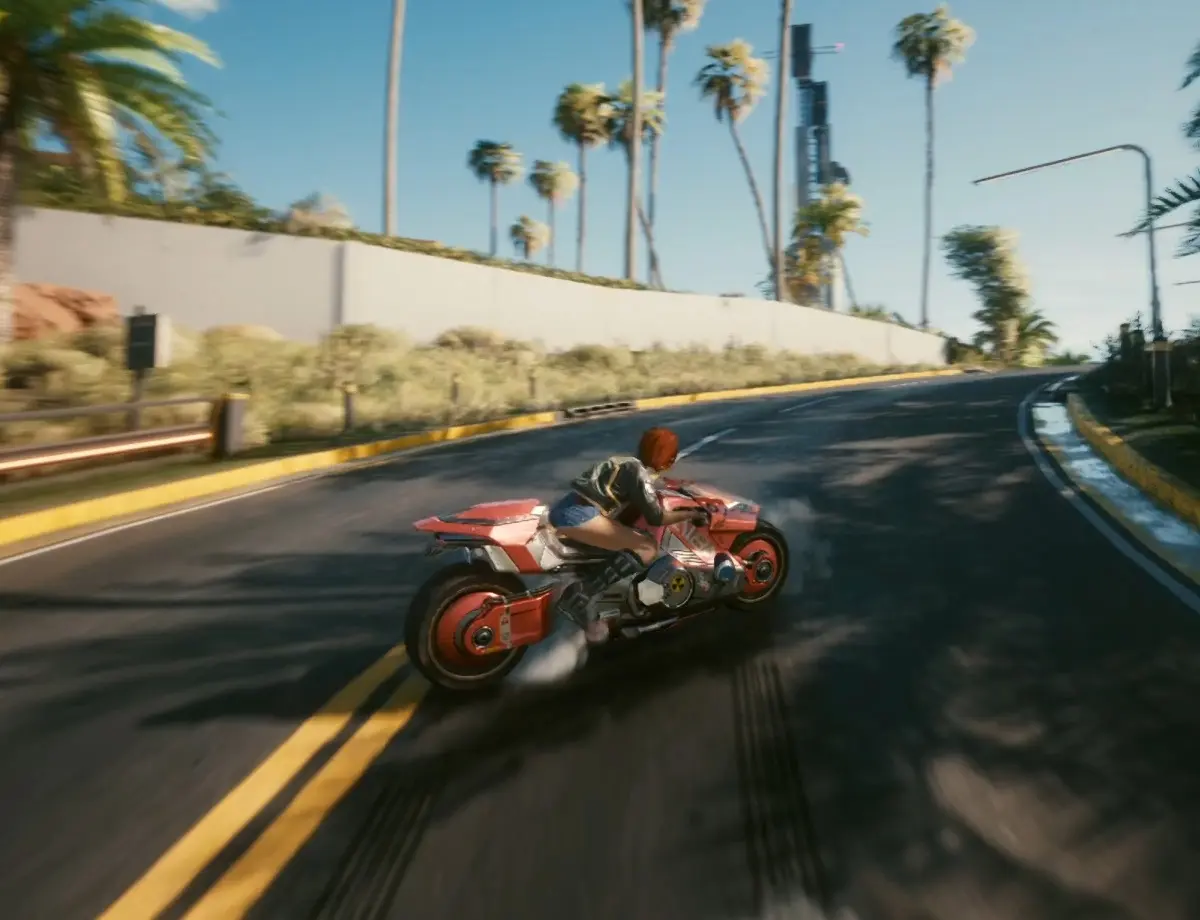
This mod is a simple .ini configuration file that replaces Cyberpunk 2077's default vehicle handling physics with tweaked values for acceleration, braking, steering response, and drift behavior, making cars and bikes feel more responsive and less 'boat-like'. Players install it to reduce the frustrating oversteer and floaty suspension that plagues many vehicles, especially high-speed sports cars like the Quadra Turbo-R or the Mizutani Shion, aiming for a more arcade-like yet controllable driving experience that suits both casual cruising and high-stakes getaway missions.
📦 Full mod page on discovermods
Downloads, ratings, compatibility info, installation guides, and user reviews.
View on discovermods →Syntax
VehiclesExample
Downloads: 1,947,955 | Endorsements: 42,975💡 Notes
By RB | vv1.2 | 42,975 endorsements
🎯 Tips & Tricks
Open the mod's .ini file (located in r6/config/better_vehicle_handling.ini) and locate sections like [SportsCar], [MuscleCar], [Motorcycle]. Adjust 'SteerSpeed' (e.g., 1.5 for quicker turn-in) and 'BrakeForce' (e.g., 1.2 for shorter stopping distances). Save and restart the game to test each change on a specific vehicle model.
Open the console (using Cyber Engine Tweaks) and type 'Game.TeleportPlayerTo(-1677, 156, 30)' to spawn near the Badlands airstrip, a flat area perfect for testing acceleration and top speed. Alternatively, use 'Vehicle.SpawnVehicle("Quadra Turbo-R V-Tech")' to get a test car instantly.
In the ini, add a line '[VehicleOverride]' and then 'DisableForVehicle="Arch Nazare"' (use the exact internal name from the game's vehicle list). This prevents the mod from altering bikes that have custom handling, like the Arch, which some players prefer stock.
🔧 Troubleshooting
Conflict with 'Simple Vehicle Handling' mod, causing cars to spin out uncontrollably because both mods override the same handling parameters
Uninstall one of them completely. If you prefer this mod, delete the other's .ini from r6/config/ and ensure no leftover files in r6/cache/ (clear the cache folder). Also check if 'Vehicle Combat Enhanced' has its own handling tweaks—if so, set its 'HandlingOverride' to false.
After a game update (e.g., 2.1), the mod causes motorcycles to flip over at low speeds due to changed physics engine parameters
Download the latest version of the mod from Nexus (check the description for patch notes). If still broken, manually edit the ini's [Motorcycle] section: set 'WheelieFactor' to 0.5 and 'StabilityFactor' to 1.2 to reduce flip tendency. Also ensure you have the RED4ext mod updated to the latest version.
⚠️ Common Mistakes
- [object Object]
- [object Object]
👍 Pros
- 42,975 endorsements
- 1,947,955 downloads
- Category: Vehicles
👎 Cons
- Requires mod manager installation
- May conflict with similar mods