ACU - Character Preset Manager
cyberpunk-2077 — Mods & Enhancements
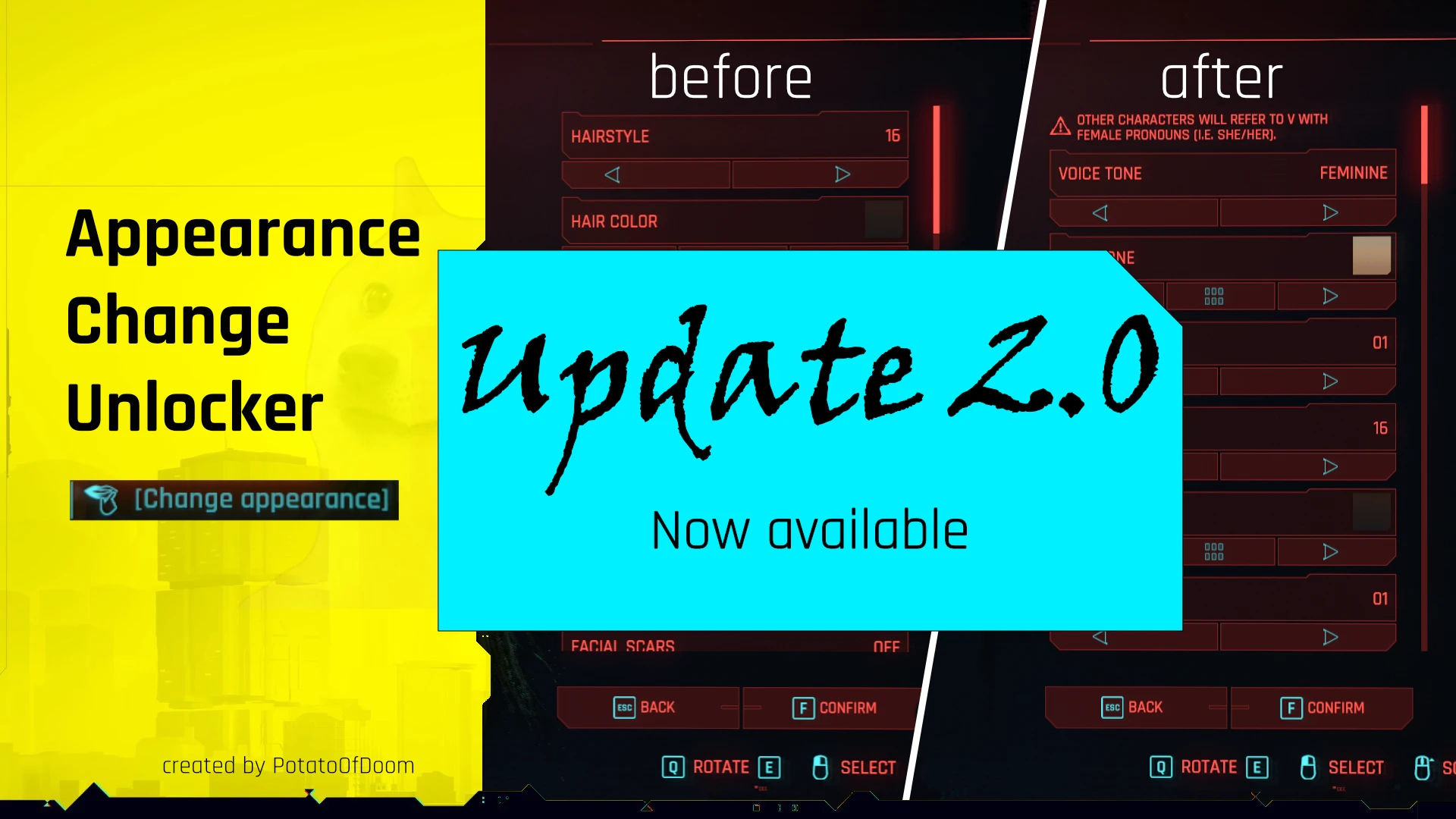
ACU (Appearance Change Unlocked) replaces the limited vanilla character creation by letting you save/load full appearance presets (face, skin, hair, tattoos, cyberware) and, critically, unlocks the apartment mirror's full customization panel—normally only available at a ripperdoc—so you can edit everything from body type to eye color without paying eddies or fast-traveling. It hooks into the game's AppearanceSystem and writes preset files as .json in your Cyberpunk 2077\bin\x64\plugins\cyber_engine_tweaks\mods\ACU folder, allowing instant swaps mid-game. Players install this to maintain multiple looks for photomode, roleplay, or to fix the infamous 'V's face stuck in a preset' bug without reloading old saves.
📦 Full mod page on discovermods
Downloads, ratings, compatibility info, installation guides, and user reviews.
View on discovermods →Syntax
AppearanceExample
Downloads: 3,152,418 | Endorsements: 33,913💡 Notes
By PotatoOfDoom | v3.2.1 | 33,913 endorsements
🎯 Tips & Tricks
In-game, open the mirror (press 'M' near it), then in the ACU panel click 'Save Preset' and name it e.g. 'V_Base_Backup'. The file lands in Cyberpunk 2077\bin\x64\plugins\cyber_engine_tweaks\mods\ACU\presets. Copy it to a separate folder—if a mod like 'Custom Hair Colors' overwrites your appearance, you can reload this preset via the 'Load Preset' dropdown without console commands.
Install ACU, then open the mirror in V's apartment (or any safehouse). In the ACU interface, toggle 'Enable Full Customization' (default ON). This adds tabs for 'BODY' (body type, voice, genitals), 'CYBERWARE' (face/arm slots), and 'SKIN' (tattoos, scars) that vanilla mirror hides. Use the 'Randomize' button at the bottom to generate a new base, then tweak—this bypasses the need to visit a ripperdoc for cosmetic changes.
Open the ACU settings in the CET overlay (Settings > ACU) and bind a hotkey like 'P' to 'Load Last Preset'. In combat, press the hotkey to instantly switch to a preset you saved with different cyberware colors or a disguise—useful for stealth runs where you change appearance to lose wanted level (though this doesn't clear aggro, it helps with photo ops). Ensure you have 'Allow in Combat' checked in ACU's config file (ACU.ini) under [General].
🔧 Troubleshooting
ACU conflicts with 'Appearance Menu Mod' (AMM) when both try to control the mirror's customization panel, causing the mirror to freeze or not open.
In Vortex or manual, load ACU AFTER AMM—place ACU's .dll in the plugins folder but ensure AMM is installed first. Then in AMM's settings, disable 'Enable Mirror Customization' (AMM > Settings > Mirror > Uncheck). If still frozen, use CET console command 'ACU.Reload()' to refresh ACU's UI, and avoid opening both UIs simultaneously.
Preset files from older ACU versions (pre-1.3) fail to load with error 'Invalid JSON' in CET log, often after updating the mod.
Open the .json preset in Notepad++ and check for missing 'gender' or 'bodyType' fields—newer ACU requires these. Manually add "gender": 0 (male) or 1 (female) and "bodyType": 0 (default) if absent. Alternatively, use the ACU 'Import' button in-game and select the old file—it will auto-migrate, but if it crashes, delete the preset and re-save from your current appearance.
⚠️ Common Mistakes
- Saving a preset while wearing a hat or glasses—ACU captures the head accessory as part of the preset, so loading it later forces that item on, even if you removed it. Always remove headwear before saving.
- Editing your character at the apartment mirror then immediately fast-traveling—ACU's changes sometimes don't persist if you leave the area before the game writes the save. Wait 5 seconds after closing the mirror, then manually save (F5) to ensure the preset sticks.
👍 Pros
- 33,913 endorsements
- 3,152,418 downloads
- Category: Appearance
👎 Cons
- Requires mod manager installation
- May conflict with similar mods