Transmog Enhanced
baldurs-gate-3 — Mods & Enhancements
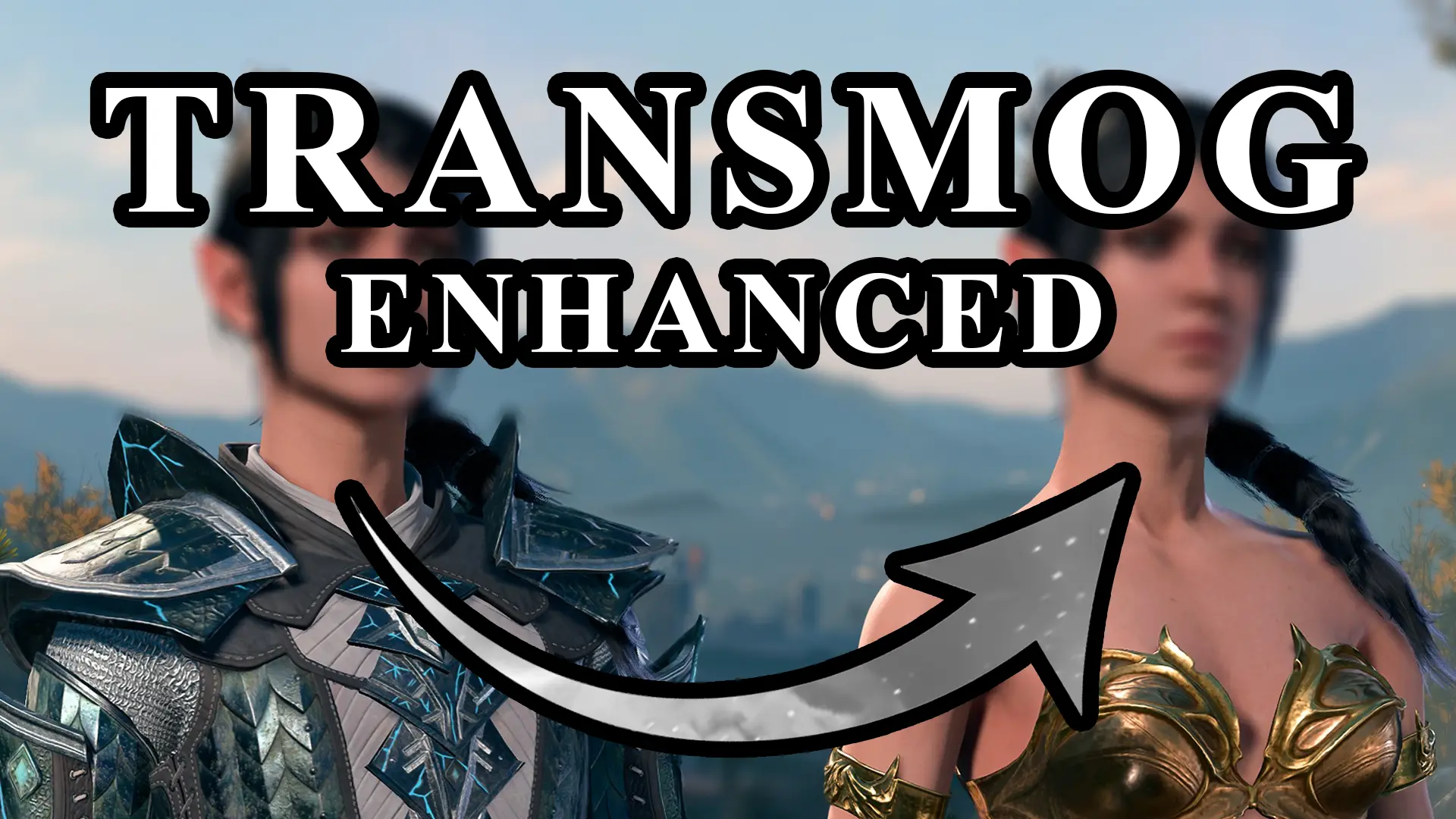
Transmog Enhanced adds a 'Glamour' button to the inventory and equipment tooltips, letting you copy the appearance of any equipable item (weapons, armor, clothing, shields, even modded items) onto another item of the same slot, without changing stats or enchantments. It works by creating a hidden 'glamour' item in your inventory that overwrites the visual model and texture references at runtime, bypassing the vanilla dye system entirely. Players install this to wear the best legendary gear while keeping the look of a specific armor set (e.g., wearing the Helldusk Armor's stats but showing the default Cleric robes for a non-martial look), or to use a modded weapon's model on a vanilla weapon for roleplay consistency.
📦 Full mod page on discovermods
Downloads, ratings, compatibility info, installation guides, and user reviews.
View on discovermods →Syntax
GameplayExample
Downloads: 1,273,376 | Endorsements: 19,655💡 Notes
By Eralyne and Wayden | v1.1.2 | 19,655 endorsements
🎯 Tips & Tricks
Equip the vanilla item first, then open your inventory, right-click the modded item, select 'Transmog This Item' (the button appears as a paintbrush icon). Next, right-click the vanilla item and select 'Apply Transmog'. The modded item must be in your inventory, not in a bag, and must be the same type (e.g., a Greatsword to a Greatsword). If the modded item is from a mod that adds a new weapon type (like a rapier with a unique animation), it will not work — only visual models are swapped.
This mod allows cross-armor-type transmog (e.g., put a Plate Armor appearance on a Cloth Robe). To do this, you must first unlock the 'Glamour Weaver' passive by reading the 'Manual of Transmogrification' that the mod adds to your inventory on install. Then, in the transmog menu, tick the 'Ignore Armor Type' checkbox at the bottom left. Without this, the game will block the action with a 'Incompatible slot' error.
Open the transmog menu on the affected item, click the 'Remove Glamour' button (a red X icon). This restores the original appearance but does NOT refund the gold cost (default is 50g per transmog). To avoid costs, you can edit the mod's config file at `%LOCALAPPDATA%/Larian Studios/Baldur's Gate 3/Mods/TransmogEnhanced/config.json` and set `"GoldCost": 0`.
🔧 Troubleshooting
Transmog fails with 'Item is not in the allowed list' when using 'Basket Full of Equipment' or 'FearTaylor's Camp Clothes' mods
This happens because those mods add items with custom 'ArmorType' tags that the transmog system doesn't recognize. Fix: download the 'Transmog Enhanced - Compatibility Patch' from the Nexus page, which adds a script that reads those tags. Alternatively, use the in-game console command `Osi.AddLockTemplateToItem(GetItemByTag('YOUR_ITEM_TAG'), 'TransmogAllowed')` after enabling the 'Developer Mode' in the mod's config.
Game crashes when transmogging a shield onto a weapon (or vice versa)
This is a known issue where the mod tries to swap the 'WieldType' property. Fix: do NOT attempt cross-slot transmog (e.g., shield to sword). If you must, use the 'Transmog Any Slot' submod from the mod's optional files, but be aware it may break the game's dual-wield logic. The safest fix is to load a save before the transmog attempt — the crash is non-corrupting.
⚠️ Common Mistakes
- [object Object]
- [object Object]
👍 Pros
- 19,655 endorsements
- 1,273,376 downloads
- Category: Gameplay
👎 Cons
- Requires mod manager installation
- May conflict with similar mods