Tav's Hair Salon
baldurs-gate-3 — Mods & Enhancements
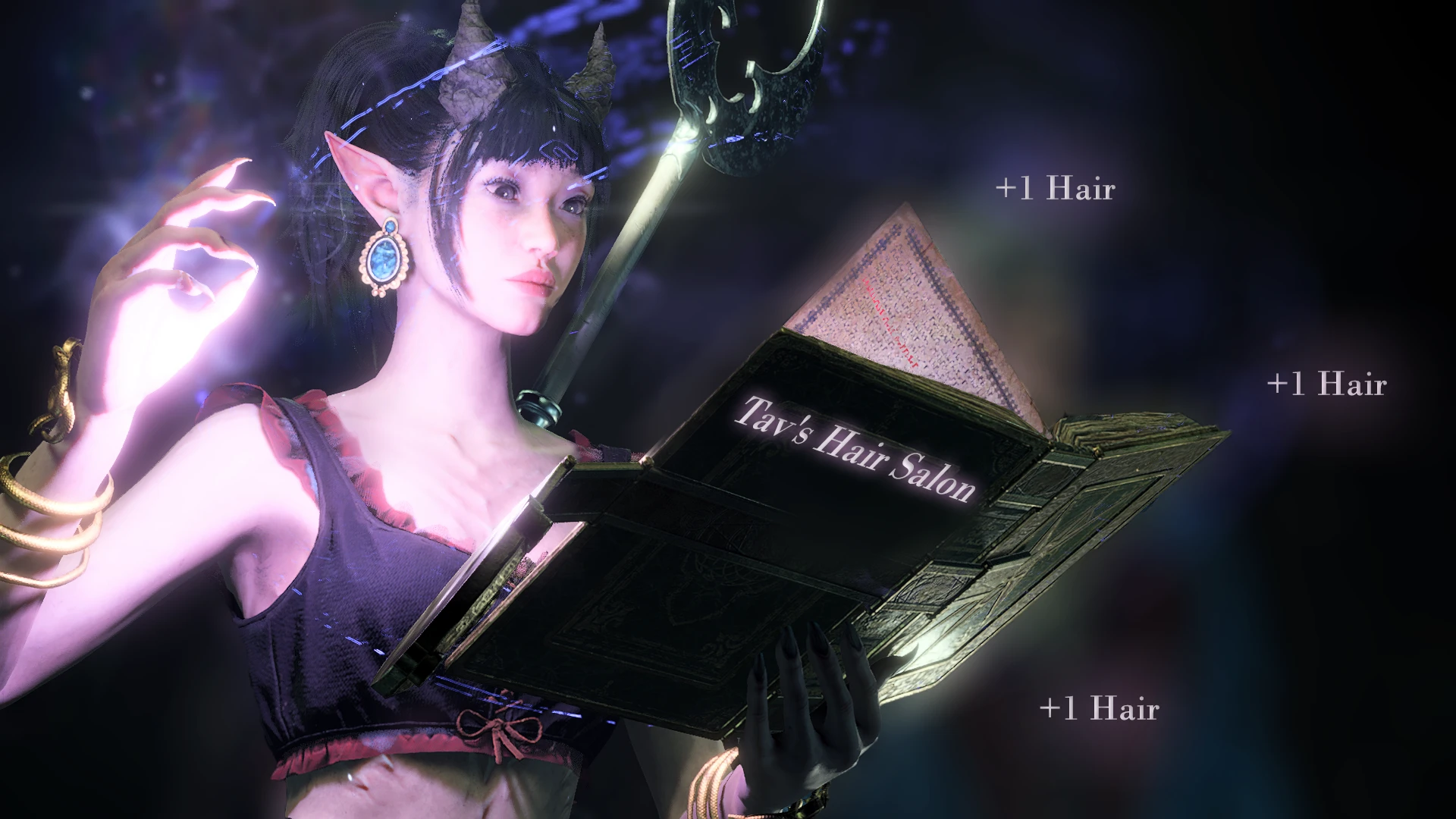
Tav's Hair Salon adds a collection of 40+ custom hairstyles designed specifically for elf, half-elf, drow, human, and tiefling body types 1 and 2. These hairstyles are lore-friendly, ranging from braided warriors cuts to flowing elven locks, and they replace the vanilla hair options in the character creation screen. Players install this mod to get more variety in character appearance without needing to edit 3D models, as the mod uses existing hair meshes with new textures and physics.
📦 Full mod page on discovermods
Downloads, ratings, compatibility info, installation guides, and user reviews.
View on discovermods →Syntax
Character CustomisationExample
Downloads: 3,836,832 | Endorsements: 61,500💡 Notes
By Toarie | vV.2.0.0.0 | 61,500 endorsements
🎯 Tips & Tricks
When installing via Vortex, choose the 'BodyType2' option file in the 'Optional Files' section. This ensures the hairstyles appear for female-presenting characters. If you use the main file, it only applies to body type 1. After installation, go to Character Creation > Hair, and the new styles will appear at the end of the list, labeled with 'THS' prefix (e.g., 'THS - Elven Braid').
To use Tav's Hair Salon alongside 'Hair Mods by LaughingLeader', install Tav's first, then LaughingLeader's. In the mod manager, set Tav's as 'Load After' LaughingLeader's. This prevents texture conflicts because both mods use the same hair texture atlas. If you see bald patches, open the mod's .pak with 'LSX Tool' and change the 'TextureSet' ID in 'HairList.lsx' to a unique number (e.g., 9999).
If you want these hairstyles on dwarf or gnome characters, edit the file 'Data\Mods\TavsHairSalon\Public\Shared\Content\HairList.lsx' using a text editor. Find each entry and add '<attribute id="Race" value="Dwarf"/>' (or 'Gnome') to the list. Save and reload. This is a manual override that works because the mod's meshes are universal, but requires the game to recognize the race tag.
🔧 Troubleshooting
Hairstyles appear as bald or invisible on tiefling characters with the 'Horns' mod (by Alana)
This is a texture layering issue. Fix: In the mod manager, ensure 'Tav's Hair Salon' loads AFTER 'Horns' mod. Additionally, download the 'Horns Compatibility Patch' from Tav's optional files, which reorders the texture channels. If using manual install, copy the 'TavsHairSalon' folder into 'Data\Mods' and then delete 'Horns\Public\Shared\Content\HairTextures.dds' to force the game to use Tav's textures.
Crashes when opening character creation with 'ImprovedUI' and 'Tav's Hair Salon' installed together
Both mods edit the character creation UI. Fix: Install 'Tav's Hair Salon' FIRST, then 'ImprovedUI', and then 'ImprovedUI Assets'. In the load order, place Tav's above ImprovedUI. If crash persists, use the 'No UI Override' version of Tav's (available in optional files) — this removes its UI patch and relies on ImprovedUI's framework.
⚠️ Common Mistakes
- [object Object]
- [object Object]
👍 Pros
- 61,500 endorsements
- 3,836,832 downloads
- Category: Character Customisation
👎 Cons
- Requires mod manager installation
- May conflict with similar mods