Party Limit Begone
baldurs-gate-3 — Mods & Enhancements
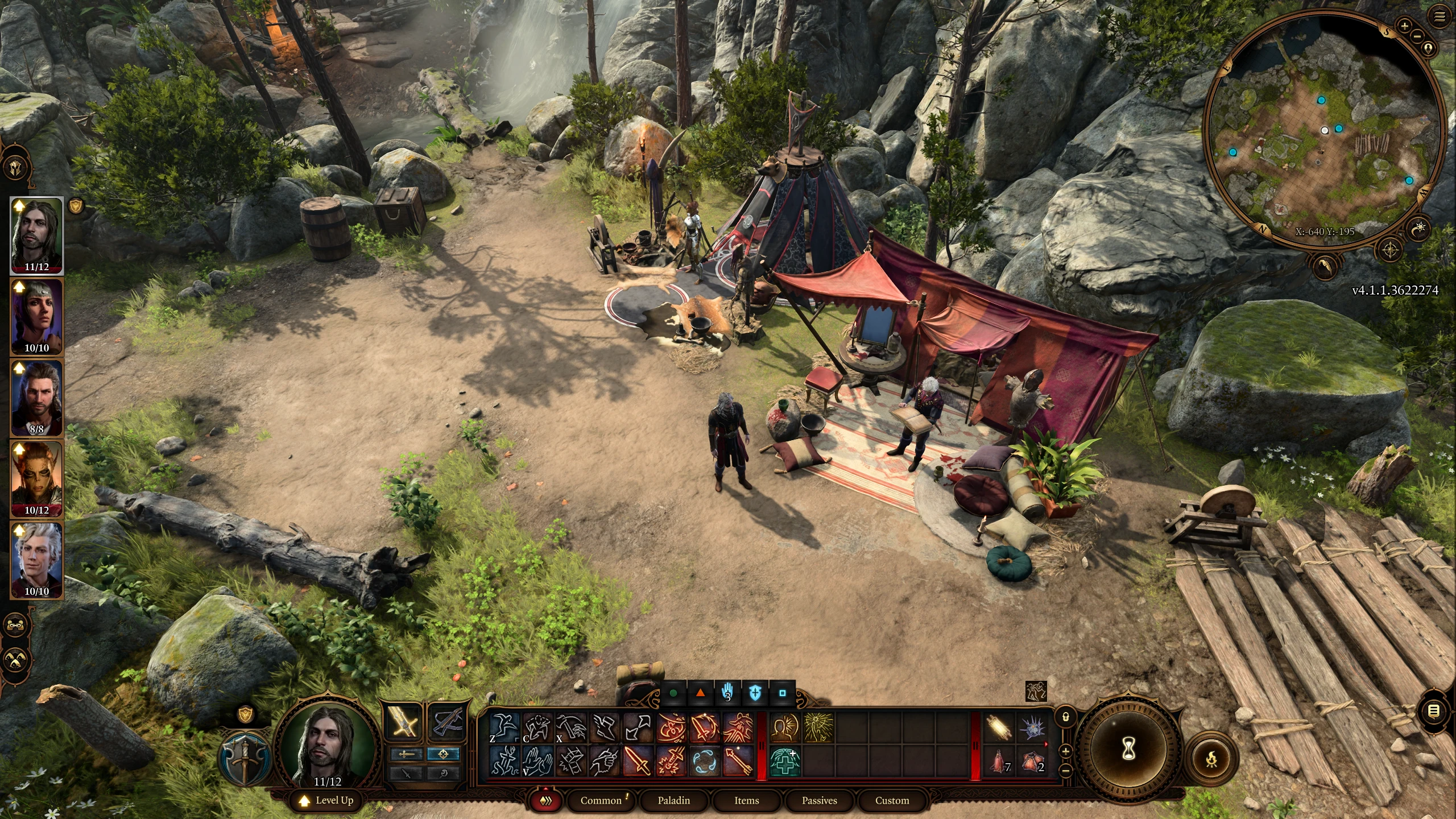
Party Limit Begone removes the default 4-member party cap and the 4-player multiplayer limit, allowing up to 16 companions in your active party and 8 players in a multiplayer session. It works by modifying the game's party controller and UI, enabling full companion recruitment without dismissing others, which fundamentally changes the game's balance and tactical depth. Players install it to experience all character dialogue and banter in a single playthrough, or to run large-scale battles with the entire cast of Origin characters.
📦 Full mod page on discovermods
Downloads, ratings, compatibility info, installation guides, and user reviews.
View on discovermods →Syntax
UtilitiesExample
Downloads: 2,857,797 | Endorsements: 42,357💡 Notes
By Sildur | v3.5 | 42,357 endorsements
🎯 Tips & Tricks
After installing, go to the in-game options menu > 'Mod Settings' > 'Party Limit Begone' and set 'Show All Companions' to 'On'. This adds a scrollable party bar at the bottom of the screen, letting you switch between all 16 characters without using the tab key. If the bar doesn't appear, restart the game and verify the mod is loaded by checking the Mod Manager (F10).
Open `Baldurs Gate 3\Data\Mods\PartyLimitBegone\Config.lua` and set `MaxPartySize = 16` (or any number up to 16). For multiplayer, set `MaxPlayers = 8`. After editing, the change takes effect immediately on the next load screen. Be aware that exceeding 16 can cause the game to crash due to memory limits.
To recruit every companion without triggering their dismissal dialogue, open the debug console (F10) and type: `Osi.SetPartySize(16)` and then `Osi.AddToParty('S_Player_Shadowheart')` for each companion you want. This bypasses the game's 'you can only have 4' check and prevents story flags from being set incorrectly, which is crucial for keeping Halsin and Minthara in the same party.
🔧 Troubleshooting
Party Limit Begone conflicts with 'ImprovedUI' when both are installed, causing the party bar UI to disappear or become unclickable.
Load Party Limit Begone AFTER ImprovedUI in Vortex. Additionally, ensure you have the 'Party Limit Begone - ImprovedUI Patch' from the mod's downloads page. If the issue persists, update both mods to their latest versions—older versions have known UI hook incompatibilities.
With 8+ party members, the game crashes during the final battle of Act 2 (Ketheric fight) due to too many AI-controlled NPCs.
This is a known engine limitation. Reduce your party to 6 for that specific fight, or install the 'AI Performance Fix' mod which reduces enemy AI tick rates. Alternatively, set `MaxPartySize = 6` in the config file temporarily, then revert after the fight.
⚠️ Common Mistakes
- [object Object]
- [object Object]
👍 Pros
- 42,357 endorsements
- 2,857,797 downloads
- Category: Utilities
👎 Cons
- Requires mod manager installation
- May conflict with similar mods