Native Camera Tweaks
baldurs-gate-3 — Mods & Enhancements
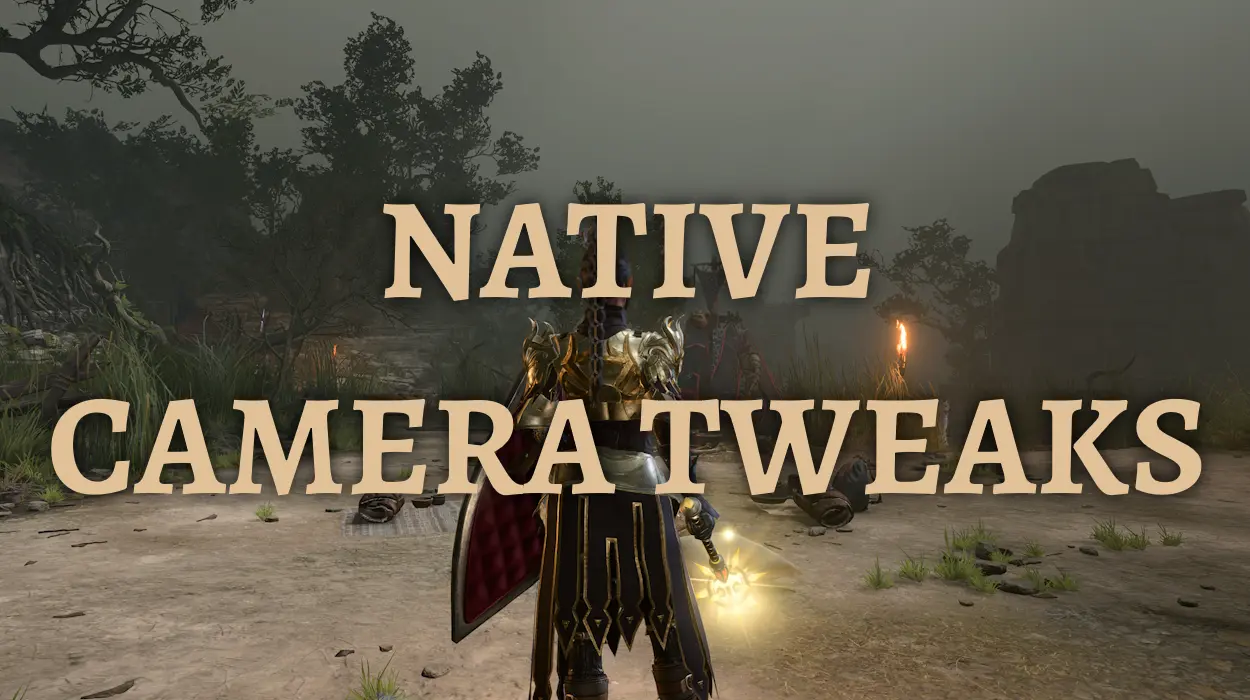
This is an open-source, native plugin (using the Baldur's Gate 3 Script Extender) that overrides the game's hard-coded camera constraints, giving you full control over pitch, zoom, and rotation beyond the vanilla limits. It removes the forced top-down perspective, allows you to tilt the camera down to ground level for immersive exploration, and increases the maximum zoom-out distance to see entire battlefields from a tactical overview. It also adjusts the controller stick deadzone, making camera panning smoother and more responsive for gamepad users, and includes an optional first-person mode for walking around towns and dungeons. The mod is fully configurable via a JSON file and does not require any separate executables or DLLs, making it one of the most stable camera overhauls available.
📦 Full mod page on discovermods
Downloads, ratings, compatibility info, installation guides, and user reviews.
View on discovermods →Syntax
GameplayExample
Downloads: 2,304,305 | Endorsements: 30,324💡 Notes
By Ersh | v2.4.5 | 30,324 endorsements
🎯 Tips & Tricks
Open the mod's config file at 'C:\Users\[YourUsername]\AppData\Local\Larian Studios\Baldur's Gate 3\Script Extender\NativeCameraTweaks\config.json'. Under 'pitchLimits', set 'minIndoor' to '-60' and 'maxIndoor' to '-10' to prevent the camera from clipping through ceilings in dungeons, while keeping 'minOutdoor' at '-80' for sweeping outdoor views. This prevents annoying camera shakes in tight corridors.
Press 'F5' (or your assigned keybind) to toggle first-person view. This is extremely useful for reading small text on books, examining environmental details like murals in the Gauntlet of Shar, or spotting hidden levers that are usually off-screen in top-down view. You can still interact with objects by holding 'Alt' to highlight them.
In the same config file, change 'zoomSpeed' from the default '5' to '2.5' to make the camera zoom in/out slower, which helps when you're trying to precisely position spells like Fireball or Wall of Fire. For controller users, set 'controllerZoomSpeed' to '3' to avoid overshooting the desired zoom level.
🔧 Troubleshooting
Camera pitch resets to vanilla after entering a cutscene or dialogue
This is a known conflict with 'Native Mod Loader' if you have an older version of the Script Extender (below v4.0). Update the Baldur's Gate 3 Script Extender to the latest version (v5.0.2 or newer) from GitHub, and ensure 'NativeCameraTweaks' is placed AFTER 'Native Mod Loader' in your load order. The cutscene reset is a script extender hook issue that is fixed in the latest builds.
Camera zoom causes severe FPS drops in Act 3 (Lower City) due to rendering too many distant objects
This is not a bug but a performance issue with the increased draw distance. Install 'Performance Optimizer' mod (by Erray) and set its 'LODDistance' to '0.7' in its config. Additionally, in NativeCameraTweaks, set 'maxZoomOut' to '800' instead of the default '1500' to limit how far you can zoom, which reduces the number of NPCs and objects loaded at once.
⚠️ Common Mistakes
- [object Object]
- [object Object]
👍 Pros
- 30,324 endorsements
- 2,304,305 downloads
- Category: Gameplay
👎 Cons
- Requires mod manager installation
- May conflict with similar mods