Eyes of the Beholder
baldurs-gate-3 — Mods & Enhancements
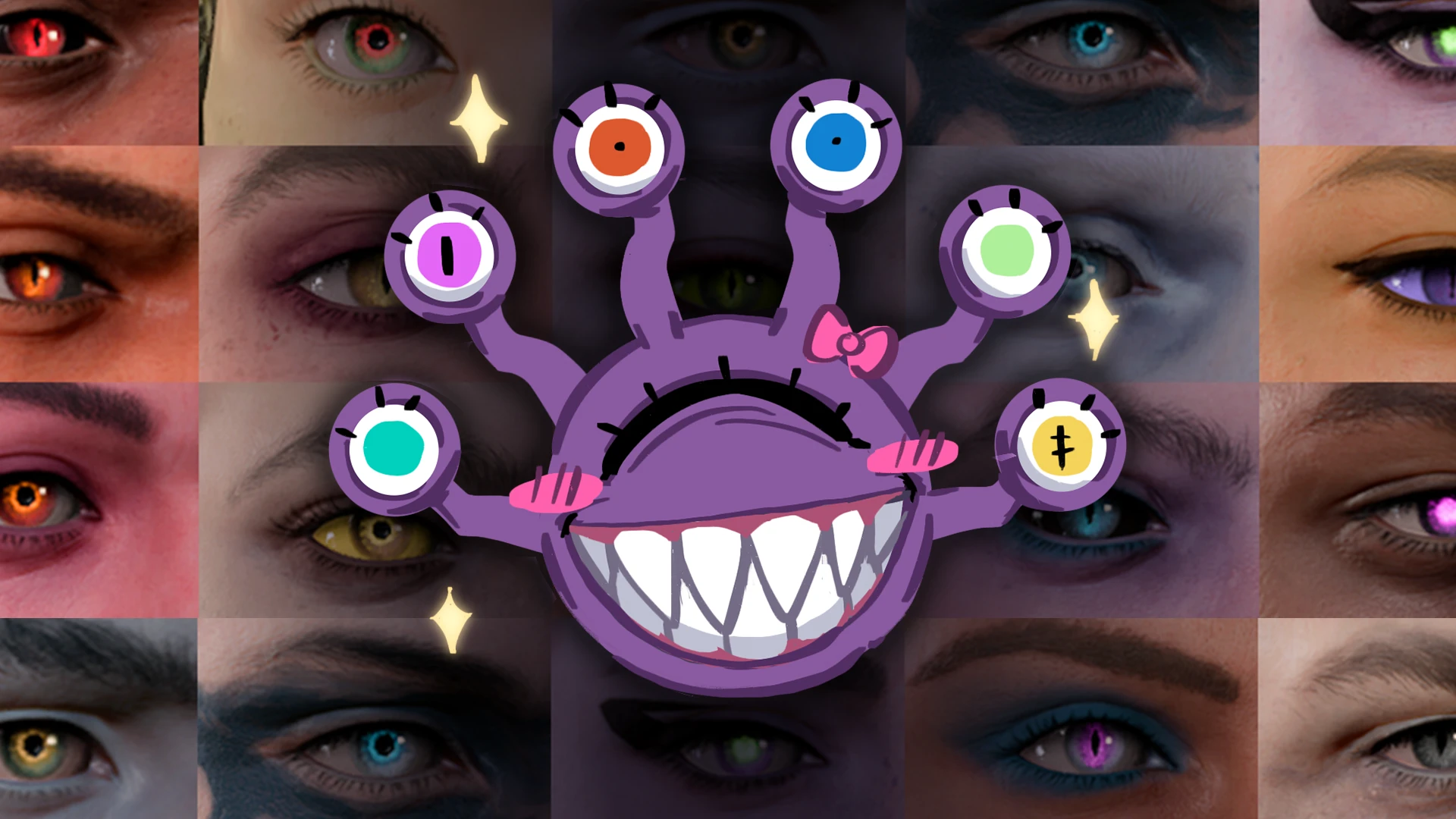
Eyes of the Beholder injects over 60 new eye textures and 20+ custom iris/pupil shapes directly into the character creation slider, replacing the vanilla eye color palette with a vastly expanded set including glowing, slit, void, and multi-ring designs. It hooks into the game's appearance system via a custom .pak that overrides the EyeColorVisualBank, so every eye option works with the existing face morphs and does not require a new race or appearance preset. Players install this to make their Tav or Dark Urge stand out in cutscenes, especially for Durge runs where glowing or corrupted eyes fit the narrative, without needing to rely on head replacers or body mods.
📦 Full mod page on discovermods
Downloads, ratings, compatibility info, installation guides, and user reviews.
View on discovermods →Syntax
Character CustomisationExample
Downloads: 2,132,320 | Endorsements: 19,977💡 Notes
By labotor | v2.9.1 | 19,977 endorsements
🎯 Tips & Tricks
After selecting a glowing eye in the Character Creator, save the game, then open the console with `~` and type `SetGlobalTimeScale(0.1)` — this is a workaround for a vanilla bug where glow intensity drops in scripted cutscenes. For a permanent fix, edit the mod's `EyeColorVisualBank.lsx` in the .pak using LSLib's ConverterTool, find your chosen eye's `GlowIntensity` value, and set it to `1.5` instead of the default `0.8`.
Use the in-game 'Withers' respec trick: talk to Withers at camp, choose 'Change Appearance' (not class), and the eye options will appear as the last color swatch row. If you don't see them, you must first install the mod via the 'Mods' folder and then load a save prior to character creation — this mod does NOT retroactively update existing characters unless you use the 'Appearance Edit Enhanced' mod alongside it, which adds a mirror at camp.
If you use 'Baldur's Gate 3 Heads' or 'New Character Creation Presets', install Eyes of the Beholder AFTER those in the load order (e.g., in Vortex, drag it above them). The eye mod only modifies the eye texture bank, so it will not overwrite head meshes, but placing it lower ensures the eye texture paths resolve correctly when a face mod references a custom eye socket.
🔧 Troubleshooting
Eyes appear as solid black or missing textures when paired with 'ImprovedUI' or 'Better Character Creator'
This happens because ImprovedUI's custom UI overrides the eye color dropdown's scrollbar, and the mod's extra swatches overflow. Fix: download the 'Eyes of the Beholder - ImprovedUI Patch' from the mod's Nexus page (under Optional Files), and load that patch AFTER both mods. Alternatively, use the 'Native Camera Tweaks' mod's in-game appearance editor to bypass the UI entirely.
Game crashes on load when used with 'Tav's Hair Salon' or 'Horns of the Archdevil'
The crash is due to a shared texture bank conflict. Fix: open the mod .pak with LSLib, navigate to `Public/Shared/CharacterCreation/Appearance/`, and rename the file `EyeColorVisualBank.lsx` to `EyeColorVisualBank_Beholder.lsx`, then update the references in `CharacterCreationAppearancePreset.lsx`. This avoids overwriting the same bank that hair/horn mods patch.
⚠️ Common Mistakes
- [object Object]
- [object Object]
👍 Pros
- 19,977 endorsements
- 2,132,320 downloads
- Category: Character Customisation
👎 Cons
- Requires mod manager installation
- May conflict with similar mods