Appearance Edit Enhanced
baldurs-gate-3 — Mods & Enhancements
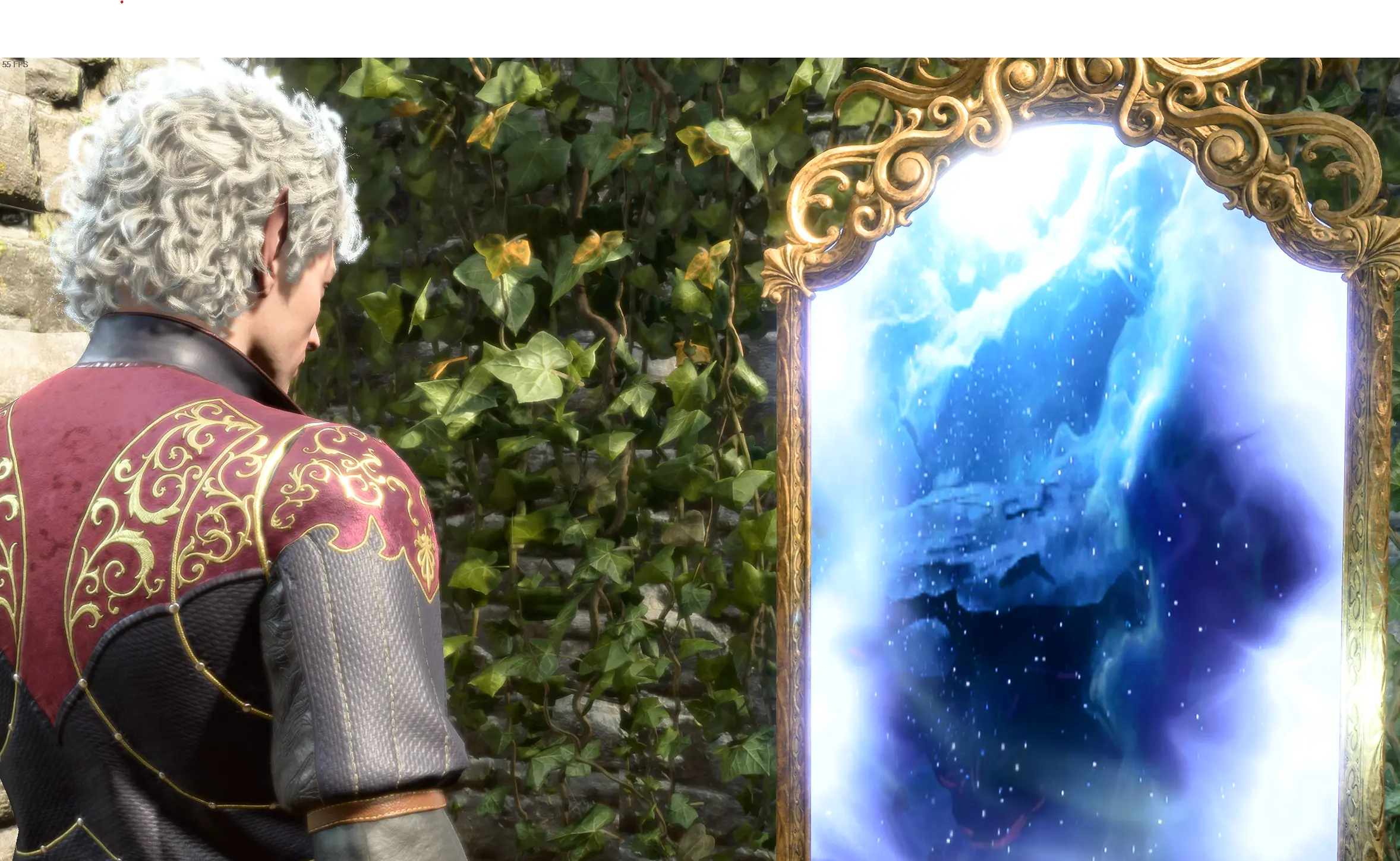
Expands the Magic Mirror's functionality beyond the base game, allowing you to change ANY character's race, subrace, body type (including height, weight, and muscle tone), and even edit Origin characters like Shadowheart, Gale, or Astarion. It adds 20+ new customization options like scars, tattoos, and face paints that aren't in the vanilla game, and it lets you alter a companion's appearance without breaking their personal story or approval system. This is the go-to mod for players who want to respec their character's look mid-campaign or fix a character creation mistake.
📦 Full mod page on discovermods
Downloads, ratings, compatibility info, installation guides, and user reviews.
View on discovermods →Syntax
GameplayExample
Downloads: 2,837,012 | Endorsements: 25,399💡 Notes
By Eralyne | v3.1.3 | 25,399 endorsements
🎯 Tips & Tricks
To change Shadowheart's hair or race while keeping her 'Shar' dialogue options, open the Mirror (in camp, near the tent), select her as the active character, and go to 'Appearance > Race'. Choose a new race but DO NOT change her 'Origin Tag' (it's hidden under 'Advanced Options'). This preserves her story flags. For example, you can make her a drow but she'll still reference being a half-elf in dialogue—a known minor inconsistency, but her questline works perfectly.
If you're using the 'Basket Full of Equipment' mod and some armor pieces clip through your character's hips, open the Mirror, select that character, and go to 'Body > Weight' and set it to 0.5 (medium). Also, set 'Muscle Tone' to 0.3. This aligns the mesh with Basket's custom rigs, which are built for a standard humanoid frame. You can preview changes in real-time before applying.
In the Mirror, select the character you want to edit, then go to 'Appearance > Copy From'. Choose another party member (e.g., copy Lae'zel's face to a hireling). This is useful for creating a 'twin' or for making a custom companion look like a specific NPC from the story. The mod includes a 'Copy Skin Tone' and 'Copy Hair Color' option for finer control.
🔧 Troubleshooting
The Mirror doesn't appear in camp after installing the mod, especially with 'Party Limit Begone' mod.
This happens because the mod's script that spawns the Mirror conflicts with 'Party Limit Begone' if the latter is loaded first. Fix: In your load order, place 'Appearance Edit Enhanced' AFTER 'Party Limit Begone'. If the Mirror still doesn't spawn, use the mod's console command: open the console with '~' and type 'AEE_AddMirror()' to force-spawn the Mirror next to your camp's fire.
Changing a companion's race causes their starting equipment to disappear or become unequippable.
This is due to the game's race-specific gear restrictions (e.g., githyanki armor only fits githyanki). Fix: Before changing race, unequip all items from that companion and place them in your inventory. After the change, re-equip them. If an item still won't equip, use the 'Basket Full of Equipment' mod's 'Unrestricted Equipment' option (found in its MCM menu) to remove race restrictions globally.
⚠️ Common Mistakes
- [object Object]
- [object Object]
👍 Pros
- 25,399 endorsements
- 2,837,012 downloads
- Category: Gameplay
👎 Cons
- Requires mod manager installation
- May conflict with similar mods